
Description
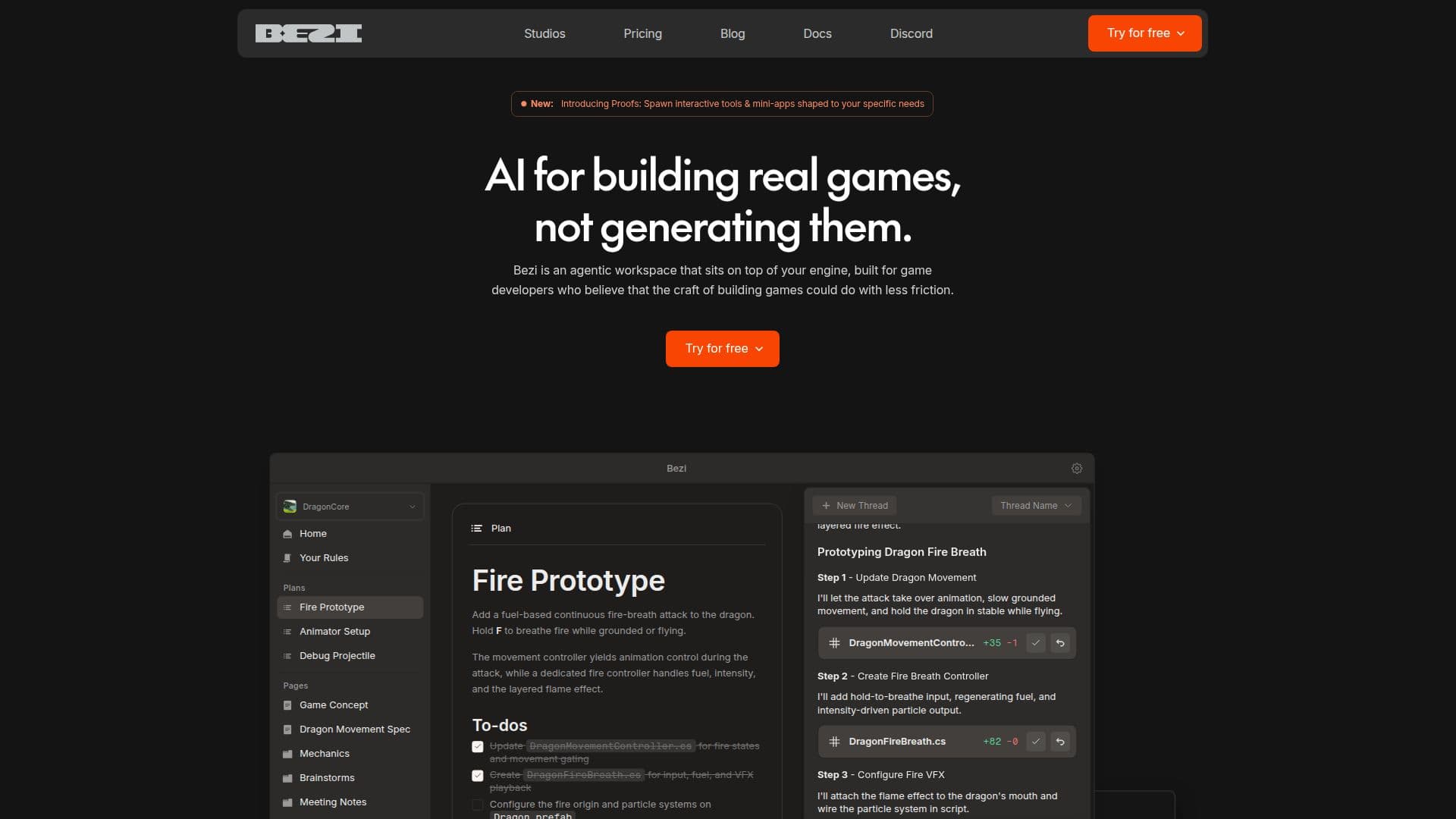
Bezi is an AI assistant tailored for Unity game developers, providing a comprehensive suite of tools to streamline the development process. It offers instant assistance with debugging, code generation, shader creation, and prototyping, all while integrating directly with the Unity engine. This integration allows Bezi to work with your actual project, offering solutions that are specific to your needs rather than generic answers.
Read More
Bezi is designed to enhance the depth of control developers have over their projects. It runs in-engine tasks, surfaces potential bottlenecks, and adapts to your workflow, toolchain, and conventions. Its capabilities are continuously expanding, allowing for more comprehensive project management.
The tool is particularly useful for indexing scenes and prefabs, debugging in Play Mode, wiring up input actions, creating editor tools, profiling performance, building particle effects, searching the codebase, debugging errors, writing tests, running builds, creating particle systems, setting up cinematic sequences, and configuring state machines. Bezi also supports easy package usage and project settings editing.
Bezi's project comprehension extends beyond the in-engine elements, considering design documents, spreadsheets, assets, references, local files, and git commits. This holistic understanding of your game allows Bezi to provide more accurate and relevant assistance.
Pricing for Bezi includes a free trial with 100 credits and various paid plans starting at $20 per month for individuals, offering different levels of access and credits. Studio plans are also available for teams, providing shared credit pools and additional features.
Bezi prioritizes security, being SOC 2 Type II certified, and employs end-to-end encryption to protect your game code and assets. It is a valuable tool for developers looking to enhance their productivity and project management capabilities in Unity.
- CategoryAI Game Development Tools
- Pricing ModelFreemium
- DeploymentCloud
- PlatformsUnity
Bezi: AI Assistant for Unity Game Development's Core Features
Instant debugging assistance
Code generation
Shader creation
Prototyping tools
In-engine integration
Project comprehension
Continuous capability expansion
Security and privacy compliance
Scene and prefab indexing
Performance profiling
Error debugging
Test writing
Build running
Cinematic sequence setup
State machine configuration
How to use Bezi: AI Assistant for Unity Game Development?
Configure: Set up Bezi within Unity
Use: Access debugging and code generation features
Optimize: Utilize Bezi's project comprehension for efficiency
Integrate: Seamlessly work with Unity's engine
Bezi: AI Assistant for Unity Game Development's Use Cases
- Debugging
- Code Generation
- Shader Creation
- Prototyping
- Performance Profiling