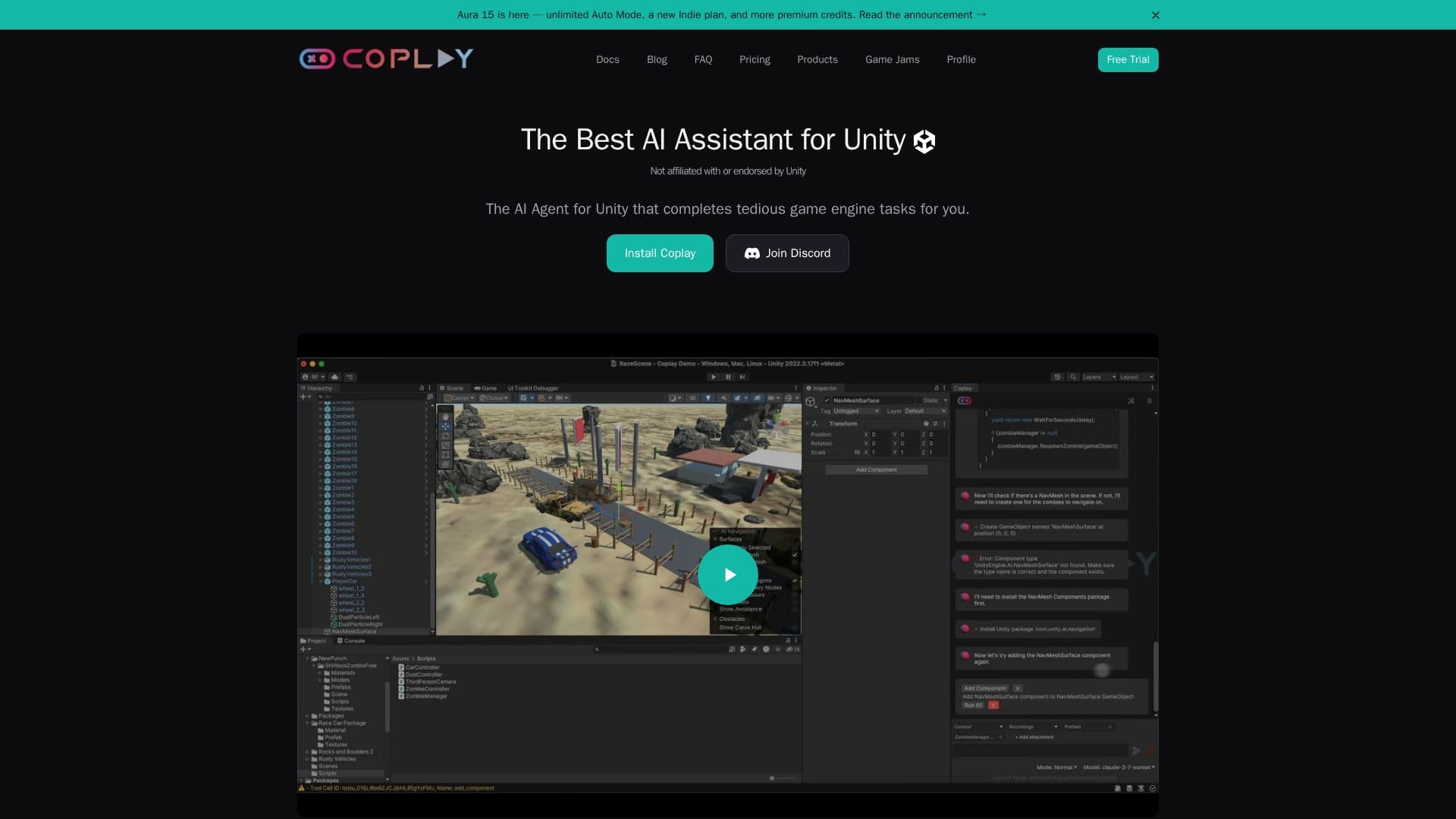
Description
Coplay is an AI assistant tailored for Unity game developers, aiming to streamline the development process by automating repetitive tasks and offering intelligent support. It integrates seamlessly into the Unity environment, allowing developers to maintain their creative flow without constant context switching. Coplay provides a flexible model selection, enabling users to choose from major AI models that best suit their needs. With comprehensive tooling, it enhances existing workflows and allows for maximum control, letting users approve changes or delegate tasks to the AI.
Read More
The installation is straightforward via the Unity Package Manager, compatible with Unity 2022 and newer versions. Users can describe tasks in natural language, and Coplay suggests changes that can be reviewed and applied with full control. This AI assistant is particularly beneficial for game developers, as it understands Unity's intricacies, from scripting to scene setup.
Coplay offers a freemium pricing model, with a free tier suitable for small projects and a professional plan for more demanding needs. The professional plan includes $20 worth of credits per month, access to the latest AI models, and priority customer support. Enterprise solutions are available for studios requiring custom installations and advanced support.
Security is a priority for Coplay, with data encrypted both in transit and at rest. The platform ensures compliance with GDPR and CCPA, and enterprise users benefit from additional security features. Coplay is part of Aura, which also supports Unreal Engine, providing larger plans for those needing more extensive capabilities.
- CategoryAI Game Development Tools
- Pricing ModelFreemium
- DeploymentCloud
- PlatformsUnity
Coplay's Core Features
In-editor AI chat interface
Generate 3D, 2D, and audio assets
Multi-model support
Integrated directly in Unity
Flexible autonomy levels
Quick setup via Unity Package Manager
Access to all Coplay features
Priority customer support
How to use Coplay?
Install: Set up via Unity Package Manager
Configure: Choose AI models and settings
Use: Describe tasks in natural language
Review: Preview and apply suggested changes
Coplay's Use Cases
- Automated Scripting
- Scene Setup
- Asset Generation
- Workflow Enhancement
- Game Development