
Description
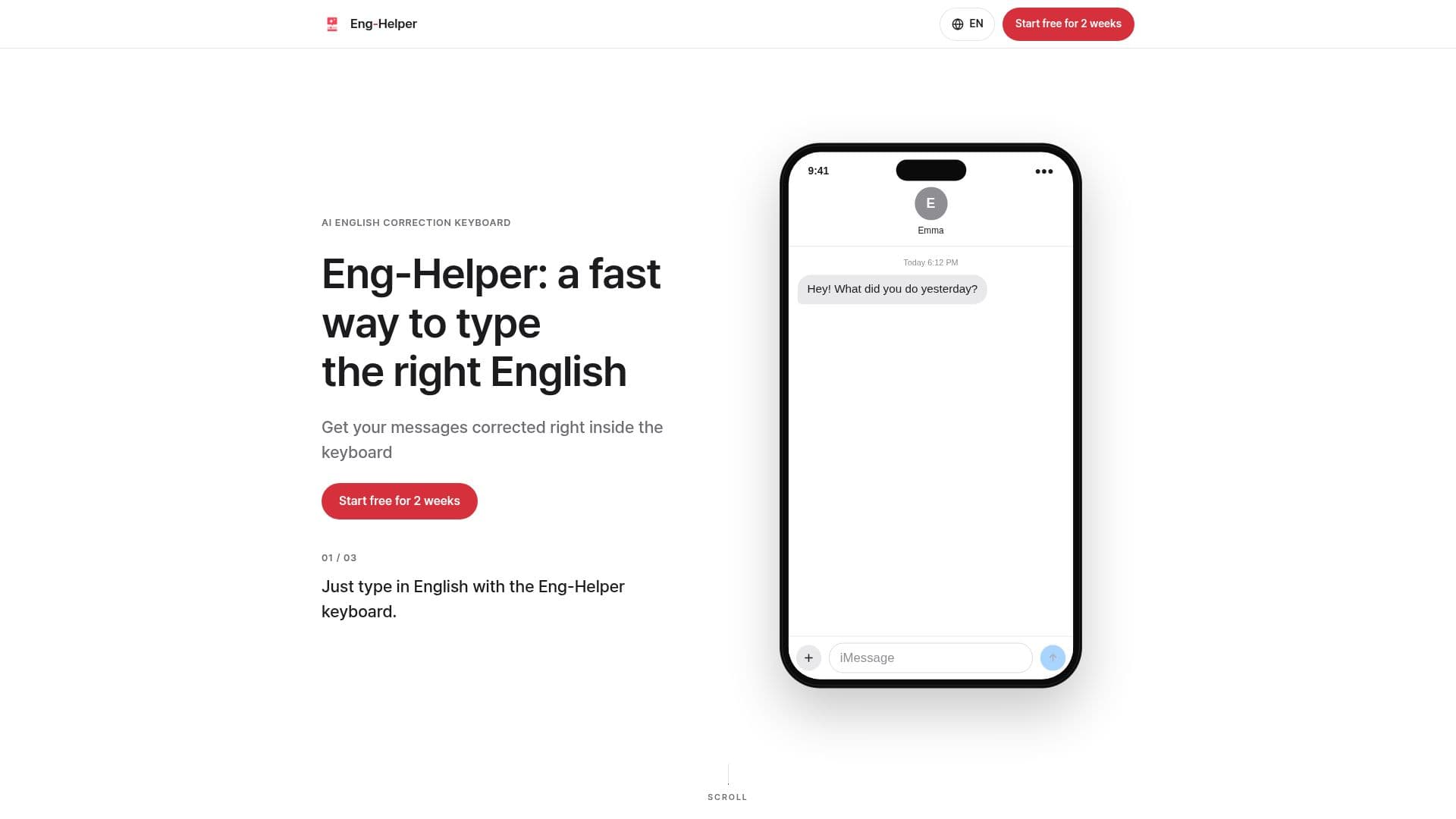
Eng-Helper is an innovative keyboard application that aims to simplify the process of typing accurate English. It integrates directly into the user's keyboard, offering immediate corrections and detailed explanations for grammatical errors and stylistic improvements. This allows users to understand why a correction was made, fostering a better grasp of English language rules.
Read More
The application is designed for ease of use, with a straightforward setup process explained in the user's native language. It functions seamlessly across various applications where the keyboard is used, providing consistent support for writing. Eng-Helper operates on a subscription model, offering a free two-week trial period during which users can experience unlimited corrections and explanations without any usage limits. After the trial, the service continues with a monthly fee, ensuring continuous access to its features.
Eng-Helper prioritizes user privacy and data security. It processes personal information such as requested sentences for correction, device identifiers, subscription details, and access information. However, it explicitly states that it does not collect personal identifiers like names, email addresses, or phone numbers. The service utilizes third-party providers like OpenAI for generating corrections and Amazon Web Services for server operations, with strict data retention policies in place. User-typed content in the keyboard is not transmitted to servers, and correction features are disabled in password input fields to enhance security.
The core value proposition of Eng-Helper lies in its ability to provide instant, contextual English corrections and explanations, helping users to communicate more effectively and learn from their mistakes. It's particularly beneficial for non-native English speakers or anyone looking to refine their written English. The transparent privacy policy and commitment to not collecting sensitive personal data further enhance its appeal.
- CategoryGrammar Checkers
- Pricing ModelFreemium
- DeploymentCloud
- PlatformsiOS, Android
Eng-Helper's Core Features
Real-time English corrections within the keyboard
Explanations for corrections provided
Supports multiple languages for keyboard setup and explanation
Unlimited corrections and explanations
Free two-week trial period
Subscription-based access after trial
Does not collect names, emails, or phone numbers
Processes sentences for correction, device identifiers, subscription info, access info
Utilizes OpenAI for correction generation
Uses Amazon Web Services for server operations
Google Firebase Analytics for app usage statistics
Correction feature disabled in password input fields
Clipboard history and favorites saved only on device
How to use Eng-Helper?
Install: Download and install the Eng-Helper app and keyboard on your device.
Set Up: Follow the in-app instructions to set up the keyboard in your preferred language.
Type: Use the Eng-Helper keyboard as your primary input method for typing English.
Correct: Receive real-time corrections and explanations as you type.
Subscribe: After the free trial, subscribe to continue unlimited access to corrections.
Eng-Helper's Use Cases
- Improving English Writing
- Quick Communication
- Learning Grammar
- Error Prevention
- Multilingual Support