Description
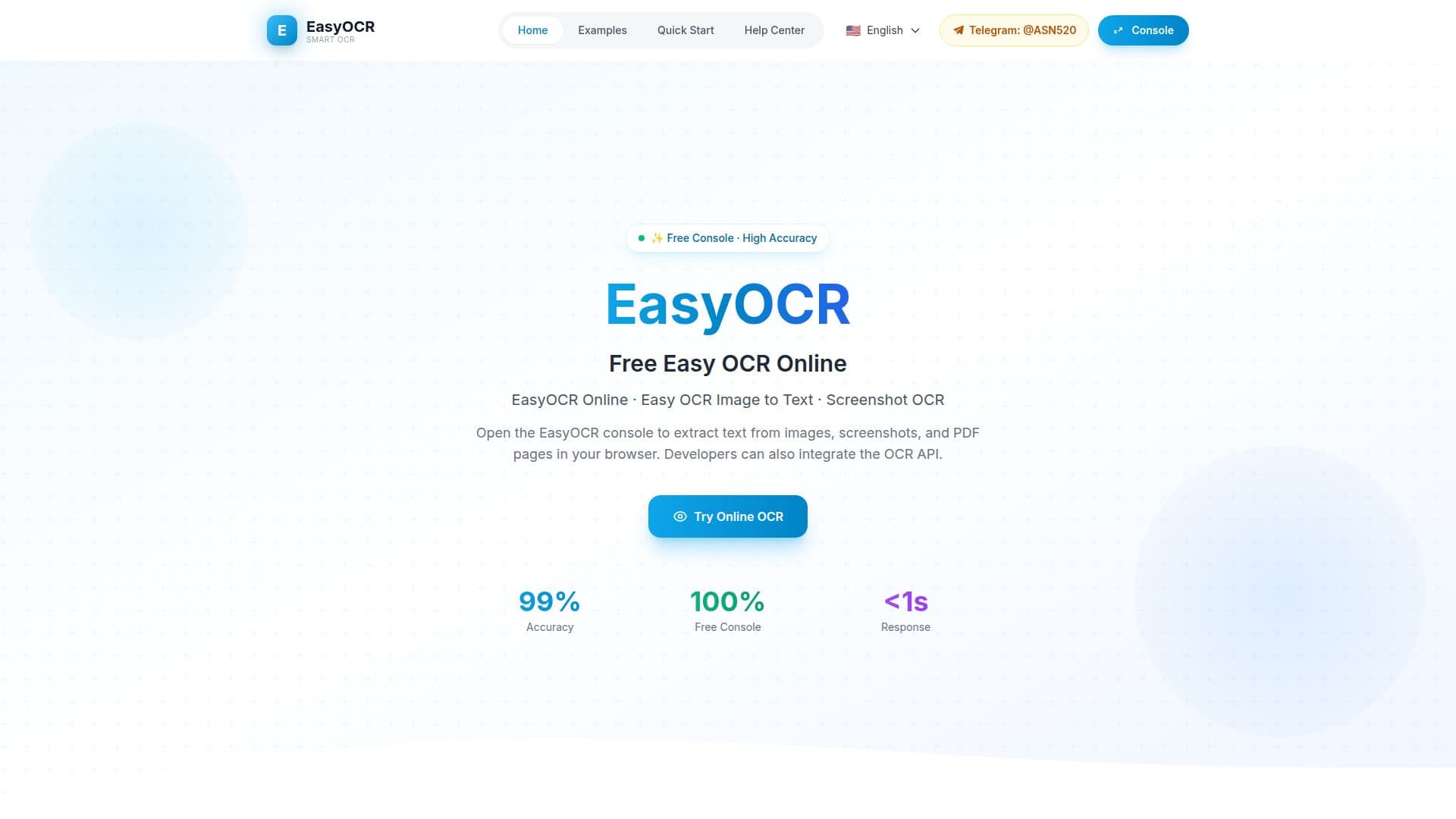
EasyOCR is a versatile online tool designed to convert images, screenshots, and PDF pages into editable text. This free tool operates directly in your browser, making it accessible and convenient for users who need quick OCR solutions. EasyOCR supports a wide range of image formats, including JPG, JPEG, PNG, GIF, BMP, TIF, TIFF, and WEBP, ensuring compatibility with most common file types.
The tool is particularly useful for individuals and businesses that require efficient text extraction from various image sources. EasyOCR's web console connects to a dedicated OCR service, providing reliable processing for both online recognition and API integration. This makes it an excellent choice for developers looking to integrate OCR capabilities into their applications through a simple RESTful API.
EasyOCR prioritizes user privacy by deleting images immediately after processing, ensuring that sensitive information remains secure. The tool is free to start, with new users receiving 10,000 points upon signing in, which can be used for personal and business purposes.
While EasyOCR works well with clear printed text and common screenshots, the quality of results may vary depending on image quality, layout, and language. Despite these limitations, EasyOCR remains a practical and efficient solution for text extraction needs.
EasyOCR Online Tool's Core Features
Free online OCR tool
Supports multiple image formats
Browser-based console
API access for developers
Reliable processing
Privacy-focused
10,000 points for new users
Simple RESTful API
How to use EasyOCR Online Tool?
Open console: access the EasyOCR web interface
Upload image: select or paste an image for OCR
Run OCR: extract text from the uploaded image
Integrate API: use the API for application integration
EasyOCR Online Tool's Use Cases
- Image to text conversion
- Screenshot OCR
- PDF text extraction
- API integration
- Privacy-focused OCR