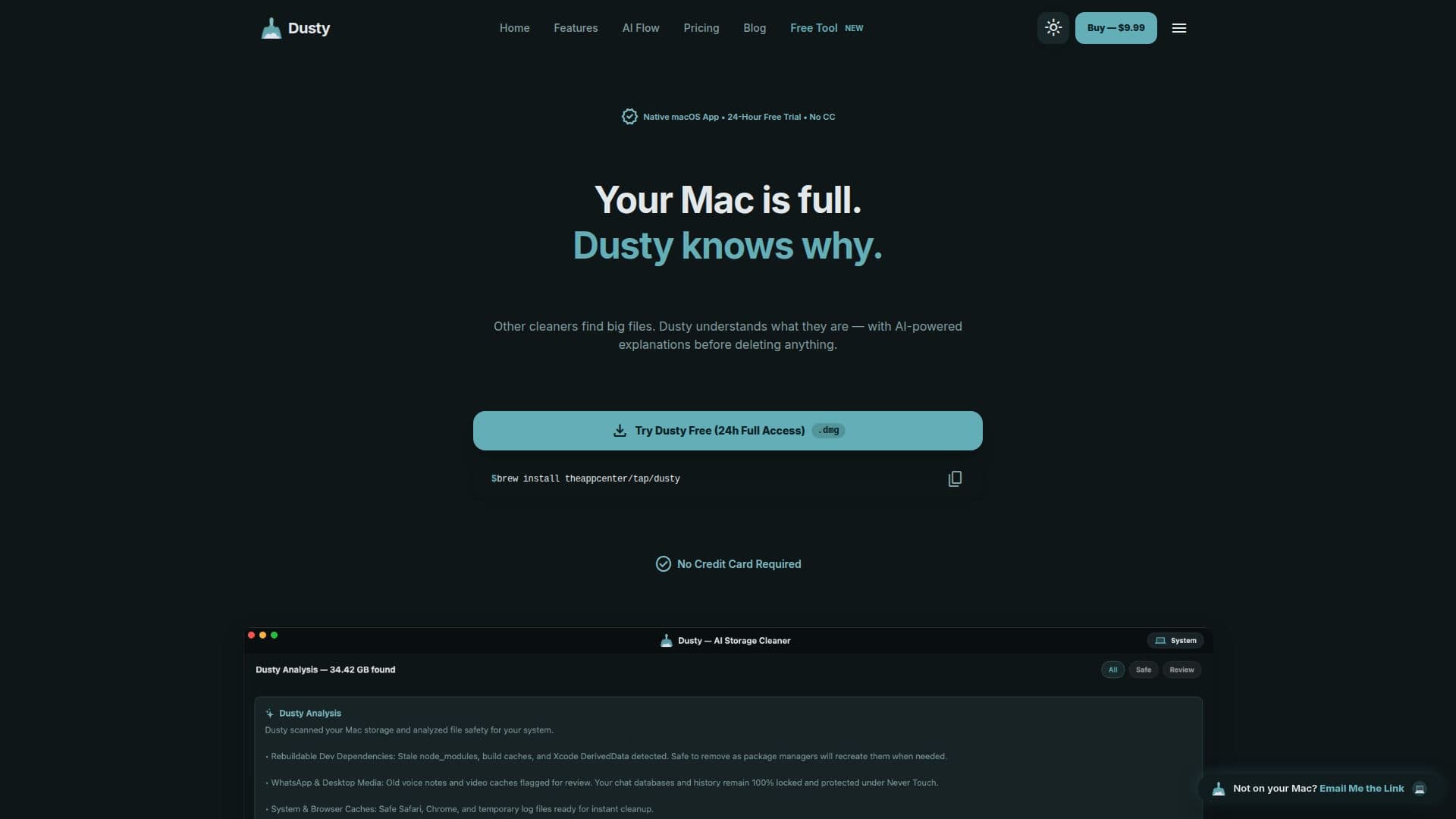
Description
Dusty is a comprehensive Mac cleaning utility designed to help users reclaim significant storage space by intelligently identifying and explaining files before they are deleted. Unlike traditional cleaners that simply find large files, Dusty leverages Google's Gemini 1.5 Flash AI to provide plain-English explanations for each folder, detailing its purpose, the app that created it, and whether it's safe to remove. This ensures users make informed decisions, preventing accidental deletion of critical system files or personal data.
Read More
The application offers a suite of powerful features tailored for deep macOS storage reclamation. Its Concentric Radar Lens Disk Map provides a visual, multi-ring sunburst representation of storage, allowing users to explore directory hierarchies, inspect live directories, and drill down into bloated project folders with a single click. This intuitive visualization helps pinpoint storage hogs quickly and efficiently.
Dusty also addresses common sources of storage bloat, such as macOS "System Data" and abandoned iOS backups. It can safely offload multi-gigabyte iPhone and iPad backups to cloud services like iCloud Drive, Google Drive, OneDrive, or an external SSD, with a one-click restore option. The 1-Click App Uninstaller and Wiper feature ensures complete removal of applications, including hidden caches, support files, and sandboxes that other uninstallers often leave behind, effectively eliminating ghost data.
For power users and developers, Dusty includes specialized cleaning capabilities. It can deep-sweep developer files like `node_modules`, Xcode `DerivedData`, IntelliJ caches, and Docker disk images. It also offers surgical cleaning for WhatsApp media, identifying and removing old voice notes and duplicate images while preserving chat history. Browser caches for Safari, Chrome, and Arc can be deeply cleaned without affecting login sessions, and old downloads are easily identified and removed.
Safety and privacy are core to Dusty's design. All scanning runs 100% locally on the Mac, ensuring file contents never leave the device. Only file metadata (name, path, size, category, modification date) is sent to the Gemini API for explanations, with an option to skip AI explanations if path privacy is a concern. Furthermore, all deletions are sent to the macOS Trash first, allowing users to review and restore items if a mistake is made. Dusty is optimized for macOS 13 (Ventura) and newer, supporting both Apple Silicon and Intel Macs, and offers a transparent, one-time payment model with no subscriptions.
- CategoryProductivity
- Pricing ModelOne-Time Purchase
- DeploymentCloud
- PlatformsmacOS
Dusty's Core Features
Gemini 1.5 Flash AI Explanations: Provides plain-English descriptions of files and folders before deletion.
Concentric Radar Lens Disk Map: Visualizes Mac storage with an interactive multi-ring sunburst map.
1-Click App Uninstaller & Wiper: Completely removes applications and their residual files, caches, and sandboxes.
System Data & iOS Backup Hub: Safely offloads iPhone/iPad backups to cloud or external SSD with one-click restore.
Developer Deep-Sweep: Cleans `node_modules`, Xcode `DerivedData`, IntelliJ caches, Homebrew archives, and Docker bloat.
WhatsApp Surgical Media Cleanup: Identifies and removes old WhatsApp media while preserving chat history.
Browser Cache Deep Clean: Cleans Safari, Chrome, and Arc caches without affecting login sessions.
Old Downloads Finder: Locates and removes large, untouched installers and archives.
100% Local Scanning: All file scanning runs on your Mac, ensuring privacy.
Metadata-Only AI: Only file metadata is sent for AI explanations, not file contents.
Trash-First Safety: All deletions go to macOS Trash for review and restoration.
Pay Once, Own Forever: One-time lifetime license with no subscriptions.
30-Day Money-Back Guarantee: Full refund if not satisfied within 30 days.
24-Hour Free Trial: Full access to all features for 24 hours without a credit card.
How to use Dusty?
Download Dusty: Get the application from the official website.
Run a Diagnostic Scan: Launch Dusty to perform a full scan of your Mac's storage.
Explore Disk Map: Use the Concentric Radar Lens to visually identify large files and folders.
Review AI Explanations: Get plain-English insights into what each file or folder does.
Select Items for Cleaning: Choose files, caches, or apps to remove based on AI guidance.
Execute Cleaning: Move selected items to Trash with one click for reversible deletion.
Offload iOS Backups: Move large iPhone/iPad backups to cloud storage or external drives.
Dusty's Use Cases
- Reclaim Mac Storage
- Clean Developer Caches
- Manage iOS Backups
- Uninstall Applications Completely
- Understand File Purpose
- Organize WhatsApp Media
- Visualize Disk Usage
- Safe System Cleaning