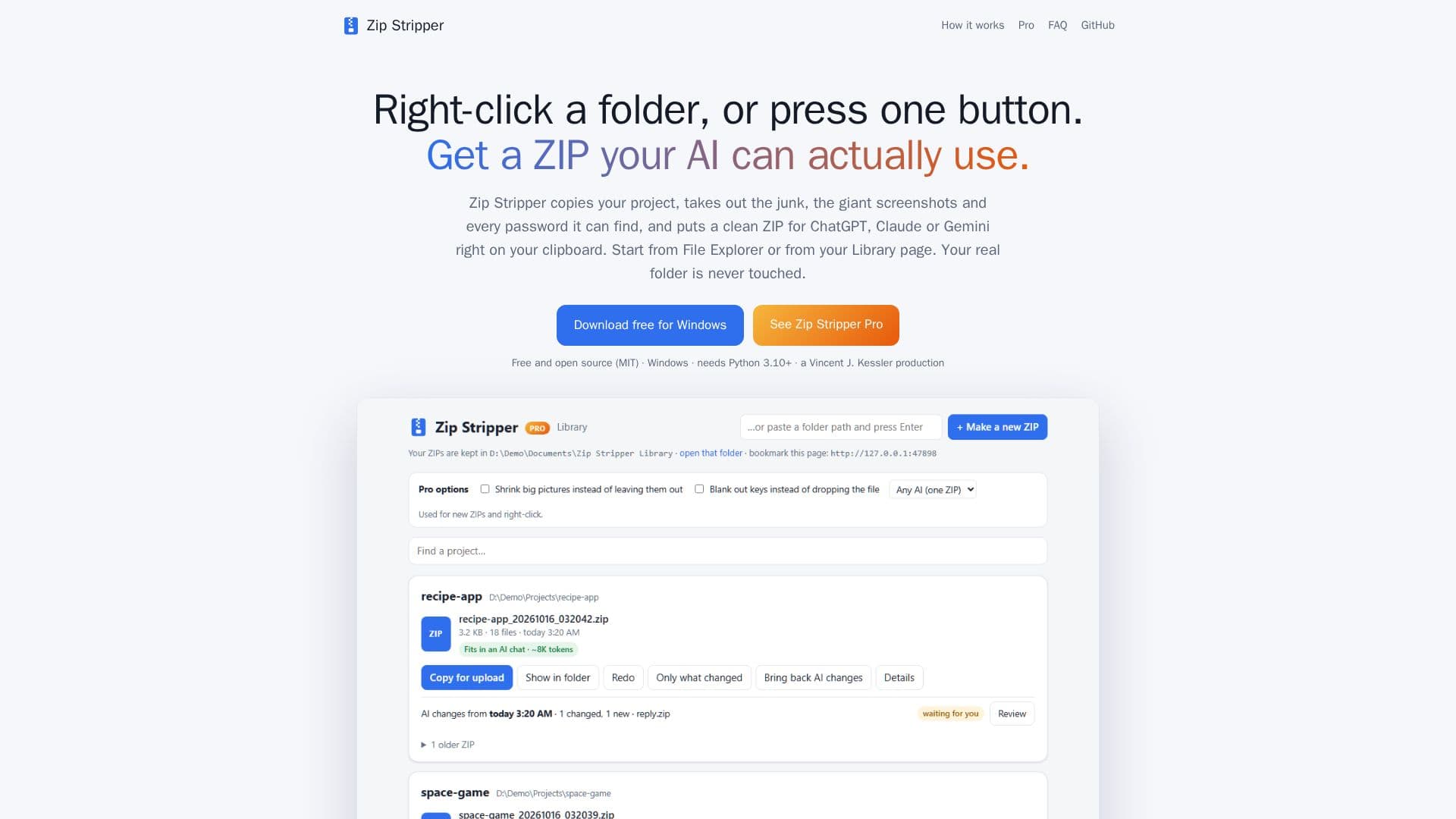
Description
Zip Stripper is a tool designed to streamline the process of preparing project files for AI platforms such as ChatGPT, Claude, and Gemini. By right-clicking a folder, users can generate a clean, secret-free ZIP file that excludes sensitive information like API keys, credentials, and other private data. This ensures that the AI only receives the necessary files, enhancing both security and efficiency.
Read More
The tool respects .gitignore files, meaning any files or directories specified within them are automatically excluded from the ZIP. Additionally, it removes common bloat such as node_modules, caches, and duplicate files, significantly reducing the size of the ZIP. This is particularly beneficial for large projects, as it minimizes the data sent to the AI, allowing for faster processing and analysis.
Zip Stripper is available as a free and open-source tool for Windows users. The Pro version offers additional features, including the ability to safely bring AI-generated changes back into the original project. This is achieved by comparing the AI's output with the original files, allowing users to review changes line by line before applying them. The Pro version also supports creating follow-up ZIPs that only include modified files, further optimizing the workflow.
The tool operates entirely on the user's computer, ensuring that no data is uploaded to external servers. This local operation enhances privacy and control over the data being processed. Zip Stripper is particularly useful for developers and teams who frequently interact with AI platforms, providing a seamless and secure method to manage project files.
- CategoryProductivity
- Pricing ModelFreemium
- DeploymentRuns locally
- PlatformsWindows
Zip Stripper's Core Features
Creates clean, secret-free ZIP files
Respects .gitignore files
Removes unnecessary data and bloat
Free and open-source for Windows
Pro version integrates AI changes safely
Local operation ensures data privacy
Supports ChatGPT, Claude, and Gemini
Generates follow-up ZIPs with only changes
How to use Zip Stripper?
Right-click: select folder to zip
Strip & Zip: create clean ZIP
Ctrl+V: paste ZIP into AI platform
Review: check AI changes with Pro
Zip Stripper's Use Cases
- Secure AI Data Preparation
- Efficient File Management
- AI Change Integration
- Local Data Processing
- Project Version Control