
Description
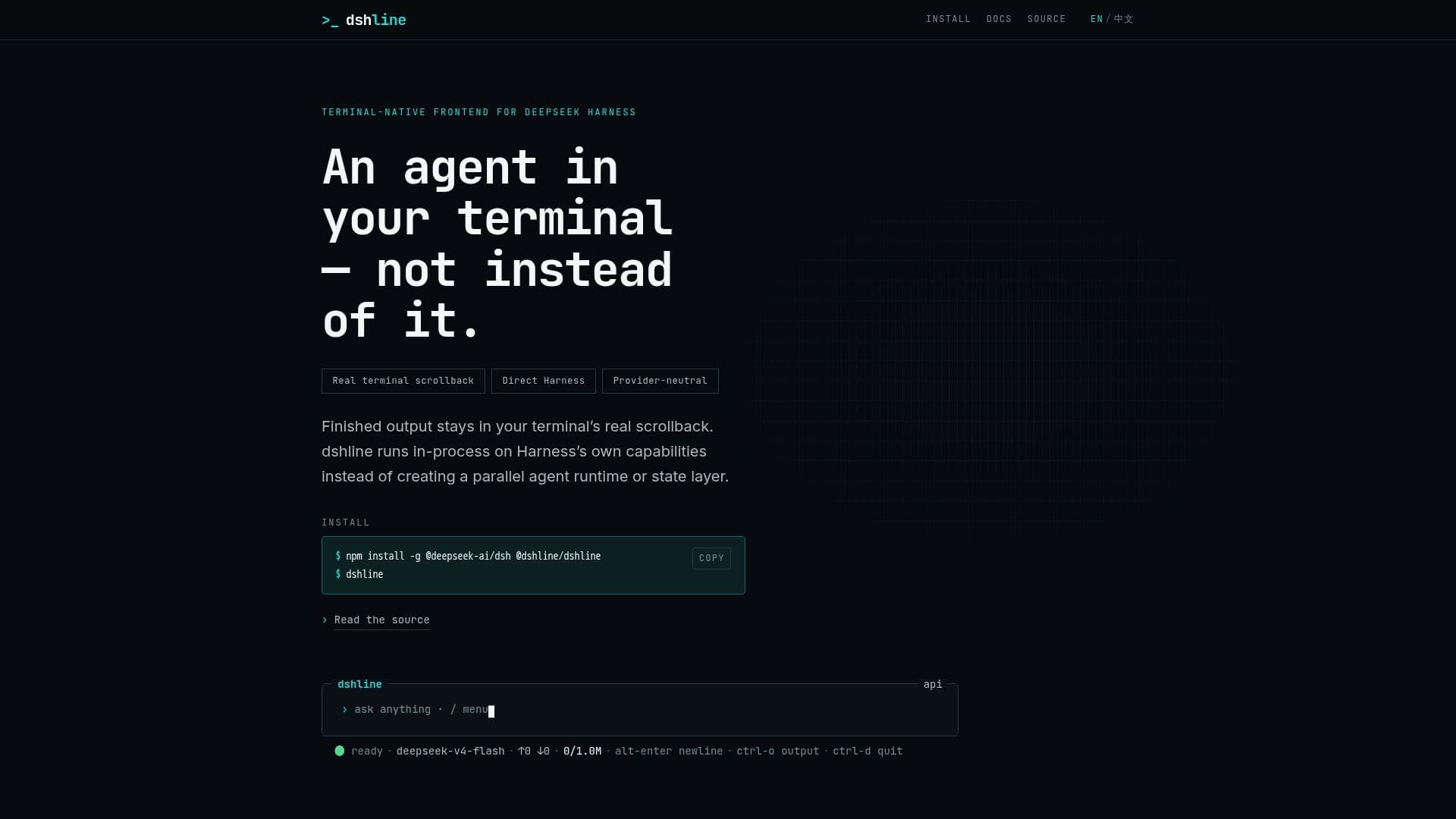
dshline is a terminal-native frontend designed to integrate seamlessly with DeepSeek Harness, offering real terminal scrollback and direct, in-process consumption of Harness capabilities. Unlike many terminal applications that take over the entire screen, dshline maintains the integrity of your terminal's scrollback, allowing for natural scrolling, selection, and copying. This is achieved by writing finished output directly into the terminal's scroll history, ensuring that the terminal's native functionalities remain intact.
Read More
The application operates within the same process as DeepSeek Harness, utilizing its capabilities such as session management, model and provider adapters, and delegation without creating a separate runtime or state layer. This integration allows users to inspect active workflows, browse past sessions, configure providers, and customize agent presets directly from the terminal.
dshline is particularly beneficial for users who require a provider-neutral subagent lifecycle, as it observes rather than runs its own engine. It supports a variety of views, including work delegation, session management, provider configuration, usage tracking, and plugin composition, all of which are overlays that do not disrupt the terminal's scrollback.
The application is open-source and MIT-licensed, encouraging contributions, especially in areas like terminal robustness and cross-platform verification. It is designed to track the rapidly evolving DeepSeek Harness closely, supporting only the latest compatible version to ensure optimal performance. dshline is available for free, making it accessible to developers and terminal users seeking efficient integration with DeepSeek Harness.
- CategoryAI Coding Assistants
- Pricing ModelFree
- DeploymentIn-process
- PlatformsTerminal
dshline's Core Features
Terminal-native frontend
Real terminal scrollback
Direct Harness integration
Provider-neutral subagent lifecycle
Session management
Provider configuration
Plugin composition
Open-source and MIT-licensed
No alternate screen usage
Supports CJK and emoji
How to use dshline?
Install: Set up dshline in your terminal environment
Configure: Connect and authenticate Harness providers
Use: Inspect workflows and manage sessions
Optimize: Customize agent presets and track usage
dshline's Use Cases
- Workflow Inspection
- Session Management
- Provider Configuration
- Plugin Customization
- Usage Tracking