
Description
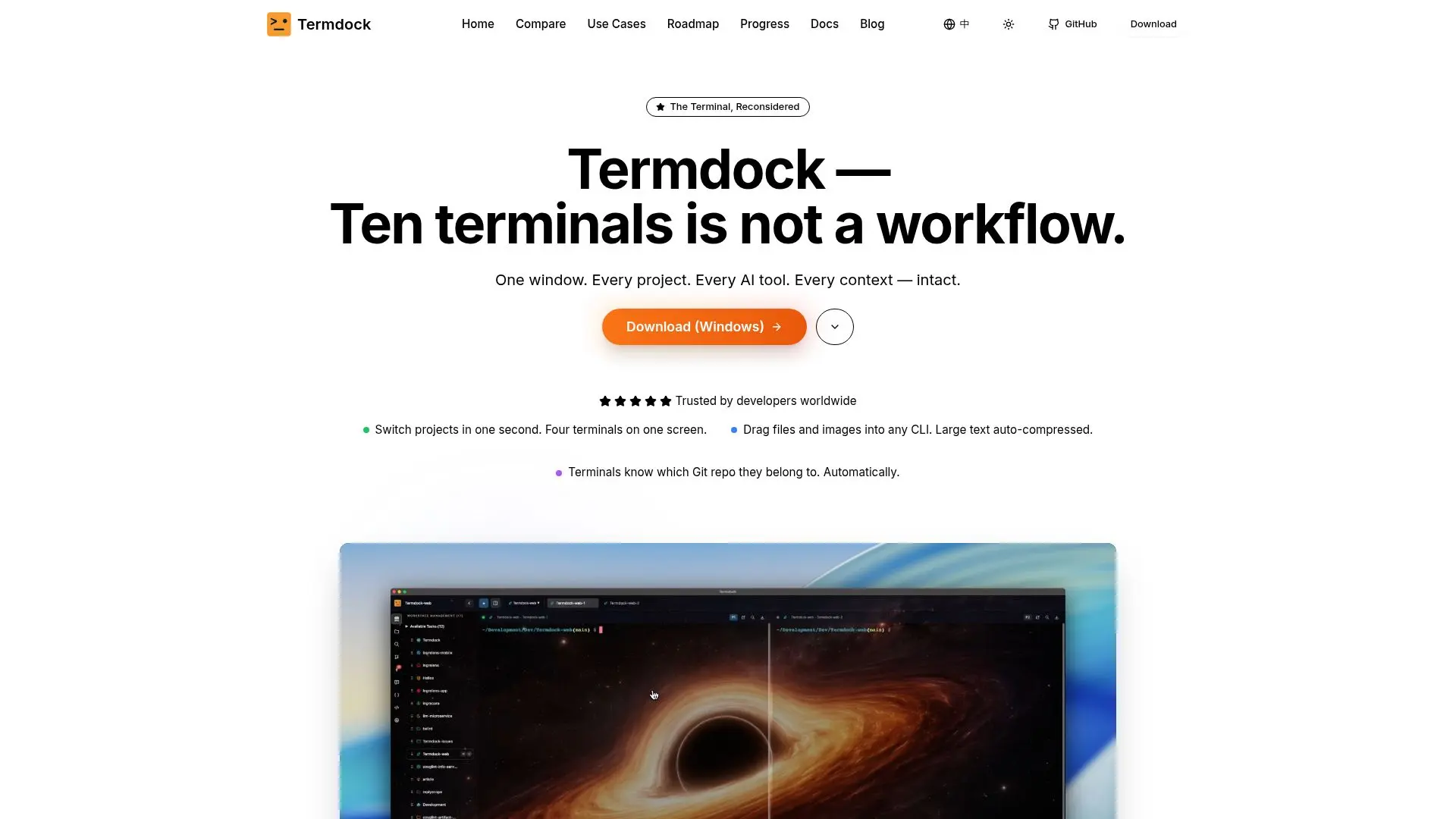
Termdock is a terminal application built for developers who juggle many command-line projects at once. Instead of scattering work across ten terminal windows, it manages 10 or more workspaces in a single window, each with its own independent Git status, and lets you switch between them instantly with a command palette while preserving terminal state.
Read More
A defining feature is terminal-layer file handling: you can drag and drop files, or paste screenshots from the clipboard, directly into any CLI tool such as curl, ffmpeg, or git. Termdock saves them locally and inserts a normalized, automatically quoted path ready for use in commands. This is designed to speed up workflows that pass files and images to AI tools like Claude Code and ChatGPT.
Termdock includes built-in developer tooling that would normally require plugins, including AST-based code analysis for 14+ languages with symbol extraction, dependency and call graphs, a Monaco-based code editor, visual Git integration with blame, diff, and graph views, and a built-in PDF and Markdown viewer. It also integrates with AI CLIs through an AST REST API, a code-graph MCP server, cross-session memory, and activity notifications with visual, sound, and Dock-badge alerts.
The app is designed to be lightweight, using around 200MB for 10 workspaces, and runs offline with no account required. It is available for macOS and Windows, with recent releases adding remote LAN terminal sharing over an end-to-end encrypted connection. Termdock is free.
- CategoryAI Coding Assistants
- Pricing ModelFree
- DeploymentDesktop app
- PlatformsmacOS, Windows
Termdock's Core Features
Multi-workspace management for 10+ projects in one window
Drag-and-drop files into any CLI tool with automatic path quoting
Paste screenshots from clipboard with CLI-ready file paths
Independent Git status and visual Git blame, diff, and graph
Built-in AST code analysis for 14+ languages
Monaco code editor and PDF/Markdown viewer, no plugins
AI CLI integration via AST API, MCP server, and cross-session memory
Lightweight, offline, and account-free operation
How to use Termdock?
Download: Get the installer for macOS or Windows from the Termdock site.
Install: Open the DMG and drag Termdock to Applications, allowing it in system settings on first launch.
Add workspaces: Create workspaces for each project, each keeping its own terminals and Git state.
Work with files: Drag, drop, or paste files and screenshots into any CLI command with auto-quoted paths.
Switch and analyze: Jump between workspaces with the command palette and use built-in code analysis and Git tools.
Termdock's Use Cases
- Frontend development
- Full-stack projects
- DevOps configuration
- Managing a project portfolio
- Remote terminal access