
Description
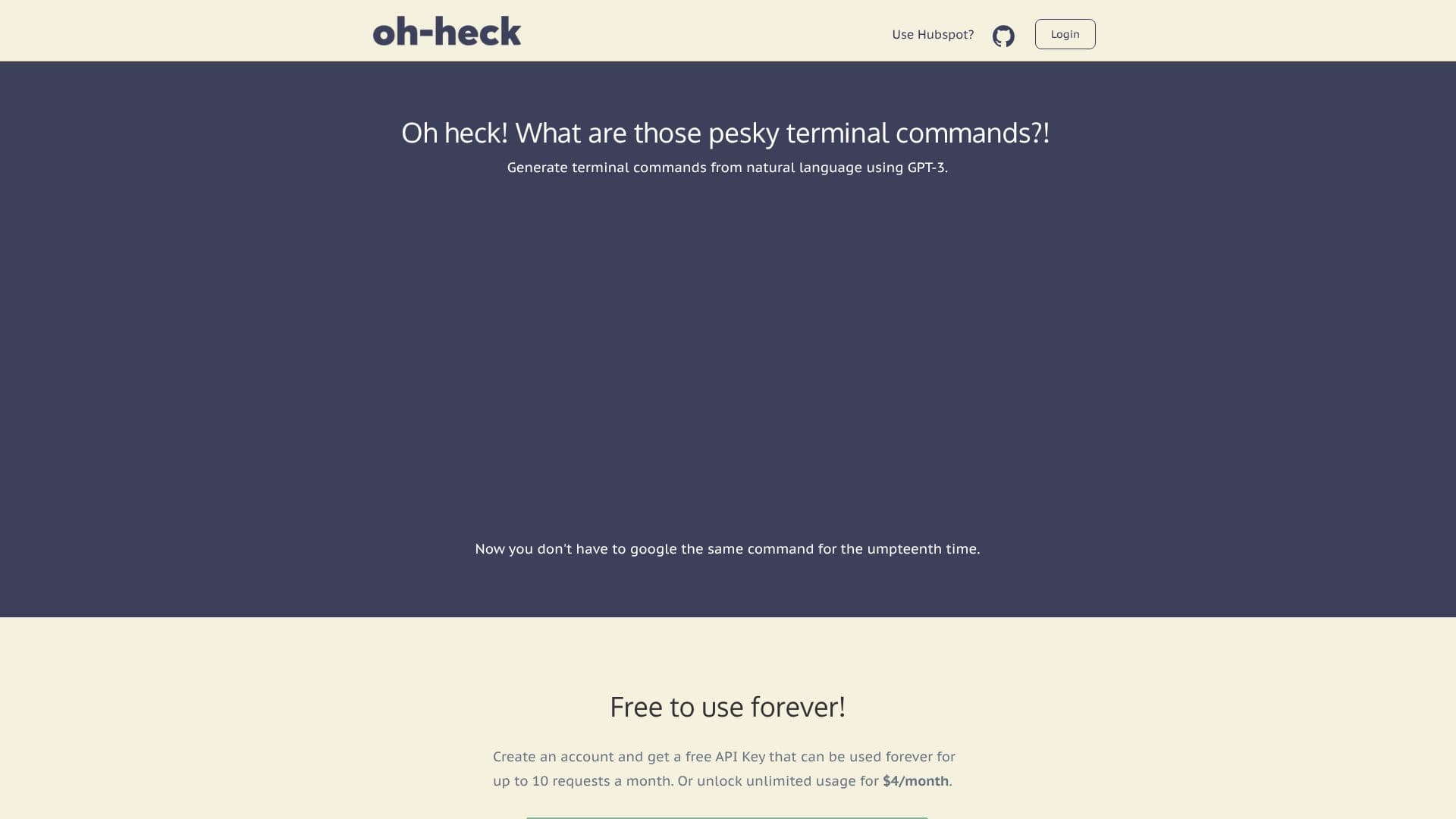
Oh-heck addresses the common frustration of forgetting or needing to look up terminal commands. This AI application leverages GPT-3 to translate natural language questions directly into executable terminal commands. By integrating directly into your command line, Oh-heck eliminates the need to switch contexts and search external resources, saving valuable time and improving workflow efficiency.
Read More
The core functionality of Oh-heck is its ability to interpret user queries and generate the most probable command. For example, a user could ask "how to list all files in a directory" and Oh-heck would provide the corresponding `ls -a` command. The application then prompts the user to confirm ('y') or reject ('n') the suggested command. Upon acceptance, the command is automatically copied to the clipboard, ready to be pasted into the terminal. If rejected, the user can refine their query to achieve a different result.
Installation is straightforward, with binaries available for both Intel (x86) and Apple Silicon (arm) architectures. Users download the appropriate binary and place it in their system's PATH, typically `/usr/local/bin`. Usage involves simply calling `oh-heck` followed by the natural language query in quotes. The application is designed to be user-friendly, even for those who might forget the `oh-heck` command itself, as typing `oh-heck` alone will guide the user through the process.
Oh-heck offers a flexible pricing model. Users can get started with a free account, which includes a free API key providing up to 10 requests per month. For users requiring more extensive use, an unlimited usage plan is available for $4 per month. This tiered approach makes the tool accessible to a wide range of users, from casual developers to power users who rely heavily on the command line.
- CategoryAI Coding Assistants
- Pricing ModelFreemium
- DeploymentLocal Binary
- PlatformsmacOS
Oh-heck's Core Features
Generate terminal commands from natural language
AI-powered command suggestion
Command confirmation and rejection workflow
Automatic command copying to clipboard
Supports Intel (x86) and Apple Silicon (arm) architectures
Free tier with 10 requests per month
Unlimited usage plan available for $4/month
Easy installation via binary download
Contextual command generation within the terminal
Refine queries for better command suggestions
Exit application with Ctrl+c
How to use Oh-heck?
Install: Download the correct binary for your machine and move 'oh-heck' to /usr/local/bin.
Execute: Open your terminal and type `oh-heck "your natural language command query"`.
Review: The AI will suggest a terminal command. Type 'y' to accept or 'n' to reject.
Copy: If accepted, the command is copied to your clipboard.
Paste: Paste the command into your terminal and press Enter.
Refine: If rejected, edit your query and try again.
Exit: Press 'Ctrl + c' at any time to exit the application.
Oh-heck's Use Cases
- Command Generation
- Learning Terminal
- Workflow Automation
- Developer Productivity
- Troubleshooting