Description
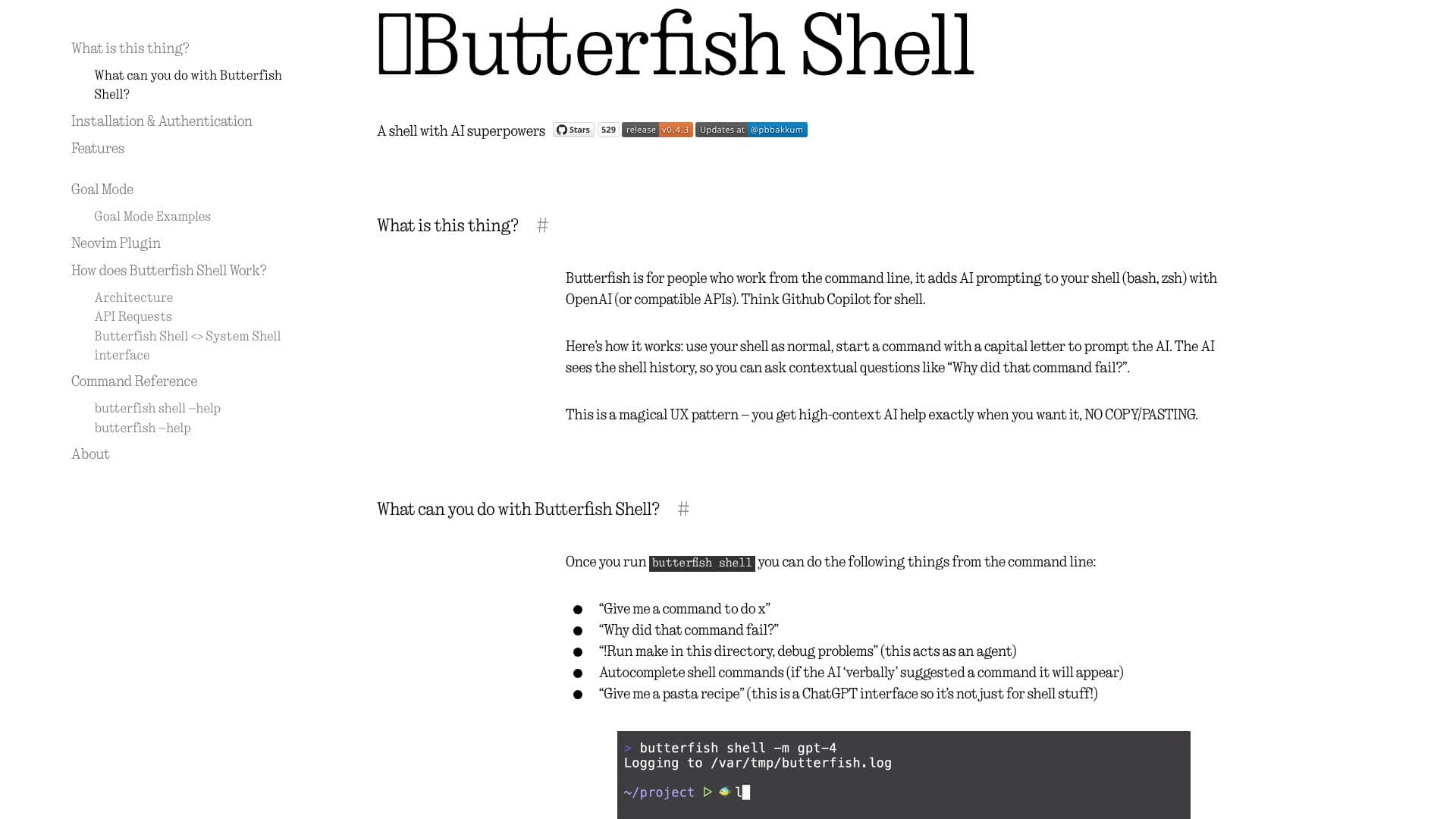
Butterfish is a suite of command-line interface (CLI) tools designed to enhance productivity for software engineers and command-line users by integrating Large Language Models (LLMs) directly into their workflow. The core offering, Butterfish Shell, transforms your existing shell (bash, zsh) into an AI-powered assistant. By simply starting a command with a capital letter, users can prompt the AI with contextual questions, leveraging shell history for relevant assistance without the need for copy-pasting.
Read More
This tool acts as a "shell wrapper," intercepting input and output to provide AI capabilities. Users can ask for commands, inquire about command failures, or even use "Goal Mode" (initiated with '!') where the AI acts as an agent to execute commands and achieve a specified goal, with an "Unsafe Goal Mode" (initiated with '!!') for automated execution. Butterfish Shell offers features like command autocompletion, similar to GitHub Copilot, and maintains conversation history, allowing for iterative refinement of AI-generated commands or responses.
Beyond the shell integration, Butterfish includes other utilities such as a direct prompt client, a command generator, a file summarizer, and tools for managing embeddings of local files. The project emphasizes transparency, allowing users to view and customize the prompts sent to the AI via configuration files. It supports OpenAI-compatible APIs, enabling the use of local or alternative LLM providers. Butterfish is open-source, licensed under the MIT license, and welcomes community contributions.
The target audience includes developers, system administrators, and anyone who frequently works from the command line and seeks to leverage AI for faster task completion, debugging, and code generation. The value proposition lies in its seamless integration into existing workflows, reducing context switching and providing high-context AI assistance precisely when and where it's needed.
- CategoryAI Coding Assistants
- Pricing ModelOpen source
- DeploymentCloud, Self-hosted
- PlatformsmacOS, Linux
Butterfish CLI Tools's Core Features
AI-powered shell integration for bash and zsh
Contextual AI prompting using shell history
GitHub Copilot-style command autocompletion
Goal Mode for AI-driven command execution
Unsafe Goal Mode for automated command execution
Customizable AI prompts and system messages
Support for OpenAI-compatible APIs and local models
File summarization and text embedding capabilities
Transparent logging of AI requests and responses
Open-source under the MIT license
How to use Butterfish CLI Tools?
Install: Use Homebrew on macOS (`brew install bakks/bakks/butterfish`) or `go install`.
Authenticate: Run `butterfish shell` and paste your OpenAI API secret key when prompted.
Configure: Optionally, alias `butterfish` to `bf` in your shell's rc file for convenience.
Use Shell Mode: Start commands with a capital letter for AI prompts or '!' for Goal Mode.
Autosuggest: Press Tab to accept AI-suggested command completions.
Debug: Ask contextual questions like 'Why did that command fail?'
Summarize: Use `butterfish summarize <files>` to get semantic summaries of files.
Butterfish CLI Tools's Use Cases
- AI Shell Assistant
- Command Generation
- File Summarization
- Code Debugging
- Contextual Prompting
- Agentic Task Execution
- Local LLM Integration
- Text Embedding Management