
Description
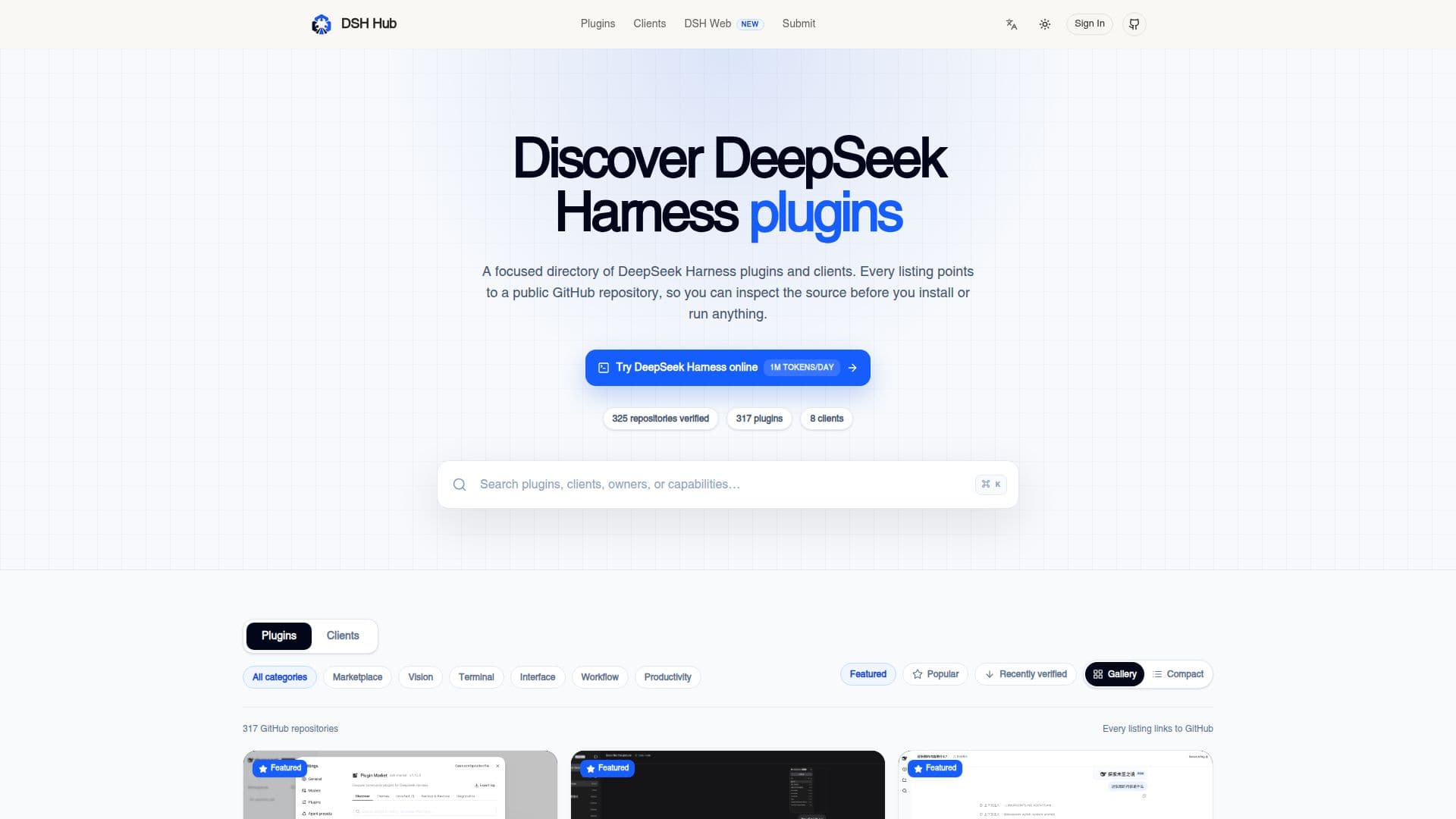
DSH Hub serves as a centralized directory for discovering and managing plugins and clients specifically designed for DeepSeek Harness, an open-source agent harness developed by DeepSeek AI. The platform aims to provide a reliable resource for developers looking to extend the functionality of their DeepSeek Harness environments.
Read More
The directory categorizes projects into plugins and clients. Plugins are public GitHub projects that extend DSH or DeepSeek Harness with narrower capabilities, such as interface enhancements, vision tools, workflow automations, or terminal extensions. Clients, on the other hand, package or present the DeepSeek Harness experience through various interfaces like desktop shells, terminal interfaces, or native windows, often shipping with their own runtimes or bundled plugin sets. This distinction helps users compare platform support and packaging decisions more effectively.
DSH Hub's verification process ensures that listed projects have publicly reachable GitHub repositories and that their visible metadata is recorded at a specific snapshot date. This includes details like primary language, licenses, ownership, and release status. However, it explicitly states that verification is a provenance check, not a security audit or endorsement. Users are strongly advised to review source code, permissions, and test unfamiliar code in isolated environments before deployment, especially since DeepSeek Harness plugins can interact with sensitive system components like files, credentials, models, and networks.
The platform encourages a source-first workflow, guiding users to inspect GitHub repositories for current documentation, licenses, and setup instructions. It also provides a comprehensive FAQ section addressing how projects are added, how metadata changes are handled, and the importance of independent technical and security reviews. Projects can be submitted for inclusion if they have a public GitHub repository and a clear connection to DeepSeek Harness as a plugin or client, undergoing automated verification and human review.
Key capabilities highlighted include tools for vision processing (e.g., OCR, image recognition), cost and usage tracking, model switching and fallbacks, conversation management (e.g., sharing, import/export, rewind), memory and context management, task planning and automation, UI customization (themes, skins), and integration with various external services and platforms. The directory also features a wide array of community-contributed plugins covering diverse functionalities, from productivity and workflow enhancements to specialized tools for research, coding, and content creation.
- CategoryOther AI Tools
- Pricing ModelFree
- DeploymentCloud
- PlatformsWeb
DSH Hub's Core Features
DeepSeek Harness Plugin & Client Directory
Open-source DSH tools catalog
Desktop apps and TUI clients listing
Extensions with public GitHub repositories
Dated metadata snapshots for projects
Direct links to official GitHub repositories
Categorization of plugins by function (interface, vision, workflow)
Separate listing for clients based on platform support
Repository verification (publicly reachable source)
Community registry cross-checking for installable plugins
Submission process for new projects
Usage and cost statistics plugins
Model switching and fallback mechanisms
Conversation management tools (share, import, export, rewind)
UI customization with themes and skins
How to use DSH Hub?
Discover Plugins: Browse the DSH Hub directory to find DeepSeek Harness plugins and clients.
Review Project Details: Click on a listing to view its dated metadata snapshot and direct link to the GitHub repository.
Inspect Source Code: Visit the official GitHub repository to read documentation, licenses, source code, and setup instructions.
Evaluate Safety: Conduct your own technical and security review of the code and permissions before installation.
Install in Isolated Profile: Test unfamiliar code in a separate DeepSeek Harness profile with no sensitive data.
Integrate into Workflow: Add verified and tested plugins to your working Harness profile as needed.
DSH Hub's Use Cases
- Extending DeepSeek Harness
- Developing Custom Clients
- Monitoring Usage and Costs
- Enhancing User Interface
- Managing Conversations
- Automating Tasks
- Integrating Vision Capabilities
- Improving Memory and Context
- Connecting External Services
- Agent Team Collaboration