Description
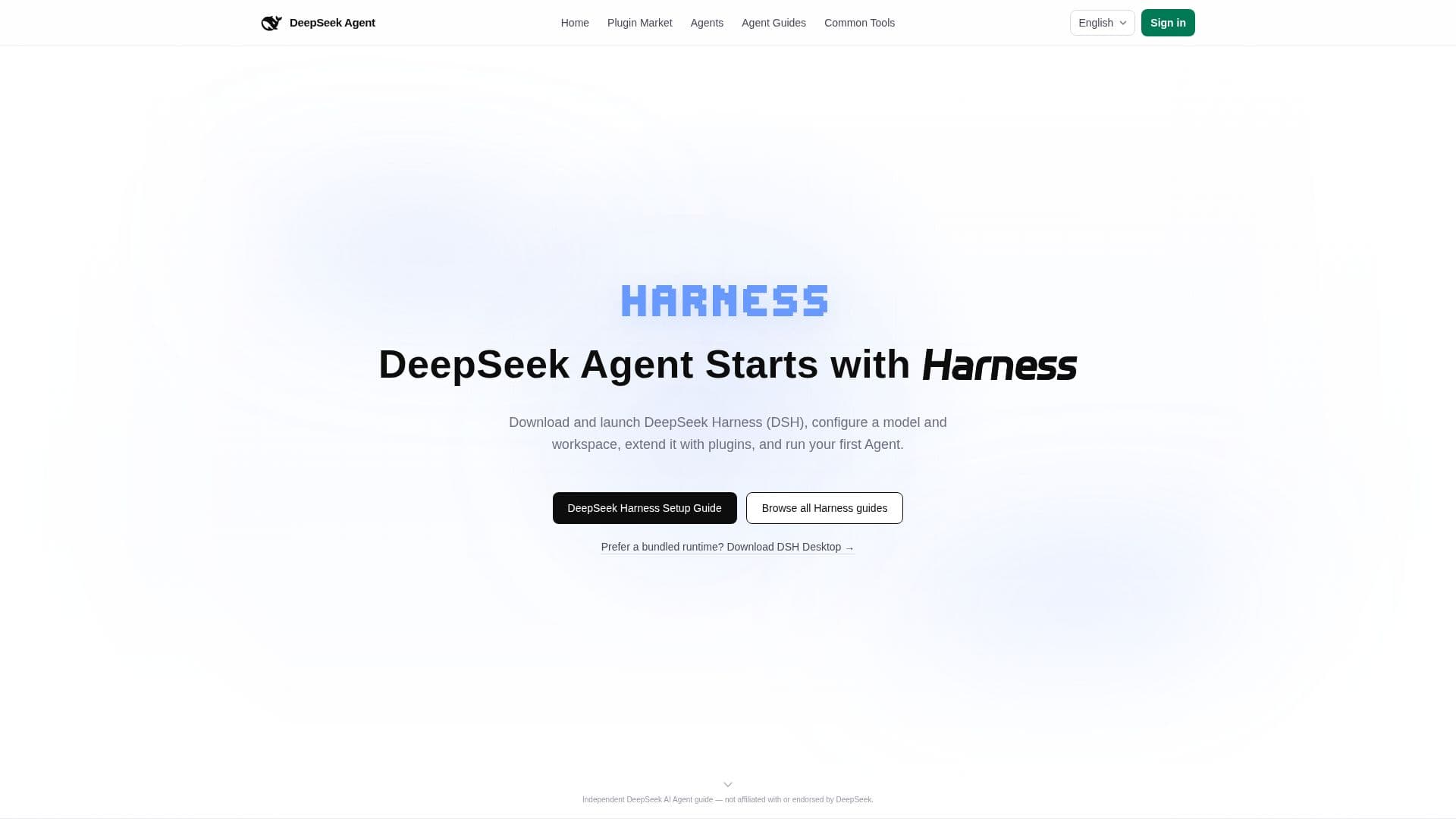
DeepSeek Agent serves as a comprehensive, independent guide and resource hub for developers looking to integrate DeepSeek with AI coding agents. It focuses on DeepSeek Harness (DSH), which is DeepSeek's official open-source Agent runtime. DSH is designed to connect AI models to various tools and execution environments, providing essential functionalities like sessions, workspaces, sandboxing, plugins, and Agent loops, all accessible via Web and terminal interfaces.
Read More
The platform clarifies that DeepSeek Harness itself is not an AI model but rather the runtime that facilitates the interaction between a model and its environment. Users are guided through the process of configuring their preferred model provider and API key separately. DeepSeek Agent offers detailed instructions on how to install DSH, either by running a Node.js command or by downloading the community DSH Desktop for a bundled runtime experience.
A key aspect of DeepSeek Harness is its extensibility through plugins and themes. Plugins can introduce new models, tools, storage options, interfaces, and sandboxing capabilities, while presets combine these components into ready-to-use agents for specific workflows. The DeepSeek Agent hub provides access to a plugin market with thousands of community-contributed plugins and a theme gallery for interface personalization.
Furthermore, the site showcases various agents and presets built on DeepSeek Harness, categorized by use cases such as research, creative, engineering, and specialist applications. It also offers guidance for users already working with other agent clients like Codex, Claude Code, or OpenCode, detailing how to connect them to the DeepSeek API. The resource hub keeps users informed about the latest updates and developments in DeepSeek Harness, including new versions and API features.
- CategoryOther AI Tools
- Pricing ModelFree
DeepSeek Agent's Core Features
DeepSeek Harness (DSH) Guide
Desktop Downloads for DSH
Plugins and Themes for DSH
Free API Credits Information
API Connection Guides for Agent Clients
Open-Source Agent Runtime Explanation
Model Configuration Instructions
Workspace and Task Setup Guide
Community Plugin Market Access
Theme Gallery for Customization
Reviewed Agent Directory
Support for various Agent clients (Codex, Claude Code)
Updates on DeepSeek Harness versions
Web and Terminal Interfaces for DSH
Sandboxing and Agent Loops
How to use DeepSeek Agent?
Launch DeepSeek Harness: Run `npx @deepseek-ai/dsh web` with Node.js installed, or use the DSH Desktop installer.
Configure Model and API Key: Open the Models section, add a provider, enter your API key, and select a model.
Choose Workspace and Run Task: Create a session, select a workspace, model, and runtime mode, then enter your task.
Extend with Plugins: Browse the Plugin Market to find and install community plugins to enhance capabilities.
Personalize with Themes: Explore the Theme Gallery to apply installable themes to your DSH interface.
Explore Built Agents: Discover reviewed agents and presets built on DeepSeek Harness for various workflows.
DeepSeek Agent's Use Cases
- AI Agent Development
- Model Integration
- Custom Workflow Automation
- Plugin Development
- API Access and Configuration
- Desktop Agent Runtime
- Educational Resource