Description
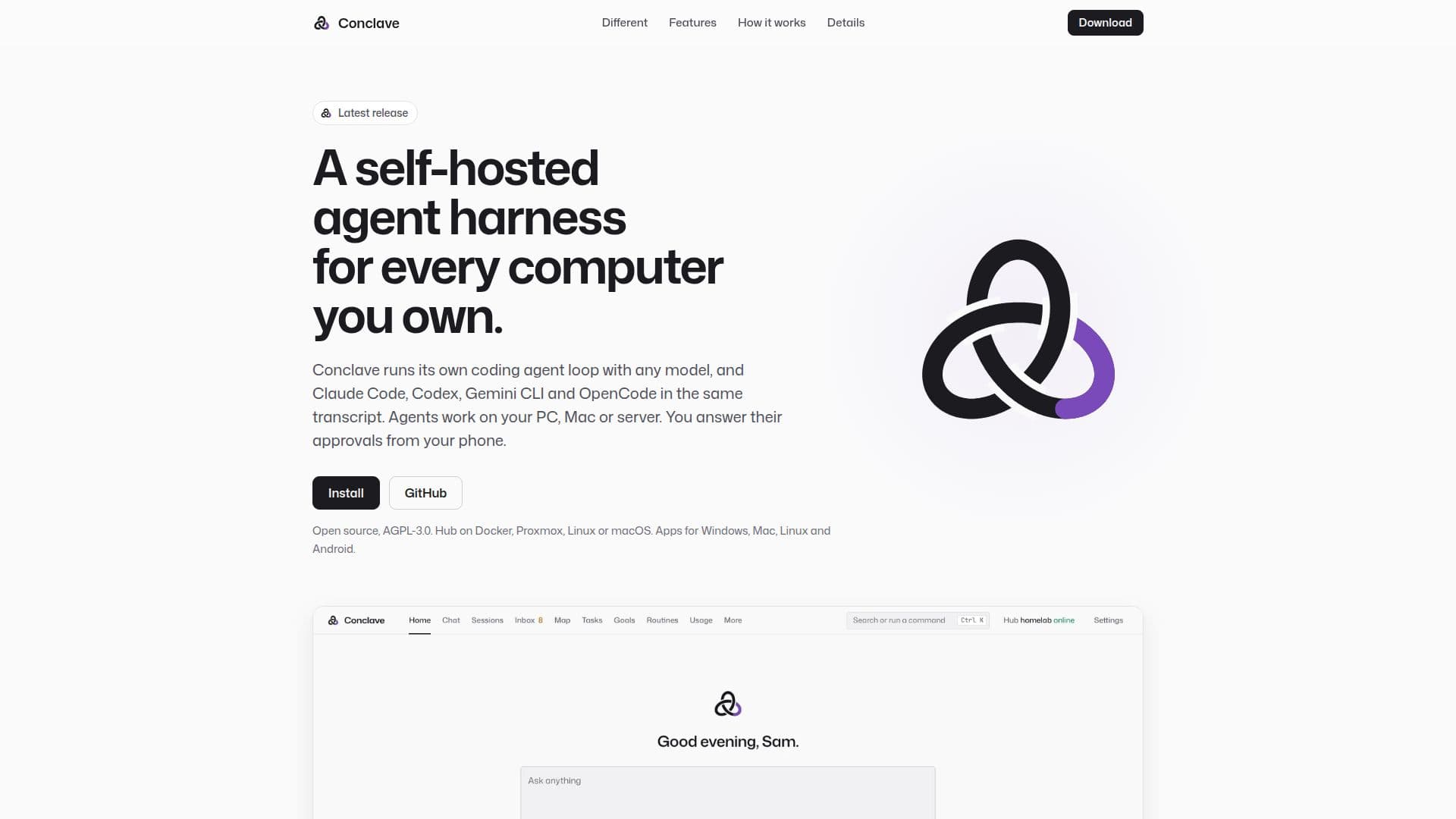
Conclave is a self-hosted agent harness and hub designed to give users complete control over their AI agent operations. It allows you to run coding agents directly on your own computers, including PCs, Macs, and servers, integrating with a wide array of AI models such as Anthropic, OpenAI, Gemini, Z.ai GLM, OpenRouter, DeepSeek, Kimi, Qwen, Ollama, LM Studio, and any OpenAI-compatible API. This flexibility extends to specific vendor CLIs like Claude Code, Codex, Gemini CLI, and OpenCode, which run within Conclave over the Agent Client Protocol (ACP) and share the same transcript as other models.
Read More
The platform's core functionality revolves around its agent loop, which is rebuilt from Claude Code's public design. This loop provides agents with essential tools for file manipulation, shell commands, search, and web browsing, along with permission rules, hooks, skills, and subagents. Conclave enhances agent reliability with features like compaction and prompt caching, a verify gate that runs project checks after file edits, and usage-limit failover to ensure continuous operation. For complex problems, it offers advanced multi-model strategies such as "Second opinion" (sending replies to another model), "Jury" (multiple models answer, a judge decides), and "Debate" (two models argue).
Conclave distinguishes itself by offering a hub-centric approach rather than a single terminal. Devices connect out to the hub, eliminating the need to open ports on individual machines. Users can approve risky agent steps directly from their phones via the app or notifications, maintaining control over operations. The system supports multiple users on one hub, each with their own sessions, memory, keys, and devices, and features shared memory across models and devices. Automatic updates ensure the system remains current, and file outputs like PDFs, images, or zips are presented as downloadable file cards.
Privacy and control are paramount with Conclave. There is no Conclave cloud; all chats, code, memory, and API keys remain on your self-hosted hub, with model calls going directly to the chosen provider. This architecture prevents vendor lock-in, allowing users to switch providers or run models locally at any time. The platform is open-source under the AGPL-3.0 license, with the hub installable on Docker, Proxmox, Linux, or macOS, and apps available for Windows, Mac, Linux, and Android. It also supports signing in with existing plans from providers like Claude, ChatGPT, Google, Grok, Kimi, Muse, GitHub Copilot, and Kiro through CLIProxyAPI.
- CategoryAI Agent Builders
- Pricing ModelFree
- DeploymentSelf-hosted
- PlatformsWindows, Mac, Linux, Android, Docker, Proxmox
Conclave's Core Features
Self-hosted agent harness and hub
Coding agent loop compatible with any model (Claude Code, Codex, Gemini CLI, OpenCode)
Approve risky steps from your phone via app or notification
Multi-model collaboration: Second opinion, Jury, Debate, Handoff
Compaction and prompt caching for efficient context management
Verify gate runs project checks after file edits
Usage-limit failover for continuous operation
Workflows with sandboxed QuickJS scripts and replay for crash recovery
Shared memory across all models and devices
Routines for scheduled tasks and missed run catch-up
Support for multiple users on one hub with individual accounts
Automatic updates for hub and client applications
File outputs as downloadable cards (PDF, image, zip)
Integration with existing plans from Claude, ChatGPT, Google, Grok, Kimi, Muse, GitHub Copilot, Kiro
Hub-to-hub sharing of chats, sessions, and code with privacy review
How to use Conclave?
Install the hub: Set up Conclave on a home server, Proxmox, Docker, Linux, or macOS.
Add your models: Paste API keys or sign in with existing Claude, ChatGPT, or Google plans.
Pair devices: Connect your PC, Mac, Linux, or Android devices to the hub.
Chat with models: Open a chat in the browser, desktop app, Android app, or terminal.
Code on your computers: Agents edit, test, and commit code on your paired machines.
Approve actions: Respond to risky commands from your phone's app or notifications.
Manage projects: Group sessions by project or device, with Git integration.
Automate tasks: Set up routines for scheduled agents or multi-agent workflows.
Conclave's Use Cases
- Automated Code Development
- Multi-Model Problem Solving
- Scheduled System Monitoring
- Secure Remote Approvals
- Collaborative AI Projects
- Personalized AI Assistant
- Content Monitoring and Alerts
- Private AI Chat and Coding