Description
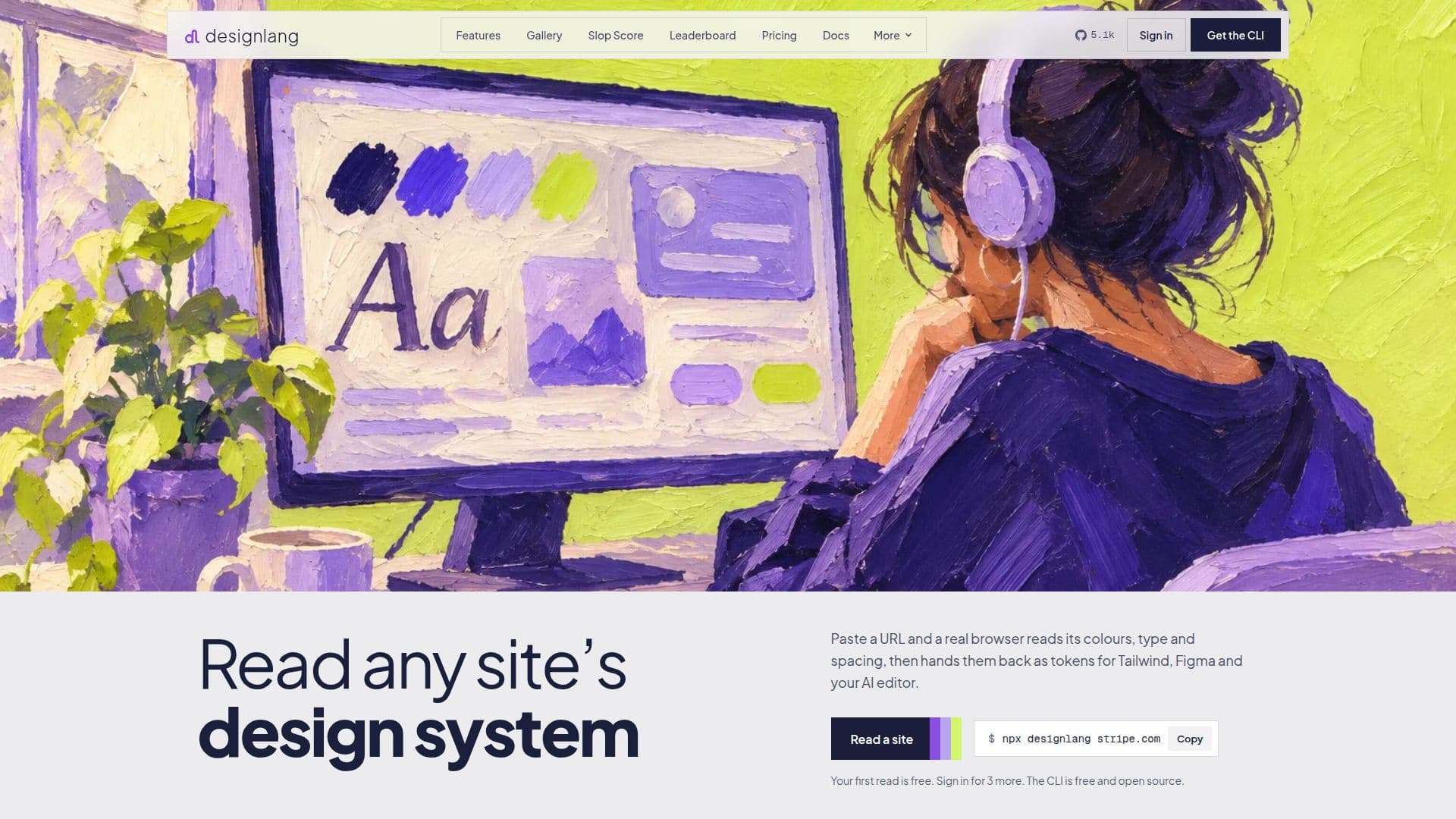
designlang is an open-source command-line interface (CLI) tool designed to extract and verify the design system of any live website. It operates by crawling a website with a headless browser, reading computed styles directly from the rendered DOM, including colors, typography, spacing, radii, shadows, motion, and components. This approach ensures that the extracted design system accurately reflects what a user's browser actually computes, rather than relying on inferred class names or hand-authored tokens.
Read More
The tool exports the extracted design system into a wide array of formats, making it highly versatile for different development workflows. Supported outputs include W3C DTCG tokens (primitive, semantic, composite), Tailwind CSS configuration, CSS custom properties, Figma Variables JSON, shadcn/ui themes, and native themes for iOS SwiftUI, Android Jetpack Compose, and Flutter. It also generates WordPress block themes and print-ready brand-book PDFs, complete with chapter bookmarks and embedded token attachments.
One of designlang's core capabilities is its ability to verify AI-built UI against established brand guidelines. It can render AI-generated screens at various breakpoints (phone, tablet, desktop) and in dark mode, checking for deviations from a confirmed brand. The tool identifies design drift, such as incorrect colors or radii, and provides actionable fixes. It also features a "Slop Score" that measures how generic a page looks, identifying common tells of AI-made design like indigo gradients or default typefaces.
designlang integrates seamlessly with AI coding agents like Claude Code, Cursor, and Windsurf through a stdio MCP server. This allows AI agents to natively read extracted tokens, semantic regions, component clusters, and accessibility remediation data, ensuring that AI-generated code adheres to the specified design system. The CLI is free, MIT-licensed, and runs locally without requiring an account or API key, offering unlimited usage on a user's machine. Paid plans offer hosted checks, PR checks, and originality checks against competitors.
- CategoryAI UI & UX Design Tools
- Pricing ModelFreemium
- DeploymentLocal
- PlatformsNode.js
designlang's Core Features
Extracts design systems from live websites (colors, typography, spacing, radii, shadows, motion, components)
Exports to W3C DTCG tokens (primitive, semantic, composite)
Generates Tailwind CSS config and CSS custom properties
Creates Figma Variables JSON and shadcn/ui themes
Provides native emitters for iOS SwiftUI, Android Jetpack Compose, and Flutter
Produces WordPress block themes (theme.json + style.css)
Generates print-ready 13-chapter brand-book PDFs with embedded tokens
Performs WCAG contrast audits and suggests remediation
Measures "Slop Score" to identify generic AI-made design tells
Verifies AI-built UI against confirmed brand guidelines across devices and dark mode
Integrates with AI coding agents (Claude Code, Cursor, Windsurf) via MCP server
Captures hover, focus, active states, CSS transitions, easing functions, and keyframe animations
Offers CI drift checks to fail builds on design system changes
Lints code against extracted design tokens with Brand Check
Provides a local browser studio to inspect tokens and emitter outputs
How to use designlang?
Install Node.js: Ensure Node.js 20 or later is installed on your machine.
Run designlang: Execute `npx designlang <url>` in your terminal to crawl a live website and extract its design system.
Generate a brand book: Use `npx designlang brand <url> --pdf` to create a comprehensive brand-guidelines PDF.
Extract interactions: Add the `--interactions` flag to capture hover states, transitions, and animations.
Connect to AI editors: Launch the MCP server with `designlang mcp` to allow AI coding agents like Claude Code or Cursor to read live extractions.
Verify UI: Use `npx designlang verify-ui <url>` to check a UI against your brand at different screen widths and in dark mode.
Perform CI checks: Integrate `npx designlang ci` into your CI pipeline to detect design regressions and report drift.
designlang's Use Cases
- Design System Extraction
- AI UI Verification
- Brand Book Generation
- Design System Auditing
- AI Agent Integration
- Front-end Development
- Design Regression Testing
- Competitive Analysis
- Motion Design Extraction
- UI/UX Prototyping