Description
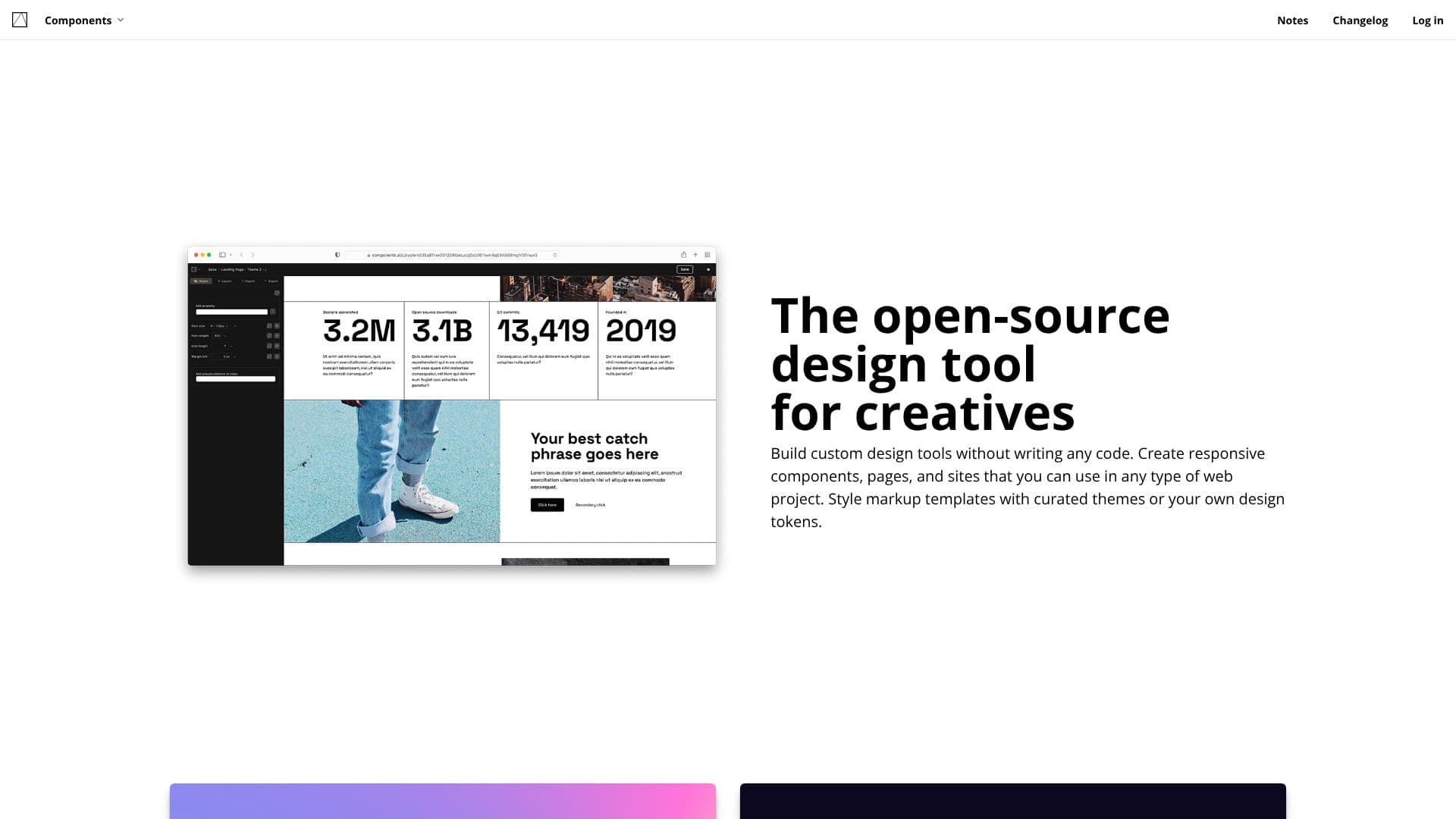
Components AI offers a novel approach to exploring generative design systems, empowering creatives with an open-source platform to build custom design tools. The Studio environment allows users to visually design generative components, pages, and entire sites without writing any code. This flexibility extends to creating responsive elements that can be seamlessly integrated into any web project.
Read More
A core feature is the ability to style markup templates using curated themes or personal design tokens. Users can import or define their own design tokens to ensure consistency across all designs. The tool provides dedicated functionalities for crafting accessible color systems, responsive type scales, and layered box shadows, facilitating a robust design process. The Markdown Publisher integrates generative styles with markdown, offering syntax highlighting to customize the appearance of code examples.
The platform boasts a growing collection of generative components for both UI and graphic design. Users can explore a gallery of responsive components, cycle through generated designs, or create unique ones from scratch using parametric controls. The 'Augment' feature allows for fine-tuning designs by manipulating parameters, with the option to lock preferred properties to discover a distinct visual language. A 'Navigate' function enables users to curate future output by voting on generated designs and saving unlimited iterations.
Components AI supports multi-format export, including React, JS, JSON, JSX, SVG, PNG, HTML, CSS, CSS custom properties, and Sass. A one-click publish feature allows instant sharing of designs for presentation or collaboration, including hosted web pages and assets for styles. Designs are constraint-based, adhering to defined brand guidelines while allowing for custom overrides. Theme import enables immediate use of visual brands, with options to audit, edit, or drive generative component constraints. Automated accessibility documentation provides rapid visual feedback on contrast scores and accessible combinations.
Responsive themes are a key capability, allowing designs to target values across defined breakpoints for typography, layout, and spacing. The tool offers full support for over 1000 Google Fonts and local fonts, including variable font support for granular control. Curated design assets and presets are available for customization. Thousands of creatives, including those at Pentagram, utilize Components AI. The platform also offers computational theming for color accessibility and interactive CSS learning modules.
- CategoryAI UI & UX Design Tools
- Pricing ModelOpen Source
- DeploymentCloud
- PlatformsWeb
Components AI's Core Features
Visually design custom design tools and generative components without code.
Create responsive components, pages, and sites for web projects.
Style markup templates with curated themes or custom design tokens.
Import or define design tokens for color systems, type scales, and shadows.
Explore and generate UI and graphic design components parametrically.
Augment designs by manipulating parameters and locking preferred properties.
Curate generated designs through voting and save unlimited iterations.
Multi-format export including React, JS, SVG, PNG, HTML, CSS, and Sass.
One-click publish for sharing designs and hosting web pages.
Constraint-based design adhering to brand guidelines with override options.
Responsive theme support for targeting values across breakpoints.
Full support for Google Fonts, local fonts, and variable fonts.
Automated accessibility documentation with contrast score feedback.
Computational theming for visually accessible color palettes.
Interactive CSS learning modules within the Studio.
How to use Components AI?
Explore: Browse the gallery of generative components or start from scratch.
Design: Use the Studio to visually create components, pages, and sites.
Theme: Import or define design tokens and style your designs.
Generate: Manipulate parameters to augment and refine your designs.
Export: Choose from multiple formats like React, SVG, or CSS.
Publish: Share your designs instantly with colleagues or clients.
Components AI's Use Cases
- Generative Design Systems
- Responsive Component Creation
- Visual Theming
- Parametric Design Exploration
- Web Page Design
- Design Collaboration
- Accessibility Auditing
- CSS Learning