
Description
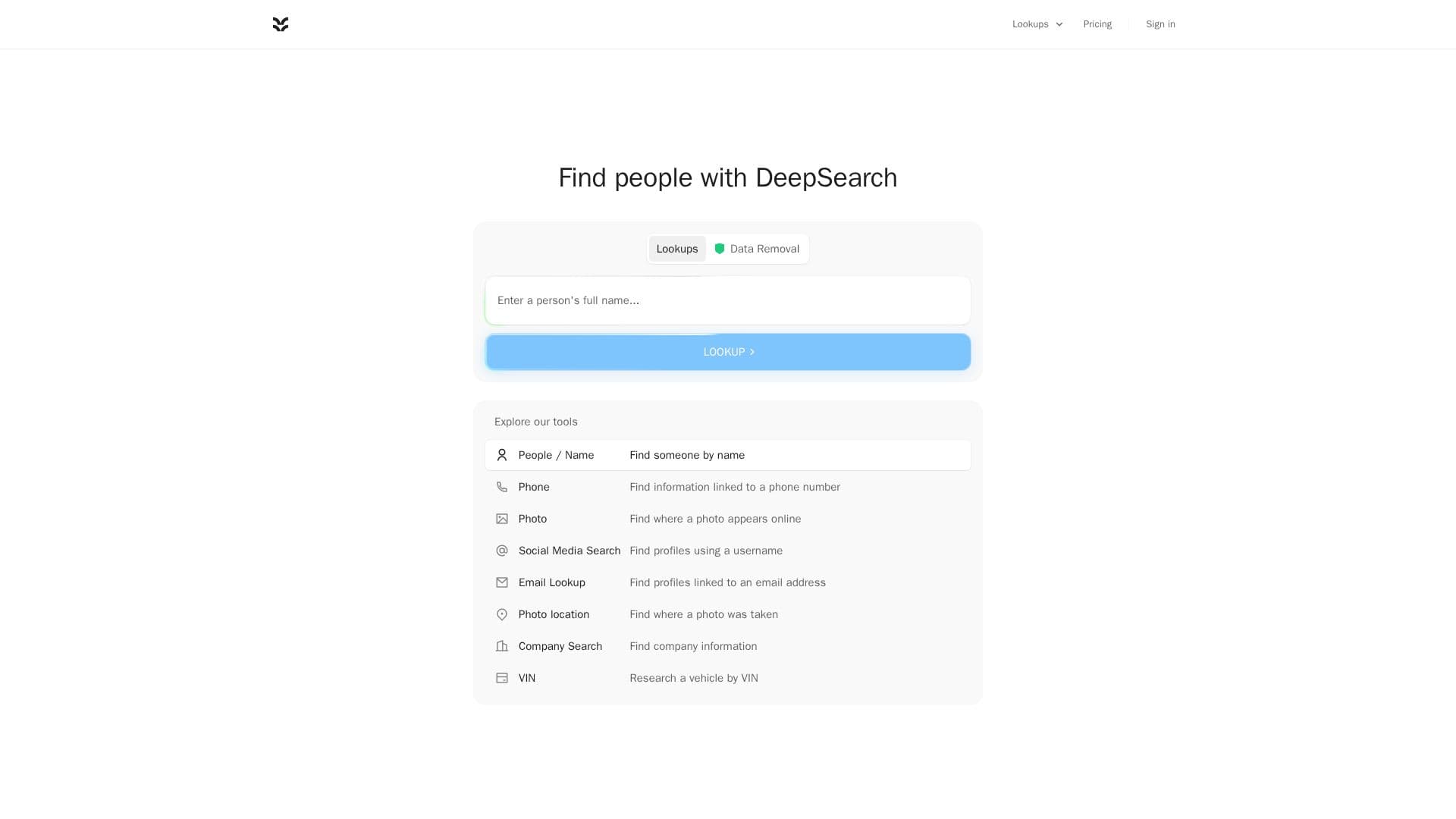
DeepSearch is an AI people search tool designed to help users find public information about individuals online. It allows searches by name, phone number, email address, username, or even image, consolidating data from various public sources into a clear, well-sourced profile. The platform integrates public information lookups with AI research capabilities, enabling users to investigate questions and synthesize information with direct links to original sources.
Read More
The tool explores public web pages, social profiles, public records, and news, but explicitly states it does not access private accounts, passwords, or breach data. DeepSearch is not a background-check or FCRA consumer report and its results cannot be used for employment, credit, housing, insurance, or tenant decisions. For common names, it ranks likely matches with a confidence score, and users can refine searches by adding details like city, workplace, or age.
Every key fact presented in a profile links back to its public source, allowing users to verify information independently. Core capabilities include comparing likely names and aliases, exploring cities lived in, viewing work and education history, finding public social profiles, discovering publicly listed relatives, and accessing public photos and mentions. It also uncovers news and web mentions, connects linked profiles across the web, and provides direct source links for all findings.
DeepSearch offers a "Free" plan for quick AI answers and a "Pro" plan at $18/month or $40/3 months. The Pro plan unlocks premium AI models, deeper research capabilities, web search, image generation, voice input, and file uploads. The platform emphasizes responsible use of public information, offering guides on how to search effectively, assess findings, and understand privacy implications. It also provides options for users to request removal of their information from DeepSearch results.
- CategoryAI Search Engines
- Pricing ModelFreemium
- DeploymentCloud
- PlatformsWeb
DeepSearch's Core Features
Search public profiles by name, phone, email, username, or image
Combine public information lookups with AI research
Synthesize information with source links
Explore public information from various identifiers
Access public web pages, social profiles, records, and news
Compare sources and use AI for follow-up questions
View candidate profiles with confidence scores
Link every key fact to its original public source
Compare likely full names and aliases
Explore cities lived in with source links
See work and education history from public profiles
Find public social profiles by matching handles and links
Discover publicly listed relatives with reviewable sources
View publicly shared photos and mentions in one report
Access news, articles, and web mentions with original context links
Connect public accounts and pages through shared details
How to use DeepSearch?
Start a Search: Begin with a name, phone, email, username, or photo to explore public information.
Refine Your Query: Add details like city, workplace, or age to narrow down results for common names.
Review Profiles: Compare candidate profiles and public sources, noting confidence scores for likely matches.
Ask AI Questions: Use the integrated AI to ask follow-up questions about the sources found or compare possible matches.
Verify Information: Open original source links for each detail to check context and assess findings.
Manage Your Data: Request removal of your information from DeepSearch results if desired.
DeepSearch's Use Cases
- Find Lost Contacts
- Verify New Contacts
- Investigate Suspicious Contacts
- Monitor Digital Footprint
- Protect Loved Ones
- Research Businesses
- Source Verification
- AI-Assisted Research