
Description
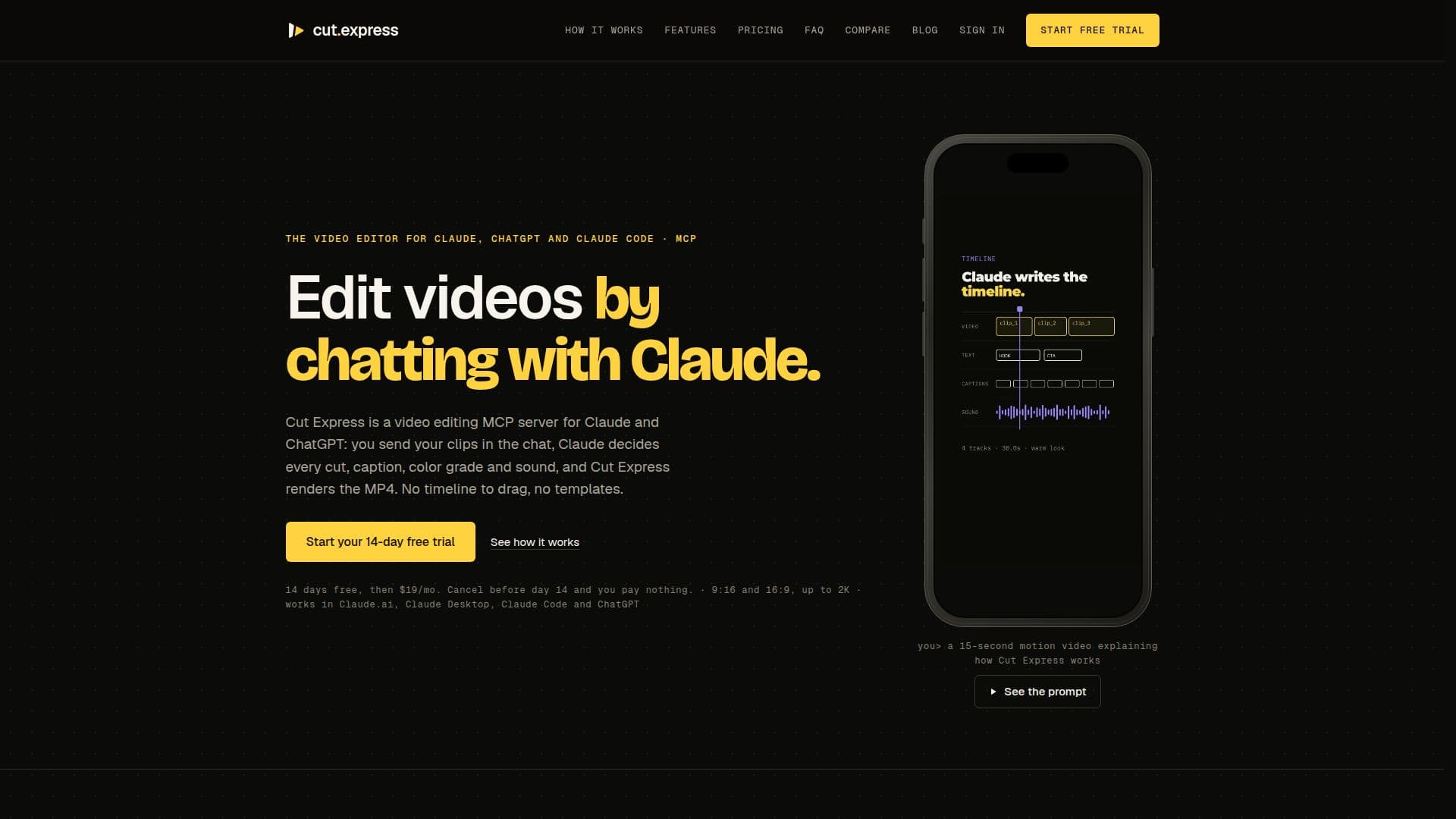
Cut Express is a video editing platform that works seamlessly with Claude and ChatGPT. It allows users to edit videos by simply chatting with Claude, who makes all the editing decisions based on the user's instructions. Users can send their video clips through the chat interface, and Claude will decide on every cut, caption, color grade, and sound effect. Cut Express then renders the final MP4 video.
Read More
The platform offers two pricing plans: Pro at $19 per month and Ultra at $49 per month, both starting with a 14-day free trial. The Pro plan includes 60 render minutes per month and 200 credits for audio AI, while the Ultra plan offers 180 render minutes and 500 credits. Render minutes refer to the total length of videos rendered each month, and credits are used for voice-overs, sound effects, and transcripts.
Cut Express supports various video formats and qualities, including 9:16 for Reels, Shorts, and TikTok, and 16:9 for YouTube. The Pro plan renders videos in 1080p, while the Ultra plan also supports 2K resolution. Users can perform simple edits like trimming, adding captions, or converting horizontal videos to vertical formats with just a sentence.
The platform is designed to work without the need for additional software like Remotion or FFmpeg, as all rendering is done on Cut Express's servers. It supports integration with Claude.ai, Claude Desktop, Claude Code, and ChatGPT, making it accessible across different platforms. Users can also recreate videos by dropping a reference reel next to their clips, allowing Claude to rebuild it with their footage.
Overall, Cut Express offers a unique approach to video editing by leveraging AI to handle the editing process, allowing users to focus on providing creative input rather than technical execution.
- CategoryAI Video Editors
- Pricing ModelSubscription
- DeploymentCloud
- PlatformsClaude.ai, ChatGPT
Cut Express's Core Features
AI-driven video editing
Integration with Claude and ChatGPT
14-day free trial
Pro and Ultra pricing plans
Supports 9:16 and 16:9 formats
1080p and 2K rendering
Simple edits with chat commands
No additional software required
How to use Cut Express?
Configure: Connect Cut Express to Claude
Upload: Send video clips through the chat
Edit: Describe the desired edits in chat
Render: Receive the final MP4 video
Cut Express's Use Cases
- Social Media Clips
- YouTube Videos
- Podcast Highlights
- Gameplay Shorts
- Corporate Presentations