
Description
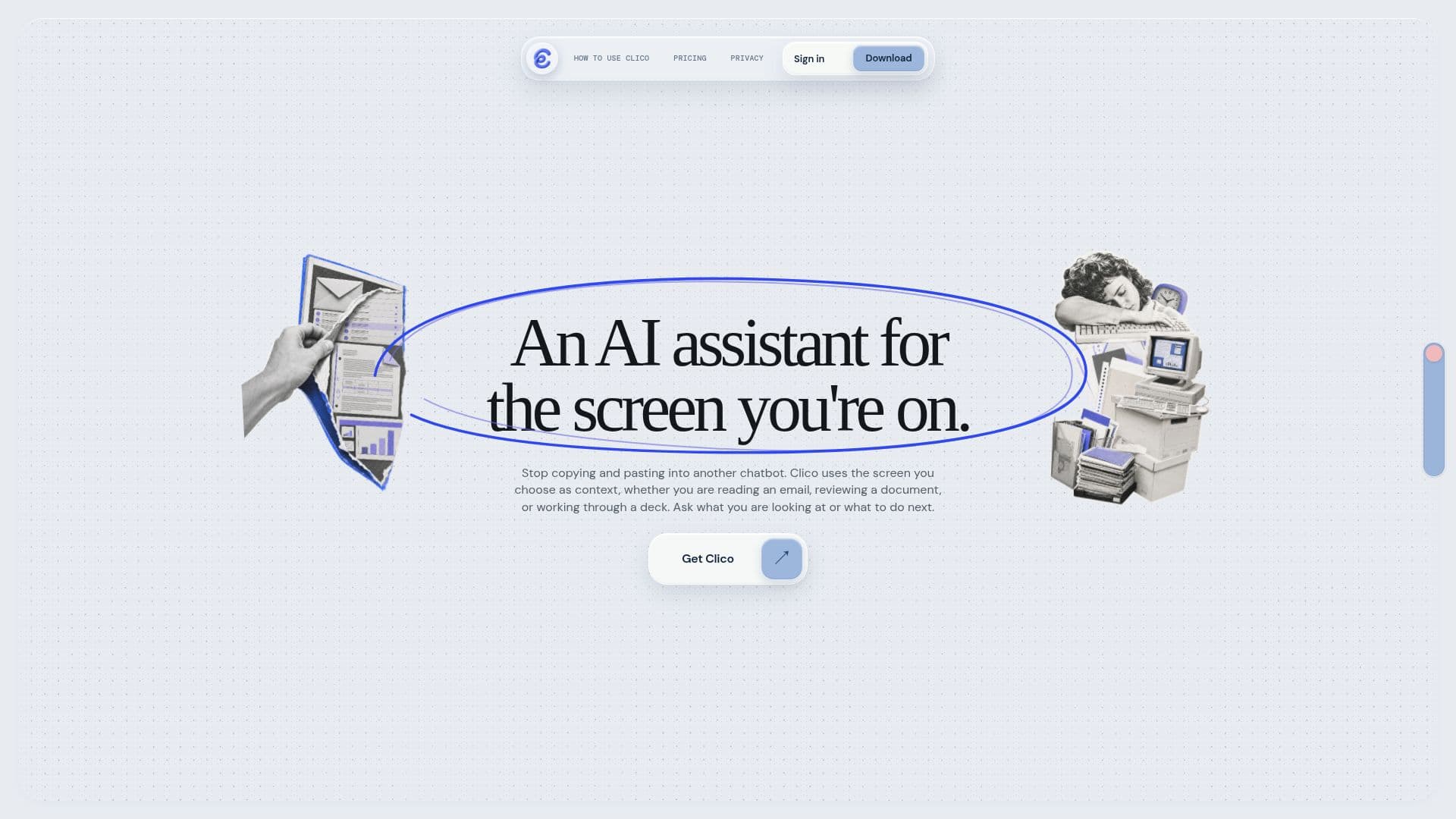
Clico started as a screen-reading assistant and has since become a broader AI studio. Its current product line spans Clico Web (a browser-based workspace), Clico Desktop (a Mac app) and a Chrome extension, all built around one continuous conversation that can research, generate images, edit photos and produce short videos.
Read More
Deep Research inside Clico Web takes a plainly worded question, searches the public web from more than one angle, opens relevant pages, checks them against a user's own uploaded files, and keeps source citations attached to the answer. Users can add PDF, DOCX, PPTX, TXT, MD, CSV and XLSX files (up to ten attachments, eight MB each, twenty MB combined) for Clico to read alongside its web research.
For visuals, Clico can generate images and finished MP4 videos from a text prompt or from up to five selected reference images, letting a user specify what to keep or change, such as subject, style, setting or composition. Image requests can return up to four finished outputs, and results download without a watermark. Video generation runs as a background render job; a user can leave the conversation and come back once the file is ready. The Chrome extension adds a way to pull an image or video straight from a page being browsed and turn it into a reusable generation prompt.
Clico routes requests across a catalog of third-party models from multiple providers, and shows in its model picker which ones can read images, PDFs, audio or video. A free plan includes 200 monthly credits and a standard model selection; the Pro plan, at $19.90 a month, raises that to 2,000 monthly credits and access to the full current model catalog with faster routing; a Max plan raises the monthly credit allowance further for heavier use. Annual billing is available on paid plans.
Clico suits people who want research, image editing and short video generation in one ongoing conversation rather than switching between separate tools, and who value being able to reopen and continue a saved conversation later. Clico's own FAQ notes that model access, exact credit costs and available tools can change over time, so current details are best checked inside the app.
- CategoryAI Image Generators
- Pricing ModelFreemium
- DeploymentCloud
- PlatformsMac, Chrome
Clico's Core Features
Deep Research mode that searches the web from multiple angles and keeps citations linked to claims
Reads uploaded PDF, DOCX, PPTX, TXT, MD, CSV and XLSX files alongside web research
Generates images from a text prompt or up to five reference images
Edits an uploaded photo in natural language while keeping a chosen subject or composition
Produces finished MP4 videos as a background render job, viewable when ready
Downloads images and videos without a watermark
Available as Clico Web, a Mac desktop app and a Chrome extension sharing one account
Chrome extension turns any image or video found on a page into a reusable creation prompt
Model picker spanning multiple current providers, with per-model input support shown before you send
Shareable conversation links that bundle messages, sources and generated media on one page
How to use Clico?
Open Clico: Start in Clico Web, install Clico Desktop, or add the Chrome extension.
Ask or upload: Type a research question or drop in reference files and images.
Generate or edit: Request an image or video from a prompt, or ask Clico to edit an uploaded photo.
Review sources: Check the cited pages and files behind any research answer before using it.
Pick up later: Reopen a saved conversation to continue, summarize or rework the result.
Upgrade for more: Move to Pro or Max for more monthly credits and full model access.
Clico's Use Cases
- Web research with citations
- Prompt or reference-based image generation
- Short video generation
- Page-to-prompt capture