
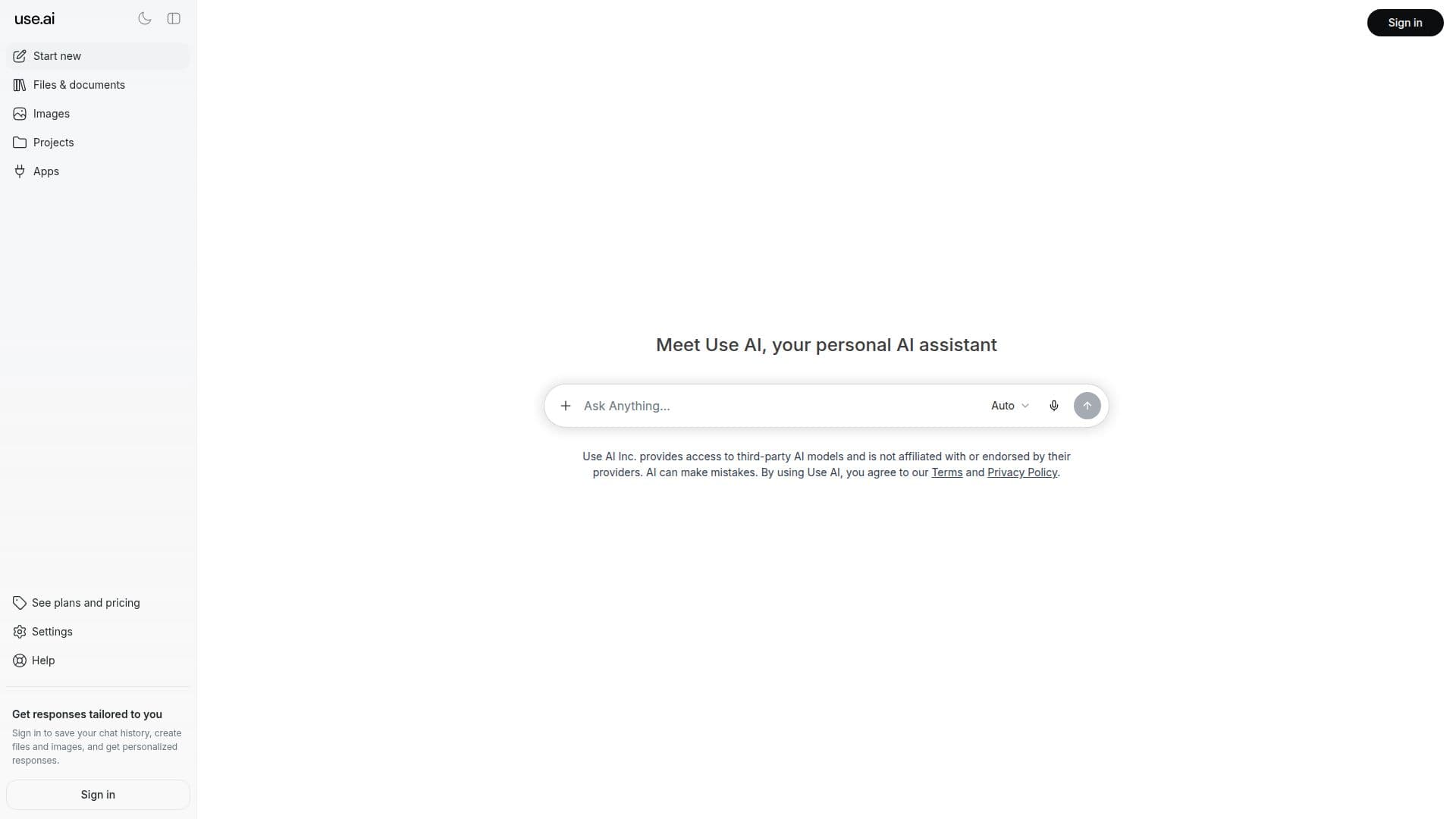
Description
Use AI is an AI workspace that brings leading models from multiple labs together in one app, so users can chat, research the web, and get work done without separate accounts or subscriptions. New flagship models are typically added within 24 hours of becoming available to the public, and users can switch models mid-chat.
Read More
Beyond chat, Use AI includes image generation with the latest models, a Deep Research feature that scans hundreds of web sources and builds structured reports with citations, and the ability to create documents, slides, and sheets. Projects and knowledge bases keep related chats, files, and instructions together as context.
AI agents and connectors link Use AI to 100+ apps such as Notion, Slack, and Gmail, letting agents search connected tools, browse the web, and complete multi-step tasks with the user's permission. Adjustable reasoning effort lets models think longer on complex questions.
Use AI offers Free, Pro, and Max plans, with a 7-day introductory trial of Pro in eligible regions. Each plan includes a daily usage allowance that resets at midnight, and Max provides 5x the daily usage and up to 1,000 sources per Deep Research report. It is available on web, desktop, and iOS, with Android coming soon.
- Pricing ModelFreemium
- DeploymentCloud
- PlatformsWeb, iOS
Use AI's Core Features
Access to 25+ leading AI models in one workspace
Switch models mid-chat
Deep Research with cited reports across up to 1,000 sources
Image generation with the latest image models
Create documents, slides, and sheets
Projects and knowledge bases for organized context
AI agents and 100+ app connectors including Notion, Slack, and Gmail
Adjustable reasoning effort for complex tasks
How to use Use AI?
Choose a plan: Start on Free or try Pro with the 7-day introductory trial.
Pick a model: Select from the available leading models and start a chat.
Add context: Create projects and knowledge bases with your files and instructions.
Run research or create: Use Deep Research, generate images, or create documents and slides.
Connect apps: Link connectors and let AI agents complete multi-step tasks with your permission.
Use AI's Use Cases
- Multi-model chat
- Web research
- Document creation
- Workflow automation
- Image generation