


Description
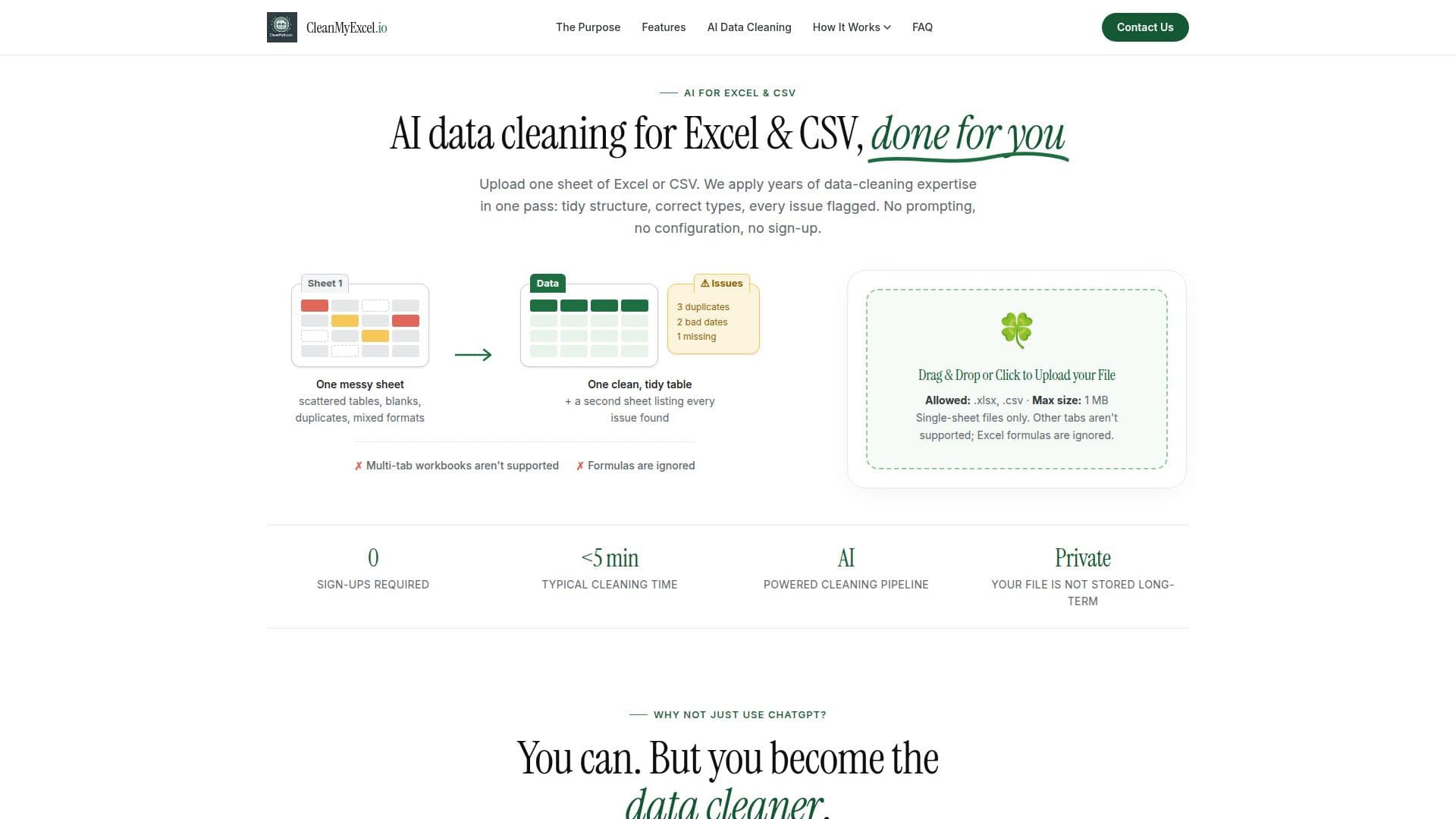
CleanMyExcel.io is an AI-powered tool designed to clean and organize Excel and CSV data efficiently. Users can upload a single sheet of data, which the AI processes to create a tidy table and an accompanying issues report. The tool identifies scattered tables, blanks, duplicates, mixed formats, and other inconsistencies, reshaping them into a well-structured table ready for analysis. It automatically assigns appropriate data types using statistical and semantic inference, ensuring data quality and consistency.
The service is free for single-sheet files up to 1 MB, with no sign-up or installation required. Users receive their cleaned data and issues report via email. CleanMyExcel.io offers a Pro plan for $19 per month, which supports multi-sheet workbooks, evaluates Excel formulas, and processes larger files with priority.
CleanMyExcel.io is ideal for users who need quick and reliable data cleaning without the complexity of traditional tools. It compares favorably to other solutions like ChatGPT, OpenRefine, and Power Query, offering a deterministic and fast cleaning process with no learning curve. The tool is particularly useful for data practitioners who spend significant time on data cleaning, as it reduces manual work and provides a structured, analysis-ready output.
CleanMyExcel.io's Core Features
AI-powered data cleaning
Excel and CSV support
Tidy table formatting
Data validation and issues report
No sign-up required
Free for single-sheet files
Pro plan available
Semantic inference for data types
Issues audit included
Deterministic cleaning process
Email delivery of results
Handles mixed data types
Corrects invalid formats
Detects duplicate rows
Reshapes scattered tables
How to use CleanMyExcel.io?
Upload: Drag and drop your file
AI processes: Automatic cleaning
Receive: Get tidy table and report
Analyze: Use cleaned data
CleanMyExcel.io's Use Cases
- Data cleaning
- Duplicate detection
- Format correction
- Type normalization
- Issues reporting