
Description
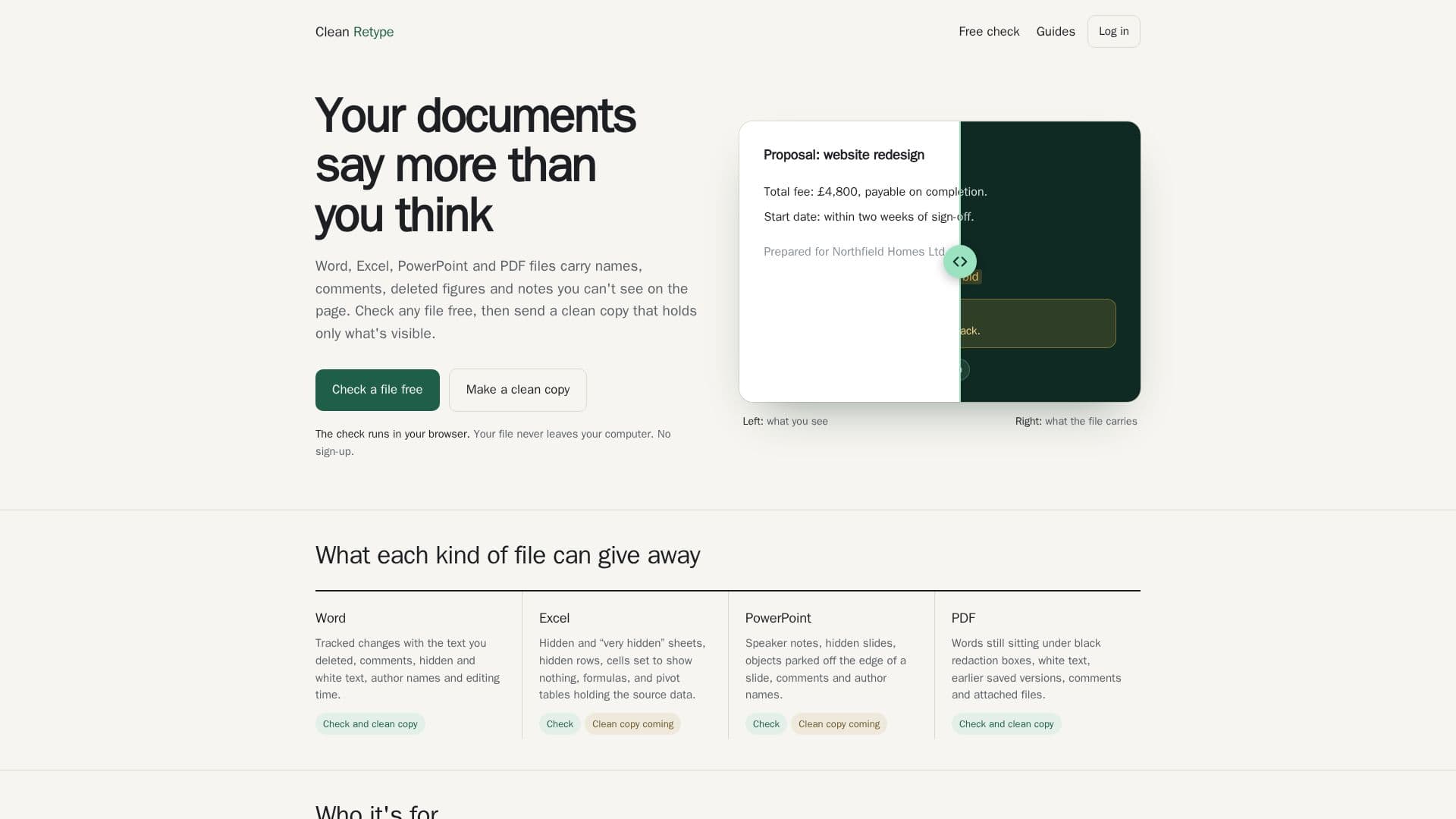
Clean Retype is a tool designed to help users identify and remove hidden data from documents such as Word, Excel, PowerPoint, and PDF files. This includes hidden names, comments, deleted text, and notes that are not visible on the page. The process is conducted entirely within the user's browser, ensuring privacy as files are not uploaded to any server. Users can check their documents for free and receive a clean copy that retains only the visible content.
Read More
The tool is particularly useful for professionals such as recruiters, HR personnel, solicitors, legal teams, letting agents, and freelancers who need to ensure that sensitive information is not inadvertently shared. For instance, recruiters can spot hidden text in CVs before sending them to clients, while legal teams can verify that redactions in documents are effective.
Clean Retype offers a free trial for the first three documents, with no credit card required. Users can opt for a pay-as-you-go model, purchasing 10 documents for £6.99, or subscribe to a monthly plan that allows for unlimited document processing, up to 300 per month. Team plans are also available for up to five users, with larger teams accommodated upon request.
The tool works by reading each page as if it were a printout, then retyping the content into a new document. This ensures that only the visible text is retained, and any hidden data is left behind. Users receive a report detailing what was removed, providing proof of a clean copy. Clean Retype also removes hidden AI labels, ensuring that documents do not inadvertently reveal AI assistance.
Overall, Clean Retype provides a reliable solution for ensuring document privacy and integrity, making it an essential tool for professionals who handle sensitive information.
- CategoryAI Document & PDF Tools
- Pricing ModelFreemium
- DeploymentBrowser
- PlatformsWeb
Clean Retype's Core Features
Document privacy assurance
Hidden data detection
Free trial for 3 documents
Pay-as-you-go and subscription plans
Team plans available
Browser-based processing
Detailed removal reports
AI label removal
How to use Clean Retype?
Upload: Select a Word or PDF file
Process: Document is read and retyped
Download: Receive the clean copy
Review: Check the removal report
Clean Retype's Use Cases
- Recruitment
- Legal
- Property Management
- Consulting
- Education