Description
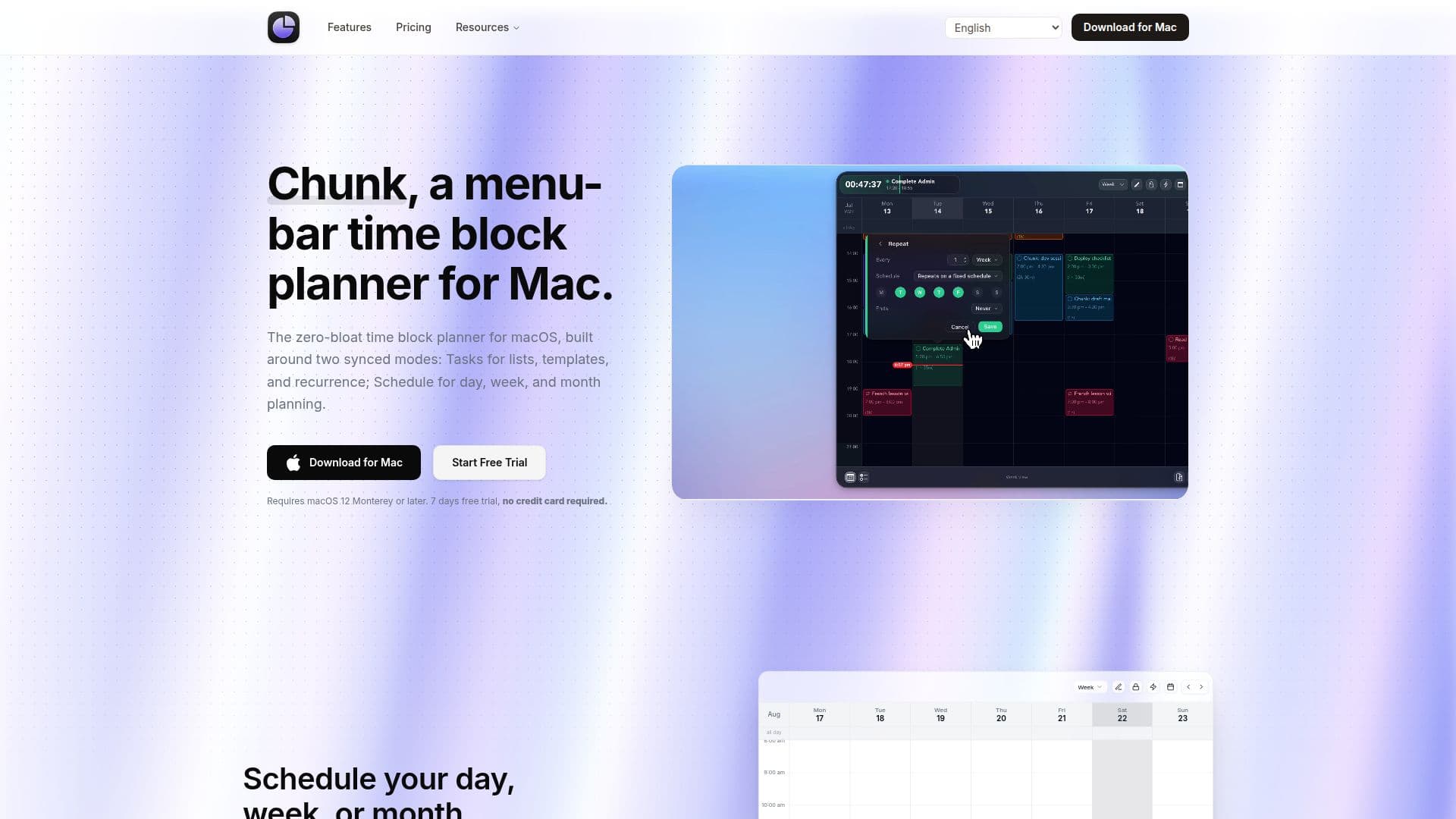
Chunk is a distraction-free, menu-bar time-blocking planner for macOS. It helps you map your day, protect focus, and move from task to task without ever stealing the screen. You plan in two synced modes: Tasks, for smart lists, custom lists, Apple Reminders, recurring tasks, and reusable template lists; and Schedule, for day, week, and month calendar views. A live countdown stays visible in the system tray as you work, and the panel floats above every window, including fullscreen apps, so you never break flow to check your schedule.
Read More
Chunk offers full two-way sync with Google Calendar, Outlook, and Apple Calendar. You can drag to move or resize external events straight from Chunk and the change syncs back, with a lock toggle to freeze external events as read-only. Reusable template lists let you build a day once, give it a daily, weekly, monthly, or yearly rule, and apply the whole template or drag single blocks onto Schedule. When a block ends, a fullscreen alert helps you transition by marking the task complete or rescheduling on the spot, and an analytics dashboard tracks planned hours, completions, and follow-through over 7, 30, and 90-day ranges.
Chunk is privacy-focused: your schedule is stored locally on your Mac and never kept on the developer's servers, with optional cross-device sync moving privately through your own iCloud account. It also ships an optional local MCP server so Claude can read your schedule and create, move, or delete events and tasks entirely on-device. Chunk is a native app for Apple Silicon and Intel Macs (macOS 12+), with a 7-day free trial and a one-time $19.99 lifetime license (or $44.99 family), no subscription.
- CategoryAI Scheduling Tools
- Pricing ModelPaid
- DeploymentDesktop app
- PlatformsmacOS
Chunk's Core Features
Menu-bar time-block planner for macOS
Two synced modes: Tasks (lists, recurrence) and Schedule (day, week, month)
Two-way sync with Google, Outlook, and Apple Calendar
Reusable recurring template lists
Fullscreen alerts to complete or reschedule when a block ends
Live tray countdown and a panel that floats over fullscreen apps
Optional local MCP integration with Claude, on-device
Local data storage with private iCloud cross-device sync
How to use Chunk?
Install on your Mac: Download Chunk on a macOS 12+ Apple Silicon or Intel Mac and start the free trial.
Connect calendars: Sync Google, Outlook, and Apple Calendar with two-way updates.
Build your tasks: Create smart or custom lists, import Apple Reminders, and set up recurring templates.
Block your day: Drag tasks onto the Schedule timeline in day, week, or month view.
Stay on track: Watch the tray countdown and use fullscreen alerts to complete or reschedule blocks.
Chunk's Use Cases
- Time-block your workday
- Reuse daily routines
- Stay focused with alerts
- Plan by talking to Claude