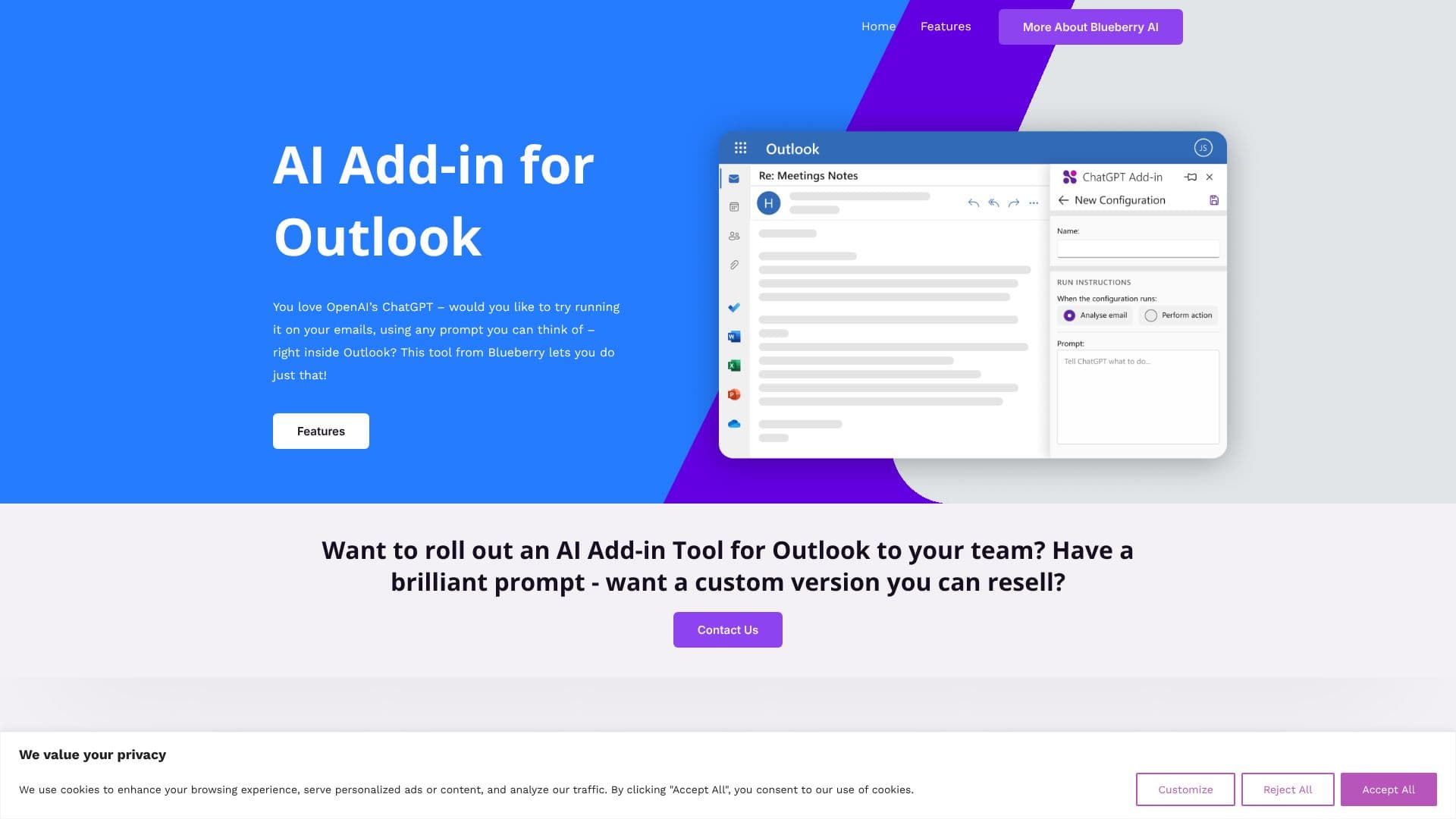
Description
The ChatGPT for Outlook Add-in, developed by Blueberry Consultants, allows users to leverage the power of OpenAI's ChatGPT directly within their Microsoft Outlook environment. This tool enables you to run ChatGPT on incoming messages in your inbox or while drafting new emails, using any prompt you can imagine.
Read More
Key capabilities include the ability to generate custom prompts for tasks such as creating relevant summaries or highlights from emails. Users can choose to process entire emails or specific sections, focusing on the most critical information. The output can be displayed in a separate window for easy comparison, with an option to replace the original email body. Potential uses involve quickly identifying important information and automatically updating email importance, such as marking emails as important or flagging them as high priority.
The add-in also supports managing multiple configurations for different email scenarios, including matching conditions, prompts, and display preferences. For businesses, Blueberry Consultants offers a solution to roll out this AI Add-in Tool to their teams. They can create custom versions tailored to a specific 365 domain with custom prompts. Furthermore, businesses or individuals with a unique prompt can commission a custom version of the add-in for resale, turning a good idea into a potentially profitable business. This custom solution involves providing your LLM prompt and API key, with Blueberry creating a resalable add-in for unlimited users or internal business efficiency improvements, delivered at a fixed price.
Blueberry Consultants, the developer, is a custom software development company established in 1997, with expertise in Microsoft technologies and a history as an Amazon Web Services specialist. It's important to note that while this plugin uses ChatGPT technology, it is not affiliated with OpenAI or Microsoft. Outlook is a registered trademark of Microsoft, and Blueberry is a Microsoft Partner.
- CategoryAI Email Assistants
- Pricing ModelCustom
- DeploymentAdd-in
- PlatformsOutlook
ChatGPT for Outlook's Core Features
Run ChatGPT on inbox messages
Use ChatGPT while composing new emails
Create custom prompts for email summarization
Generate highlights from email content
Process entire emails or specific parts
Filter information by body, subject, or attachments
Display AI output in a separate window
Option to replace original email body with AI output
Automatically update email importance based on AI output
Manage multiple configurations for different scenarios
Team deployment options for organizations
Custom add-in versions for resale
Integration with LLM prompts and API keys
How to use ChatGPT for Outlook?
Install the Add-in: Download and install the ChatGPT for Outlook Add-in.
Select an Email: Open an email in your inbox or start composing a new one.
Define Your Prompt: Enter your custom prompt in the add-in interface.
Process Content: Choose to process the entire email or specific sections.
Review Output: View the generated summary or highlights in a separate window.
Apply Changes: Optionally replace the original email content or update email importance.
ChatGPT for Outlook's Use Cases
- Email Summarization
- Information Extraction
- Drafting Assistance
- Importance Flagging
- Team Productivity
- Custom Business Solutions