Description
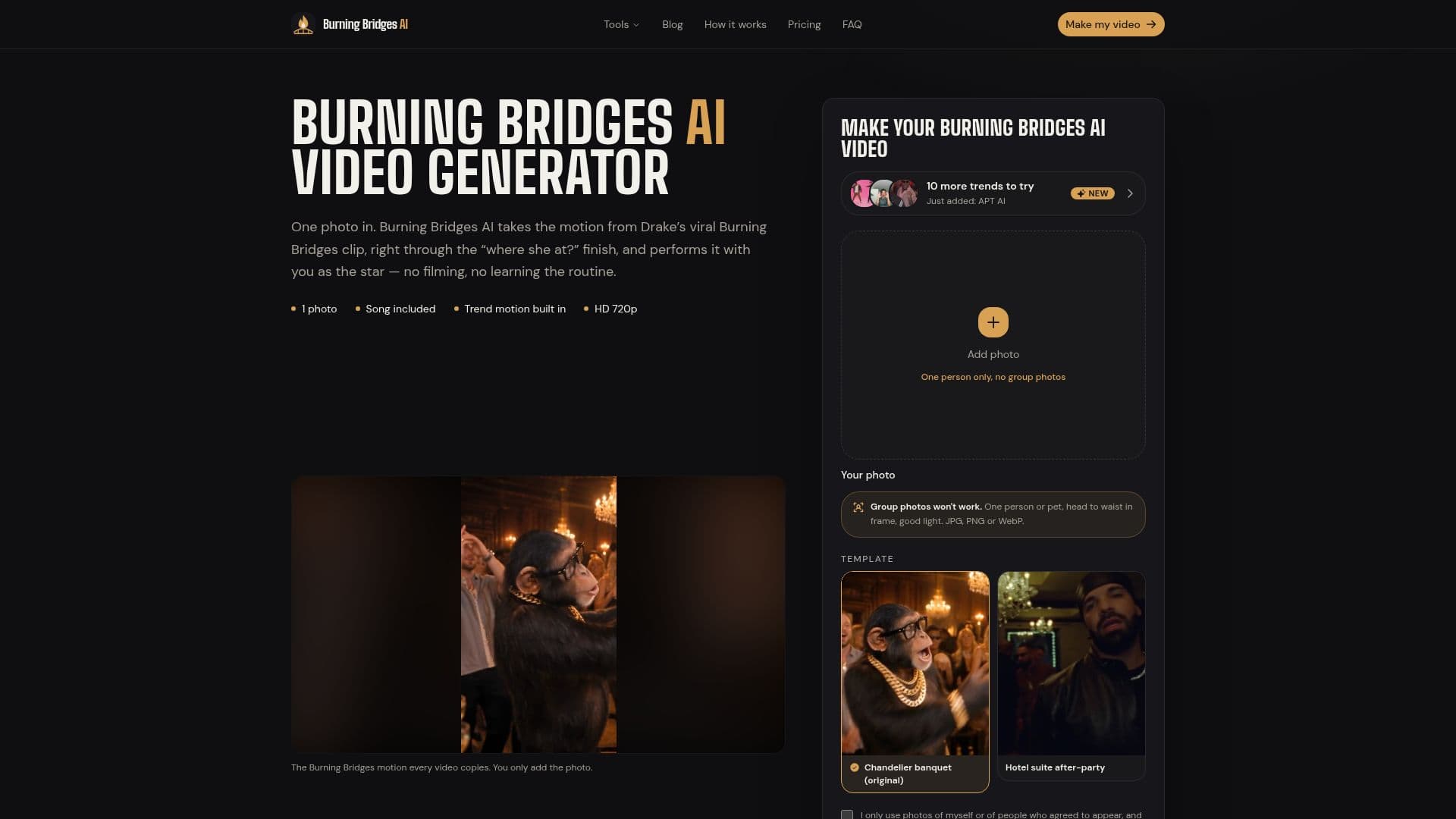
Burning Bridges AI is an innovative online tool that enables users to create personalized videos based on the viral Drake 'Burning Bridges' trend. By uploading a single photo, users can generate a video that features themselves or their pets in the iconic clip, complete with the trend's soundtrack. The tool is designed to be user-friendly, requiring no app download or complex editing skills. Simply upload a photo, and the AI will seamlessly integrate your likeness into the video, maintaining the original scene's motion and soundtrack.
Read More
The service is accessible via any web browser on iPhone, Android, or desktop, making it convenient for users to create and share videos on platforms like TikTok, Instagram Reels, and YouTube Shorts. Each video is rendered in HD (720p) and costs 100 credits, with credit packs starting at $9.90 for one video. Credits are valid for 12 months, and users only pay for successfully completed videos, with automatic refunds for any failed attempts.
Burning Bridges AI is ideal for individuals looking to participate in the 'Burning Bridges' trend without the need for filming or learning the routine. The tool is not affiliated with Drake or his label, ensuring users can enjoy creating their own unique take on the trend. The AI technology used in the tool redraws the user's face in each frame, providing a realistic and engaging video experience. Users are encouraged to upload clear, well-lit photos for the best results.
Overall, Burning Bridges AI offers a fun and accessible way for users to engage with popular video trends, providing a creative outlet for self-expression and social media content creation.
- CategoryAI Video Generators
- Pricing ModelOne-time purchase
- DeploymentCloud
- PlatformsWeb
Burning Bridges AI's Core Features
Create personalized videos from one photo
Includes Drake's 'Burning Bridges' soundtrack
HD 720p video output
Browser-based, no app download required
One-time credit packs, no subscription
Automatic credit refunds for failed videos
Supports iPhone, Android, and desktop
User-friendly interface with no editing needed
How to use Burning Bridges AI?
Upload: Add a clear photo of one person or pet
Generate: Press Generate to start video creation
Download: Save the finished video to your device
Share: Post the video on TikTok, Reels, or Shorts
Burning Bridges AI's Use Cases
- Social Media Content
- Personalized Videos
- Trend Participation
- Creative Expression
- Event Promotion