Description
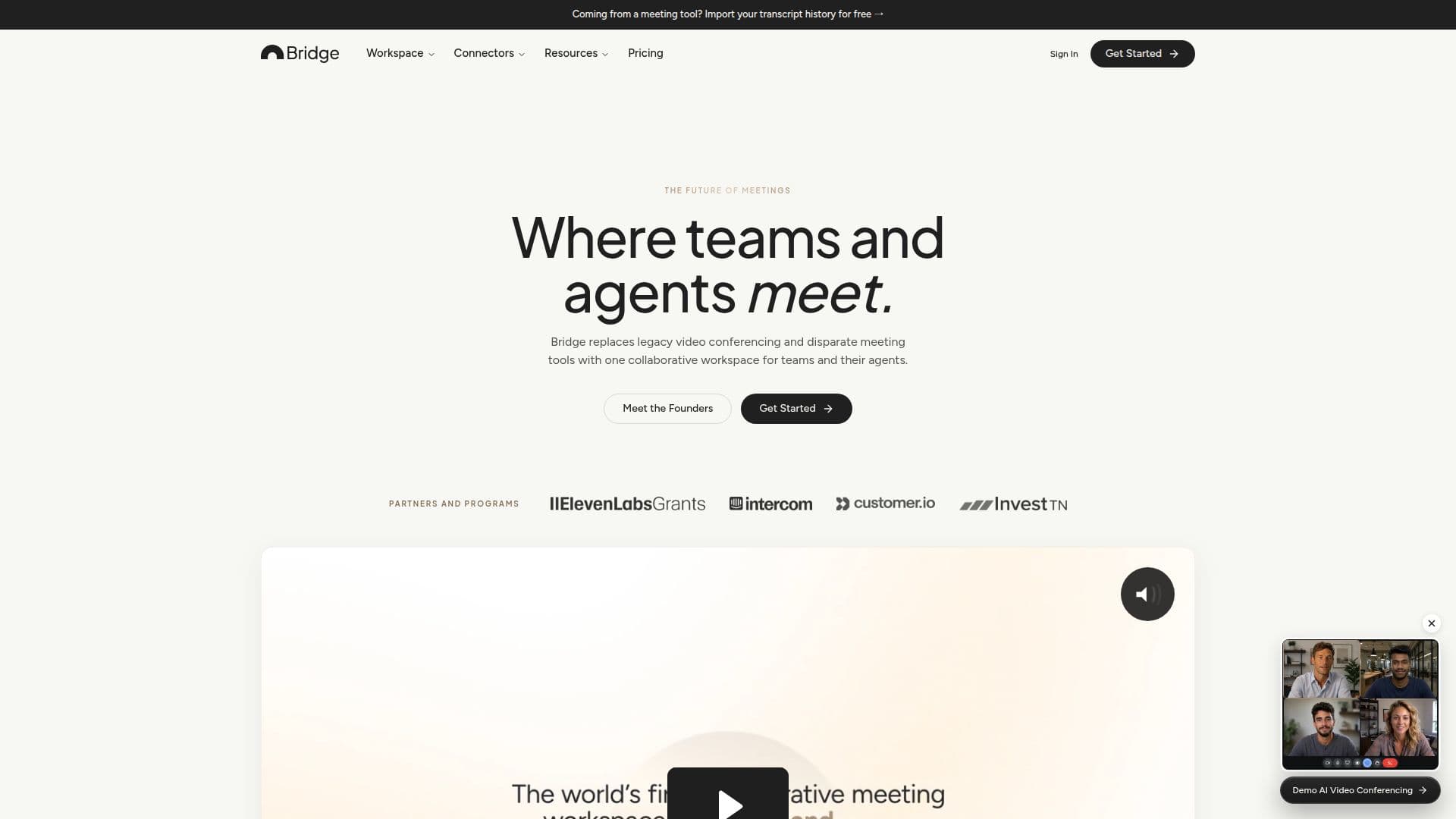
Bridge is presented as the world's first meeting platform for the agentic era, integrating AI-native video conferencing, meeting intelligence, and collaborative AI agents into a single workspace. This platform allows people and AI to meet and work together as true collaborators, offering a modern alternative to legacy tools like Zoom, Google Meet, and Microsoft Teams.
Read More
The platform's core functionality includes hosting AI-native video meetings, capturing calls from various external platforms, and generating AI notes and transcripts. It also facilitates working with AI agents on shared meeting contexts. Bridge distinguishes itself from typical AI notetakers by offering comprehensive features such as AI-native meeting hosting, custom agents that can take action, live AI during meetings, automatic meeting preparation, and advanced app connectors.
Bridge supports various meeting formats, including remote, hybrid, and in-person sessions. Users can capture conversations directly from their computer or phone for in-person or hybrid meetings. For virtual meetings, Bridge can either replace an existing video conferencing platform or complement it by capturing calls from other services. The platform offers a bot-free capture experience on Apple Silicon Macs via its desktop app, or users can add a Bridge Agent to calls on Zoom, Google Meet, and Microsoft Teams.
AI agents within Bridge are customizable digital coworkers that can be created for specific jobs (e.g., sales, customer service, product, recruiting) or custom use cases (e.g., daily briefing, live fact-checker). These agents operate privately within a workspace based on assigned instructions, permissions, rules, and triggers. They can join meetings, see participants and screen shares, hear conversations, and take action using integrated tools and context. Bridge also provides an MCP (Meeting Context Platform) to bring meeting context into existing AI agents like Claude and ChatGPT.
Security is a key focus, with Bridge offering enterprise-grade security, Google CASA certification, and GDPR and CCPA compliance. Customer data is end-to-end encrypted, never used to train public models, and never sold to unauthorized parties. Bridge offers a free Starter plan with limits on participants and meeting duration, alongside Professional, Business, and Enterprise paid plans that unlock unlimited meeting history, custom agents, expanded live AI, and advanced connectors. Pricing is per-user per month, with annual billing options and a 14-day free trial for premium features.
- CategoryAI Meeting Assistants
- Pricing ModelFreemium
- DeploymentCloud
- PlatformsWeb, Apple Silicon Macs (Desktop App)
Bridge's Core Features
Host AI-native video meetings
Capture meetings from Zoom, Google Meet, Microsoft Teams, Slack Huddles, Webex, GoTo Meeting
Generate AI notes and transcripts with speaker labels
Collaborate with customizable AI agents
Access live AI assistance during meetings
Automate meeting preparation
Maintain structured, agent-ready memory of people and companies
Integrate with calendars, emails, CRMs, and AI tools like Claude and ChatGPT
Support remote, hybrid, and in-person meetings
Provide enterprise-grade security, GDPR, and CCPA compliance
Offer bot-free meeting capture on Apple Silicon Macs
Import meeting history from other platforms like Granola, Fireflies, Fathom
Provide custom meeting organization and workspace context
Offer a free Starter plan with generous video conferencing limits
How to use Bridge?
Start a Meeting: Host an AI-native video meeting directly on Bridge with integrated AI capabilities.
Capture External Meetings: Add the Bridge Agent to Zoom, Google Meet, or Microsoft Teams calls, or use the desktop app for bot-free capture on Apple Silicon Macs.
Record In-Person Conversations: Capture audio from in-person meetings using your computer or phone.
Utilize AI Agents: Create and modify AI agents for specific jobs or custom use cases, setting their instructions, permissions, and triggers.
Integrate Tools: Connect Bridge with calendars, emails, CRMs, and other AI tools to centralize context and automate workflows.
Access Meeting Intelligence: Review AI-generated summaries, key takeaways, action items, and speaker-labeled transcripts in your workspace.
Manage Meeting History: Import past meeting transcripts and notes from platforms like Granola, Fireflies, and Fathom into Bridge.
Customize Workspace: Organize meetings and workspace context to enhance collaboration and agent effectiveness.
Bridge's Use Cases
- AI Meeting Hosting
- Meeting Capture & Transcription
- Automated Meeting Notes
- Custom AI Agent Deployment
- CRM Updates from Calls
- Project Risk Identification
- Post-Meeting Follow-up
- Performance Review Preparation
- User Interview Analysis
- Meeting History Import