Description
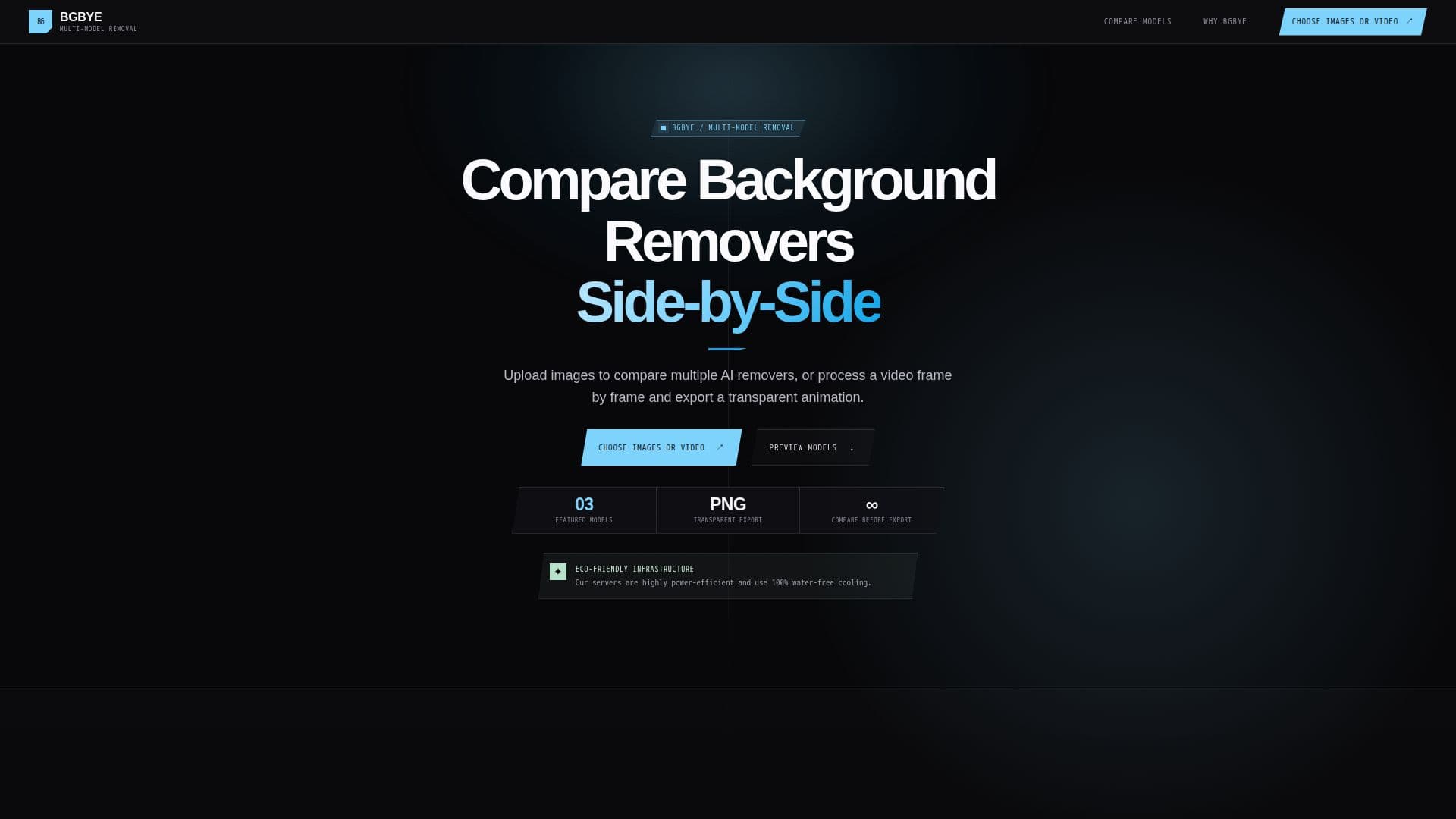
BGBYE is a versatile tool designed to remove backgrounds from images and videos, offering users the ability to compare multiple AI models side-by-side. This feature allows for a detailed inspection of results, ensuring that users can choose the best cutout for their needs. The platform supports both individual image uploads and batch processing, making it suitable for various projects.
Read More
Users can upload a single image, a batch of images, or a video for frame-by-frame background removal. BGBYE provides specialized models that cater to different types of images, from everyday objects to complex edges like hair and fur. This ensures that the final output respects the intricate details that matter.
Once the images or videos are processed, users can inspect the results side-by-side before committing to an export. BGBYE supports exporting transparent PNGs, APNGs, GIFs, or ZIP archives, providing flexibility in how users manage their assets.
BGBYE operates on a freemium model, allowing users to try the workflow for free before opting for supporter tiers that contribute to continued development. Privacy is a key focus, with images processed in memory and discarded immediately after processing. The infrastructure is energy-efficient, using water-free cooling systems.
Ideal for designers, photographers, and content creators, BGBYE simplifies the background removal process while offering high-quality results. Its user-friendly interface and robust capabilities make it a valuable tool for anyone looking to enhance their digital assets.
- CategoryBackground Removers
- Pricing ModelFreemium
- DeploymentCloud
- PlatformsWeb
BGBYE's Core Features
Multi-model comparison
Fine-edge, hair, and fur quality
Image batch processing
Transparent video export
Side-by-side inspection
Full-resolution exports
Freemium pricing model
In-memory processing
How to use BGBYE?
Upload: Bring in images or videos
Choose Models: Select specialized approaches
Compare: Inspect results side-by-side
Export: Save as PNG, APNG, GIF, or ZIP
BGBYE's Use Cases
- Image Editing
- Video Processing
- Design Projects
- Content Creation
- Photography