
Description
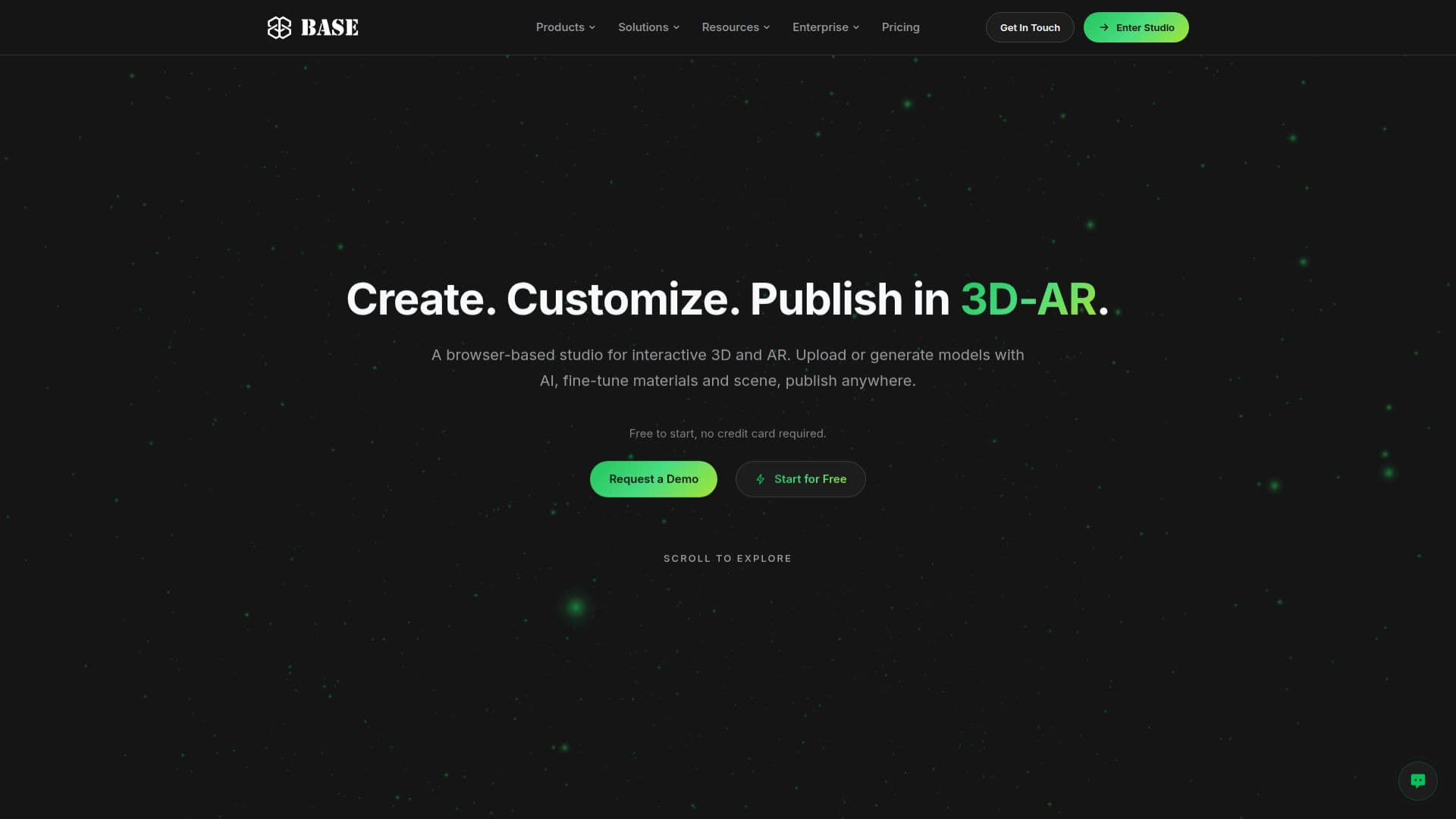
BASE 3D-AR Studio, developed by BASE BROS, is a comprehensive browser-based platform designed for creating and publishing interactive 3D and augmented reality (AR) experiences. It caters to a wide range of users, including e-commerce businesses, retailers, manufacturers, web designers, 3D artists, developers, and students, enabling them to showcase products and objects in immersive ways.
Read More
The studio's core functionality revolves around its AI-WebGPU powered environment. Users can either upload existing .GLB 3D models (up to 75 MB per file, 5 files per batch) or leverage the integrated AI 3D model generation. This AI capability supports both text-to-3D and image-to-3D generation, utilizing six different AI engines: Meshy, Tripo, Rodin, Hunyuan, TRELLIS, and Pixal3D. AI-generated models are automatically optimized with balanced triangle reduction, WebP textures at 2K, and Draco compression, ensuring web-readiness.
Once models are in the studio, the Model Editor allows for real-time material and scene editing. The Page Designer facilitates the creation of live 3D-AR pages, which can be published with embed code for platforms like Shopify, WordPress, and Webflow. These pages offer AR experiences on iPhone (via Apple AR Quick Look) and Android (via WebXR in Chrome) without requiring a dedicated app. For desktop users, an AR button displays a QR code to initiate the AR experience on a phone.
BASE 3D-AR Studio also provides analytics with 12 quick stats, including views, QR scans, AR activations, and 3D interactions, with PDF export options. Models can be downloaded as GLB or USDZ files. For developers, a REST API v2 is available for generation jobs, model management, page settings, publishing, and analytics, with webhooks signed per the Standard Webhooks spec, typically part of an Enterprise plan.
Beyond the self-serve studio, BASE BROS offers custom project services, including 3D product configurators, digital spaces (virtual showrooms), and virtual reality (VR) experiences. The company also provides two free browser tools: Quick View for instant .GLB previews and Model Optimizer for creating lighter .GLB files. Pricing includes a free plan with limited models and a Pro plan billed per model per month, with custom Enterprise options for larger needs.
- Category3D Model Generators
- Pricing ModelFreemium
- DeploymentCloud
- PlatformsWeb (Browser-based)
BASE 3D-AR Studio's Core Features
Browser-based 3D and AR Studio
AI 3D Model Generation (Text to 3D, Image to 3D)
Six AI Engines for 3D Generation: Meshy, Tripo, Rodin, Hunyuan, TRELLIS, Pixal3D
Upload .GLB 3D Models (up to 75 MB per file, 5 files per batch)
Real-time Material and Scene Editing
Publish Live 3D-AR Pages with Embed Code
AR on iPhone (Apple AR Quick Look) and Android (WebXR) without an app
WebGPU Rendering with WebGL2 Fallback
Automatic Optimization for Uploaded and AI-Generated Models (Draco, WebP)
Analytics Dashboard with 12 Quick Stats and PDF Export
Downloads as GLB or USDZ
REST API v2 for Generation, Models, Publishing, and Analytics (Enterprise)
Free Quick View and Model Optimizer browser tools
Custom 3D Product Configurators (as custom projects)
Digital Spaces (Virtual Showrooms) and VR Experiences (as custom projects)
How to use BASE 3D-AR Studio?
Upload or Generate: Begin by uploading your existing .GLB 3D models or generate new ones using AI from text prompts or images within the studio.
Fine-Tune Scene & Material: Utilize the Model Editor to adjust materials, lighting, and overall scene settings in real time to achieve your desired visual.
Design Your Page: Use the Page Designer to create interactive 3D-AR pages, customizing layout and branding for your product showcase.
Publish Live: Publish your 3D-AR page to generate an embed code, QR code, and public link, making your content accessible on any website or directly via mobile AR.
Share & Embed: Integrate your 3D-AR experience into e-commerce platforms like Shopify or WordPress, or share the public link for instant AR viewing on smartphones.
Monitor Performance: Access the analytics dashboard to track views, AR activations, and 3D interactions, gaining insights into user engagement.
BASE 3D-AR Studio's Use Cases
- E-commerce Product Showcases
- Furniture & Home Decor
- Fashion & Apparel
- Automotive Visualization
- Manufacturing & B2B Demos
- Education & Training
- Marketing & AR Campaigns
- Real Estate & Architecture
- Healthcare & Medical Devices
- Game Studios & 3D Artists