
Description
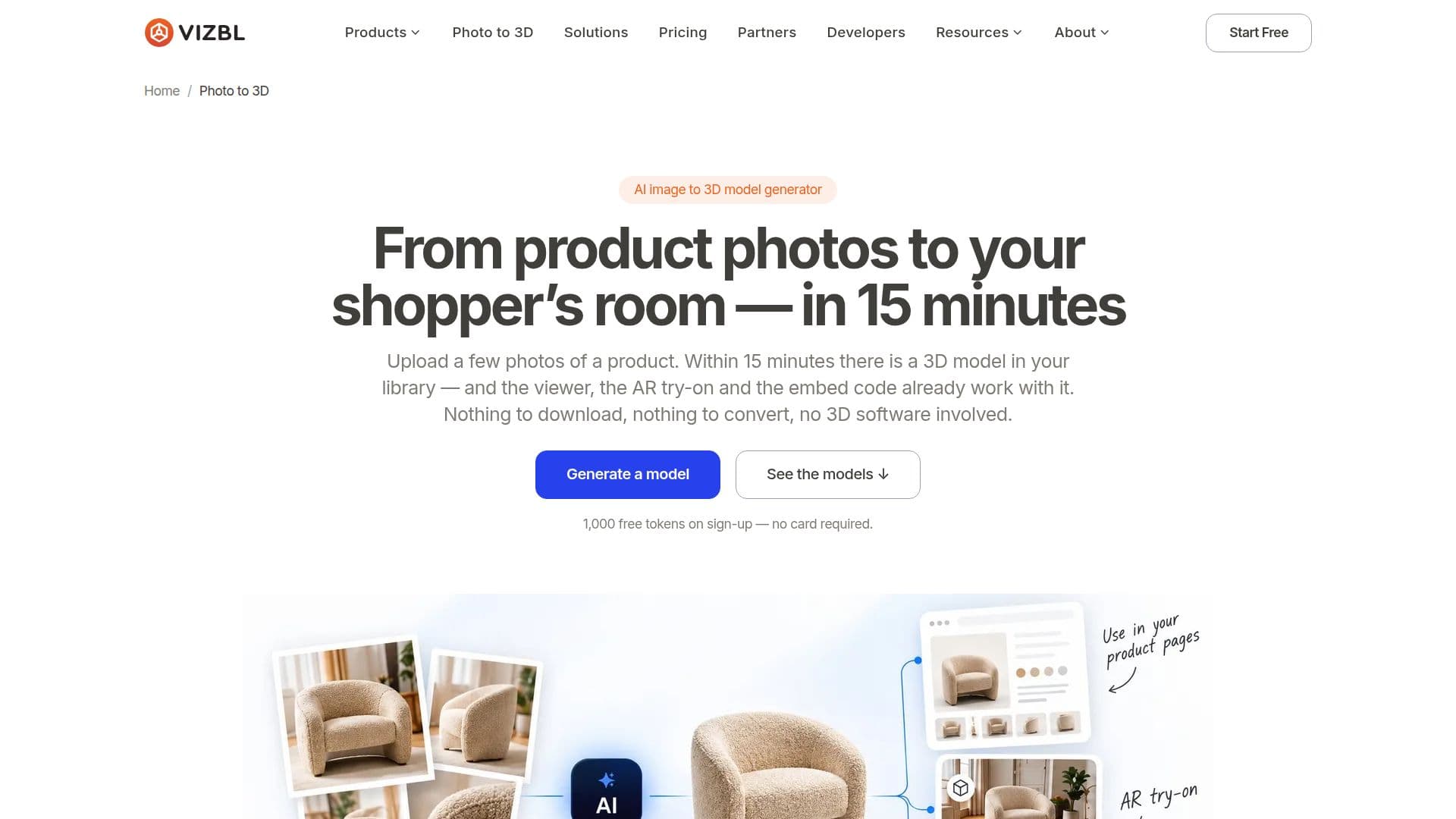
Vizbl Photo to 3D is a tool designed to convert product photos into 3D models efficiently. Users can upload between one to six images of a product, and the AI processes these to create a textured 3D model. The generated models are available in GLB and USDZ formats, which are compatible with web and Apple devices for 3D and AR applications. This tool is particularly beneficial for ecommerce businesses looking to enhance their product displays with interactive 3D models.
Read More
The process is straightforward: users select from two engines, Trellis and Tripo, and choose a quality preset ranging from a quick preview to high detail. The generation time varies from one to fifteen minutes, depending on the chosen settings. Once generated, the model is hosted in the user's library, complete with a 3D viewer, AR try-on, embed code, link, and QR code, all ready for immediate use.
Vizbl Photo to 3D is ideal for products with solid shapes and matte or lightly textured surfaces, such as furniture, lighting, and decor. It is less effective for items with fine details or complex materials like clear glass or brushed metal. Users can edit the models using the built-in 3D editor or download them for further customization in external software.
The service operates on a token-based pricing model. New users receive 1,000 free tokens upon sign-up, with no expiration or subscription fees. The number of tokens required for model generation depends on the engine and quality preset selected. This flexible pricing structure allows users to manage costs effectively while exploring the capabilities of 3D modeling for their products.
- Category3D Model Generators
- Pricing ModelFreemium
- DeploymentCloud
- PlatformsWeb
Vizbl Photo to 3D's Core Features
AI-powered 3D model generation
Supports GLB and USDZ formats
3D viewer and AR try-on included
Embed code and QR code provided
Two engines: Trellis and Tripo
Quality presets: Preview to High
Token-based pricing model
1,000 free tokens on sign-up
Built-in 3D editor for customization
How to use Vizbl Photo to 3D?
Upload: Select one to six product photos
Choose: Pick an engine and quality preset
Generate: Wait for the model to process
Integrate: Use embed code or QR code
Vizbl Photo to 3D's Use Cases
- Ecommerce Product Display
- AR Try-On
- Marketing and Advertising
- Product Customization
- Catalog Enhancement