Description
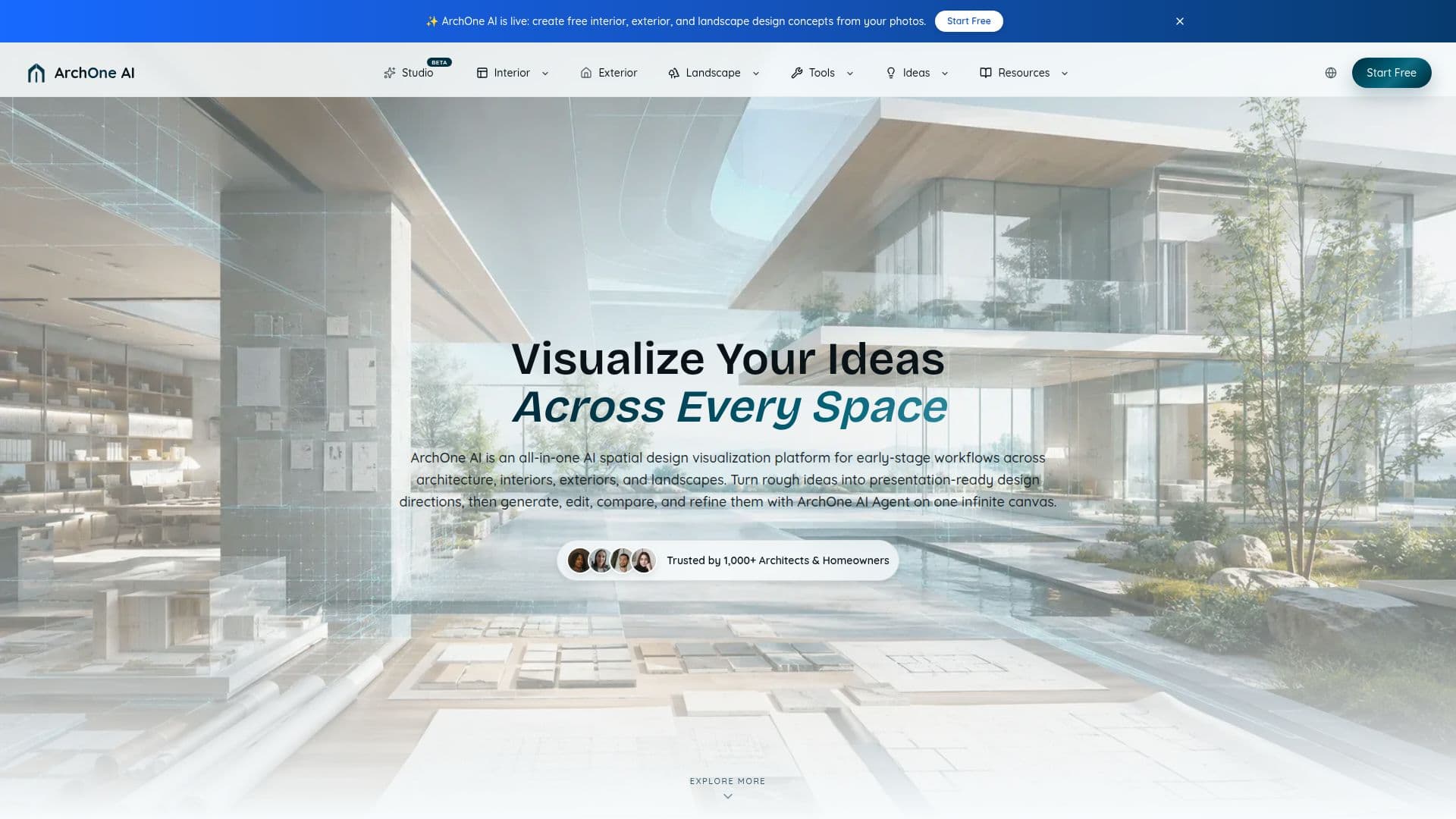
ArchOne AI is an all-in-one AI spatial design visualization platform designed to streamline early-stage workflows in architecture, interiors, exteriors, and landscapes. It allows users to transform photos, sketches, renders, and reference images into visual design options, making it ideal for concept exploration, option comparison, and client communication. The platform is built for architects, interior designers, landscape designers, small studios, and design consultants, but it is also accessible to homeowners, property teams, builders, and remodeling teams.
The core of ArchOne AI is its Studio, which offers an infinite canvas for users to keep source images, references, generated results, and revisions together. The ArchOne AI Agent within the Studio assists in generating new visuals, editing selected results, creating variations, and comparing directions, all while maintaining organization on the canvas. Users have control over the starting images, design direction, and can review proposed steps before execution.
ArchOne AI offers a free trial with 2 credits upon email verification, allowing users to explore its capabilities. Subscription plans, such as Starter, Plus, and Pro, provide ongoing access to the Studio and additional benefits like higher-resolution exports and commercial use rights. The platform emphasizes that its AI-generated concepts are for early visualization and should not be used as technical documentation.
ArchOne AI supports various design workflows, including interior, exterior, landscape, floor plan, and perspective concepts. It is particularly useful for early concept exploration, option comparison, and presentations. However, it is not a substitute for professional review in areas like structure, compliance, and implementation.
ArchOne AI's Core Features
AI spatial design visualization
Early-stage workflow support
Photo, sketch, and render-based visualization
Infinite canvas in ArchOne AI Studio
ArchOne AI Agent for design generation
Free trial with 2 credits
Subscription plans with commercial use
Interior, exterior, and landscape design tools
Concept exploration and option comparison
Client presentation support
Non-technical documentation
Professional review recommended
Flexible pricing options
Priority generation in Pro plan
Multi-project workflows
How to use ArchOne AI?
Upload: Add photos, sketches, or renders
Explore: Use ArchOne AI Studio for design options
Generate: Utilize ArchOne AI Agent for new visuals
Compare: Review and refine design directions
Present: Prepare visuals for client communication
Subscribe: Choose a plan for ongoing access
Optimize: Use credits for high-resolution exports
ArchOne AI's Use Cases
- Interior Design
- Exterior Design
- Landscape Design
- Floor Plan Concepts
- Client Presentations