
Description
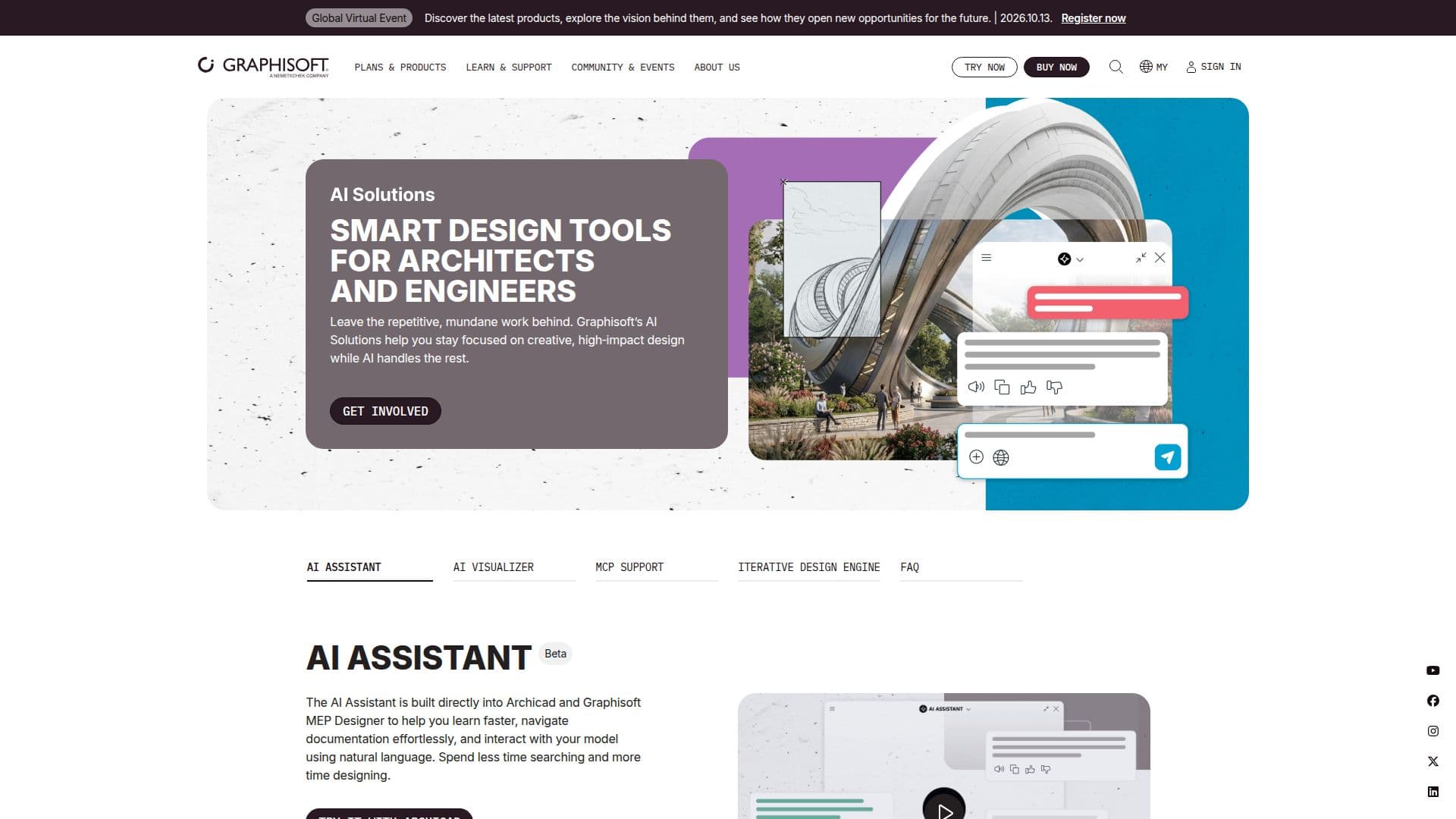
Archicad AI Visualizer is a cutting-edge tool integrated into Archicad 29, designed to enhance the architectural design process through AI-powered visualization. It is included in the Archicad Collaborate and Archicad Studio plans, as well as the MEP Designer Studio and DDScad 21. This tool allows architects to focus on creative, high-impact design while the AI handles the visualization tasks, streamlining the workflow and improving efficiency.
The AI Visualizer automates the generation of visual content, reducing the time and effort required for manual visualization. This integration is particularly beneficial for architects and designers who need to produce high-quality visual representations of their projects quickly and efficiently. By leveraging AI technology, the tool ensures that the visualization process is both accurate and aesthetically pleasing, aligning with the design intent.
Graphisoft, the company behind Archicad AI Visualizer, has a strong heritage in revolutionizing architectural design with its BIM solutions. The AI Visualizer is part of their broader suite of AI solutions aimed at empowering architects to create great architecture through innovative technology. While specific pricing details are not provided, the tool is available through various subscription plans, offering flexibility to meet the needs of different users.
Overall, Archicad AI Visualizer represents a significant advancement in architectural design technology, providing a valuable tool for architects looking to enhance their design capabilities with AI-driven visualization. Its integration into established Graphisoft products ensures seamless adoption for existing users, while its focus on automation and efficiency makes it an attractive option for new users seeking to optimize their design workflows.
Archicad AI Visualizer's Core Features
AI-powered visualization
Integration with Archicad 29
Included in Archicad Collaborate plans
Included in Archicad Studio plans
Automation of visualization tasks
Streamlined design workflow
Focus on creative design
Part of Graphisoft's AI solutions
How to use Archicad AI Visualizer?
Configure: Set up visualization parameters
Use: Generate visual content automatically
Optimize: Adjust settings for desired output
Review: Ensure alignment with design intent
Archicad AI Visualizer's Use Cases
- Architectural Visualization
- Design Workflow Optimization
- Creative Design Focus
- Efficient Project Presentation
- BIM Integration