

Description
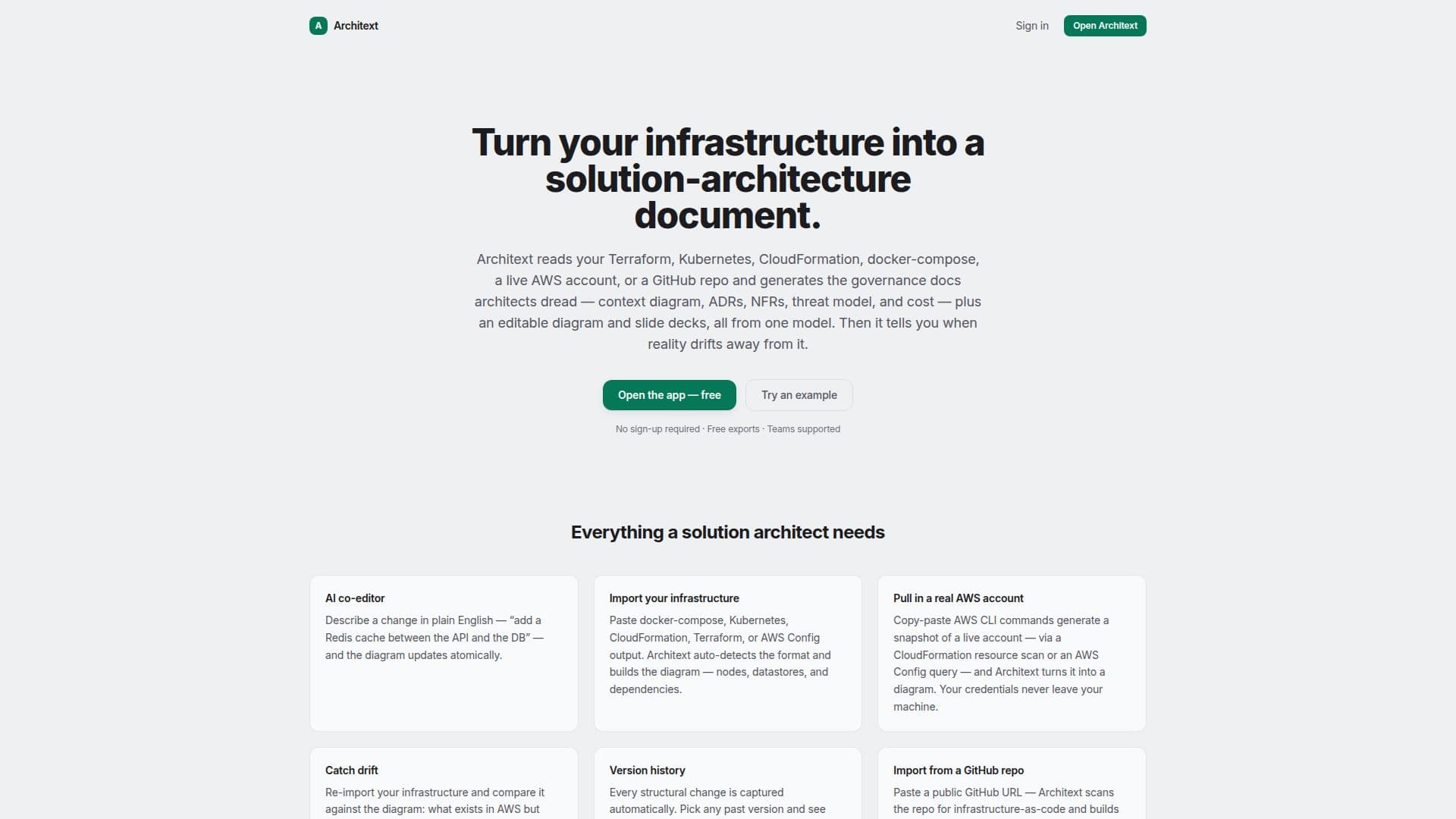
Architext is a tool designed to convert your infrastructure into comprehensive solution-architecture documents. It supports various formats such as Terraform, Kubernetes, CloudFormation, docker-compose, and AWS Config. By using Architext, users can generate governance-grade documents including context diagrams, ADRs, NFRs, threat models, and cost analyses. The tool allows users to compare generated diagrams against actual deployments to identify any drift, ensuring that documentation remains accurate and up-to-date.
Architext operates by building a graph model from the provided infrastructure-as-code or system descriptions. Users can paste their code or describe their system to the AI co-editor, which then constructs nodes and relationships editable on a canvas. From this model, Architext compiles documents and diagrams, which can be exported in high-resolution PNG/SVG formats.
The tool is free to use, with no cost for creating, editing, or exporting diagrams and documents. It also supports team workspaces, allowing organizations to keep architecture documents in a shared, governed space. Architext provides version history, capturing every structural change automatically, and allows users to view past versions to track modifications over time.
Architext supports importing infrastructure directly from public GitHub repositories and can generate diagrams from live AWS accounts using AWS CLI commands. The tool ensures data privacy by storing diagrams locally in the user's browser until they choose to sign in for cloud sync. It is designed for solution architects and teams who need to maintain accurate and up-to-date architecture documentation without the hassle of manual updates.
Architext's Core Features
Generate solution-architecture documents from code
Detect drift against deployed infrastructure
Editable diagrams and version history
Supports Terraform, Kubernetes, CloudFormation, and more
Free to use with no cost for exports
AI co-editor for diagram updates
Import from GitHub repositories
AWS account diagram generation
How to use Architext?
Import infrastructure: paste code or describe system
Edit on canvas: adjust nodes and relationships
Compare: detect drift against deployed systems
Export: save diagrams in high-resolution formats
Architext's Use Cases
- Infrastructure documentation
- Drift detection
- Version tracking
- Team collaboration
- AWS account visualization