Description
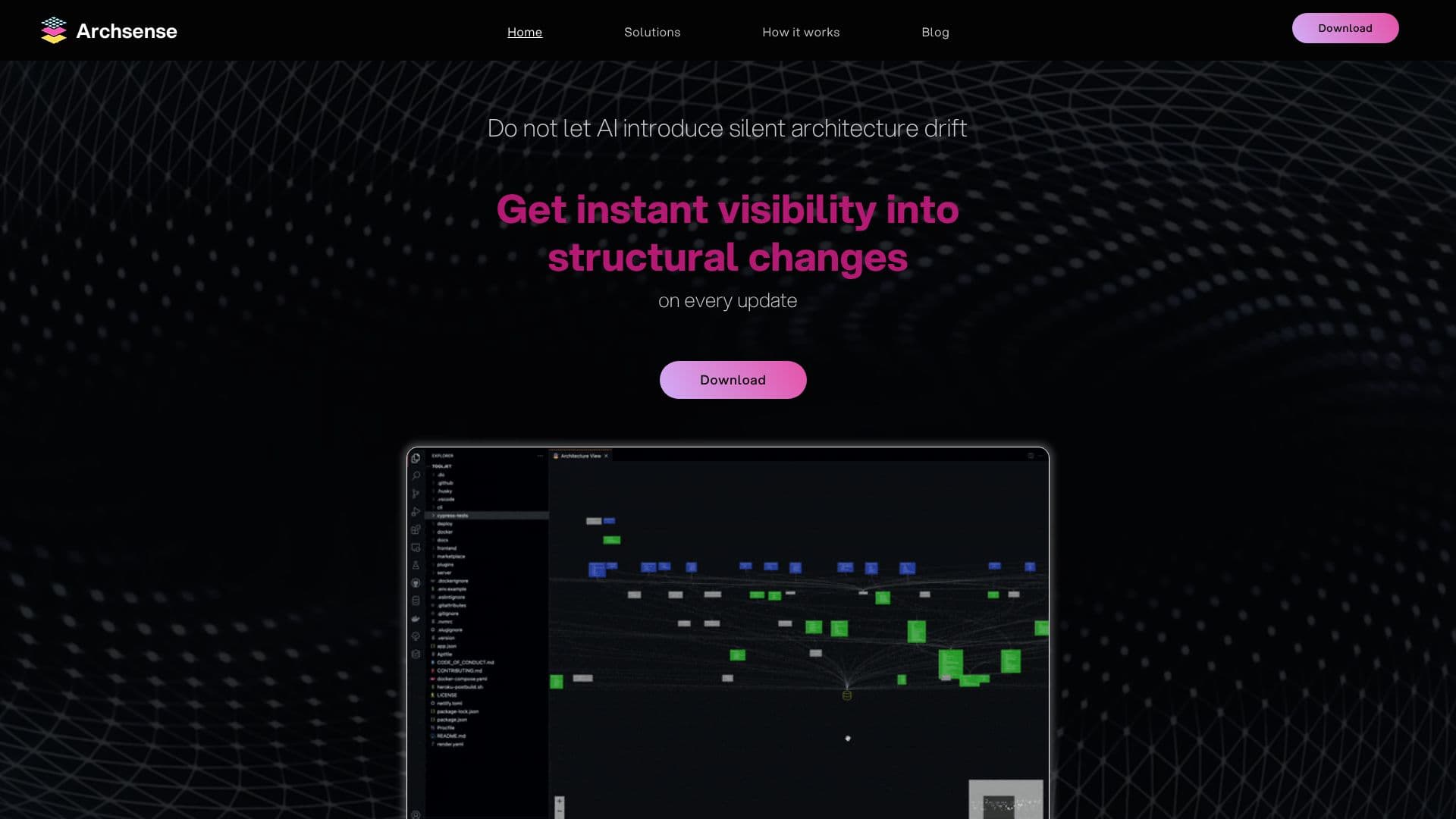
Archsense addresses the common challenge of outdated software architecture documentation by generating visualizations directly from the codebase, the definitive source of truth. Unlike traditional methods that rely on external documents prone to obsolescence, Archsense ensures that architecture diagrams are always accurate and up-to-date.
Read More
The tool offers instant visibility into structural changes with every code update. It meticulously analyzes the codebase across different programming languages to build visualizations, allowing for the representation of product architecture through layers. This approach helps developers, team leaders, and architects gain a comprehensive understanding of the system's current state.
A key capability of Archsense is its ability to determine the impact of code changes. It identifies the dependencies of every module, including event-based interactions across all projects. This is crucial for preventing unexpected side effects where code in one part of the system unintentionally affects unrelated areas.
Archsense also streamlines the process of aligning teams around proposed architectural changes. It allows users to propose new features or modifications within the context of the existing architecture and solicit feedback from relevant stakeholders. This collaborative feature ensures that everyone is on the same page regarding architectural evolution.
Furthermore, the tool provides instant feedback on implementation progress and notifies users of any deviations from agreed-upon architecture decisions. By generating a new architecture snapshot on every commit and comparing it against proposed changes, Archsense spots significant deviations and alerts the team. This early detection of drift minimizes costly fixes and ensures adherence to architectural integrity.
The target audience for Archsense includes software developers, team leaders, and architecture professionals who need to maintain a clear and accurate understanding of their software systems, facilitate collaboration, and prevent architectural drift.
- CategoryAI Coding Assistants
- DeploymentCloud
- PlatformsWeb
Archsense Architecture Visualization's Core Features
Generates architecture diagrams directly from source code
Provides instant visibility into structural changes on every update
Eliminates obsolete architecture documentation
Guarantees accurate architectural representations
Identifies dependencies of every module
Visualizes event-based interactions across projects
Facilitates alignment on proposed architectural changes
Enables feedback collection from stakeholders on proposed changes
Generates new architecture snapshots on every commit
Compares desired architecture state with code diffs
Notifies users of significant architectural deviations
Supports codebase analysis across different languages
Builds visualizations with layers for product architecture
How to use Archsense Architecture Visualization?
Integrate: Connect Archsense with your CI/CD pipeline or repository.
Analyze: The tool automatically analyzes your codebase to generate architecture diagrams.
Visualize: Explore the generated architecture, including layers and dependencies.
Collaborate: Propose new architectural elements and gather feedback from your team.
Commit: Track progress and receive notifications on architectural deviations with each commit.
Refine: Use insights to maintain architectural integrity and optimize development.
Archsense Architecture Visualization's Use Cases
- Prevent Architecture Drift
- Visualize System Dependencies
- Facilitate Architectural Alignment
- Monitor Codebase Evolution
- Improve Code Understanding
- Enhance Collaboration