
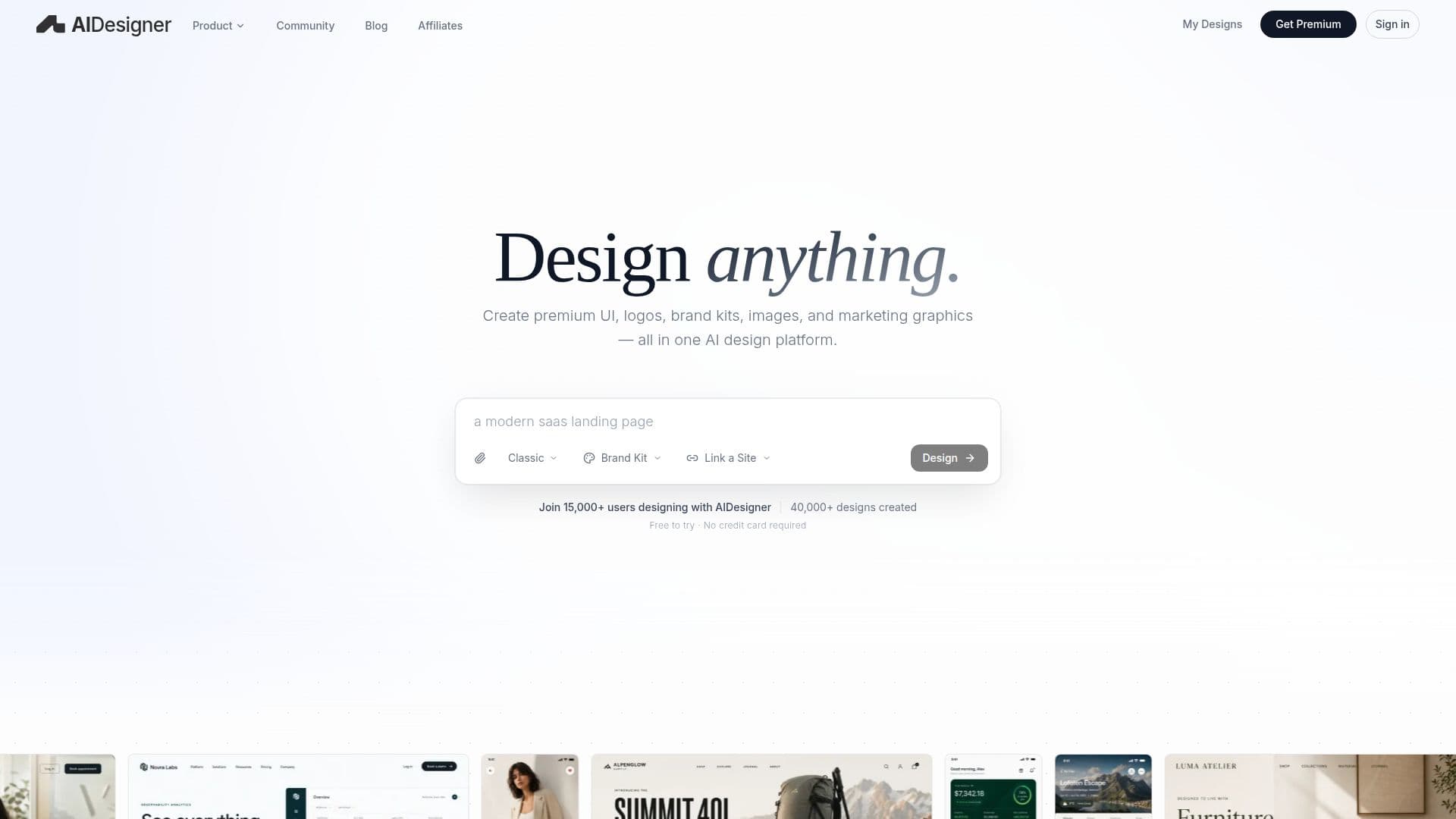
Description
AIDesigner is an all-in-one AI design platform that enables users to create premium website UI, mobile app screens, logos, brand kits, images, and marketing graphics from simple prompts. It is designed for founders, developers, marketers, and product teams who seek polished design outputs without needing prior design experience. Users can generate landing pages, dashboards, app screens, interface concepts, brand directions, logo ideas, image assets, ad creatives, and other visual design work.
The platform focuses on delivering high-quality visual outputs and original design directions, distinguishing itself from other AI design tools that often produce generic template-like results. AIDesigner allows users to refine generated designs, make targeted edits, and use saved brand kits to ensure visual consistency across projects.
AIDesigner offers a free trial with credits for generating website designs, app screens, logos, and images without requiring a credit card. Users can upgrade to premium plans for more generations, higher-quality outputs, publishing capabilities, and advanced workflows. The platform supports commercial use of generated and edited designs, subject to terms and third-party content rights.
The platform also provides an API for developers, allowing them to integrate AIDesigner's capabilities into their workflows. The API supports REST authentication, rate limits, and session management, enabling developers to generate, refine, and publish designs programmatically. AIDesigner is compatible with various AI coding tools, including Claude Code, Codex, Cursor, VS Code/Copilot, and Windsurf, allowing seamless integration into development environments.
Overall, AIDesigner is a versatile tool that caters to a wide range of design needs, from UI/UX design to mobile app interfaces, making it a valuable asset for individuals and teams looking to enhance their design capabilities.
AIDesigner's Core Features
AI website UI design
AI mobile app screen design
AI image generation
AI brand kit generation
AI logo generation
Editable design iterations
Publishing and export capabilities
API integration for developers
Free trial with premium plans
Commercial use rights
Customizable design outputs
High-quality visual outputs
Integration with AI coding tools
Session management and rate limits
REST API support
How to use AIDesigner?
Describe: Provide a prompt describing the design
Generate: AIDesigner creates a design based on the prompt
Refine: Edit and customize the generated design
Publish: Export or publish the final design
AIDesigner's Use Cases
- Website UI Design
- Mobile App Screens
- Brand Kit Creation
- Logo Design
- Image Asset Generation
- UI/UX Exploration
- Commercial Design Projects
- API Integration
- Design Customization
- Prototype Development