Description
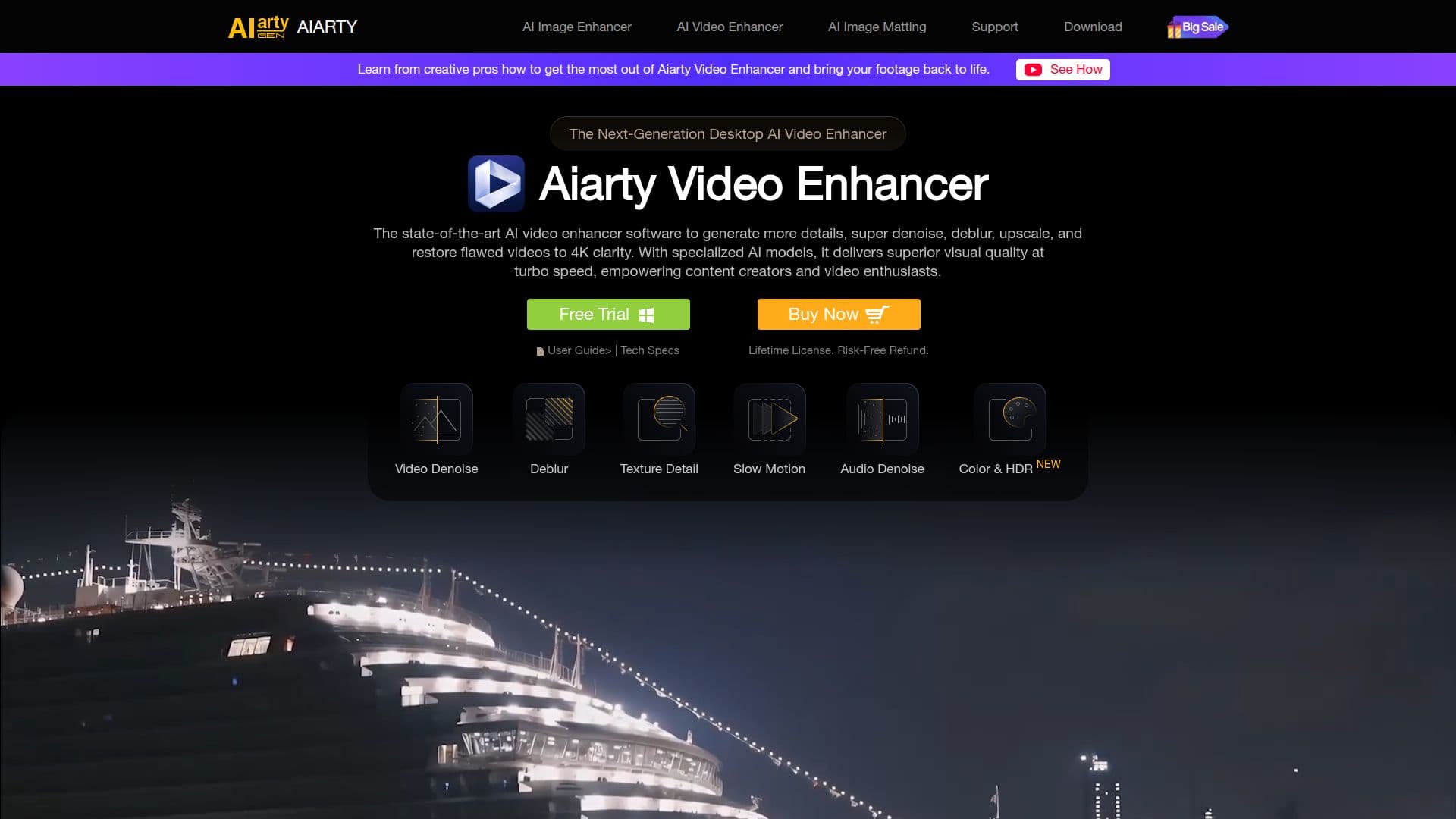
Aiarty Video Enhancer is a powerful AI-driven tool designed to enhance video quality by denoising, deblurring, and upscaling footage to 4K resolution. It is particularly beneficial for content creators, videographers, and anyone dealing with low-quality video content. The software employs advanced AI models to ensure natural-looking results, avoiding the artificial 'painterly' appearance common in other tools. Aiarty Video Enhancer operates entirely offline, ensuring user privacy by processing videos locally on the user's desktop.
Read More
The tool is optimized for high GPU utilization, supporting modern graphics technologies like DirectML and TensorRT on Windows, and Apple's Metal and Neural Engine on Mac. This optimization allows for efficient AI inference and fast processing speeds. Aiarty Video Enhancer offers a free version that allows users to explore its core features, including AI video upscaling and denoising, with some limitations such as video length and watermark inclusion. The full version removes these restrictions and provides additional benefits like batch export and lifetime updates.
Aiarty Video Enhancer is equipped with three distinct AI models: moDetail-HQ v2, Smooth-HQ v2, and superVideo vHQ, each tailored for specific enhancement needs. These models utilize diffusion and GAN technologies to deliver high-quality video restoration. Users can also customize enhancement settings, including color correction and frame rate adjustments, to achieve the desired output.
The software supports a variety of export formats, including MP4 and MOV, and offers advanced features like AI frame interpolation and audio noise suppression. Aiarty Video Enhancer is trusted by top media and industry leaders for its ability to transform low-quality footage into high-quality videos suitable for various scenarios.
- CategoryAI Video Editors
- Pricing ModelFreemium
- DeploymentDesktop
- PlatformsWindows, macOS
Aiarty Video Enhancer's Core Features
AI video upscaling to 4K
Denoising and deblurring
Offline processing for privacy
High GPU utilization
Three distinct AI models
Batch export capability
Color correction and frame rate adjustment
Audio noise suppression
How to use Aiarty Video Enhancer?
Import: Add your video(s) to the workspace
Enhance: Select AI model and configure settings
Preview: Review enhancements in real-time
Export: Batch export enhanced videos
Aiarty Video Enhancer's Use Cases
- Content Creation
- Video Editing
- Film Restoration
- Professional Videography
- Social Media