Description
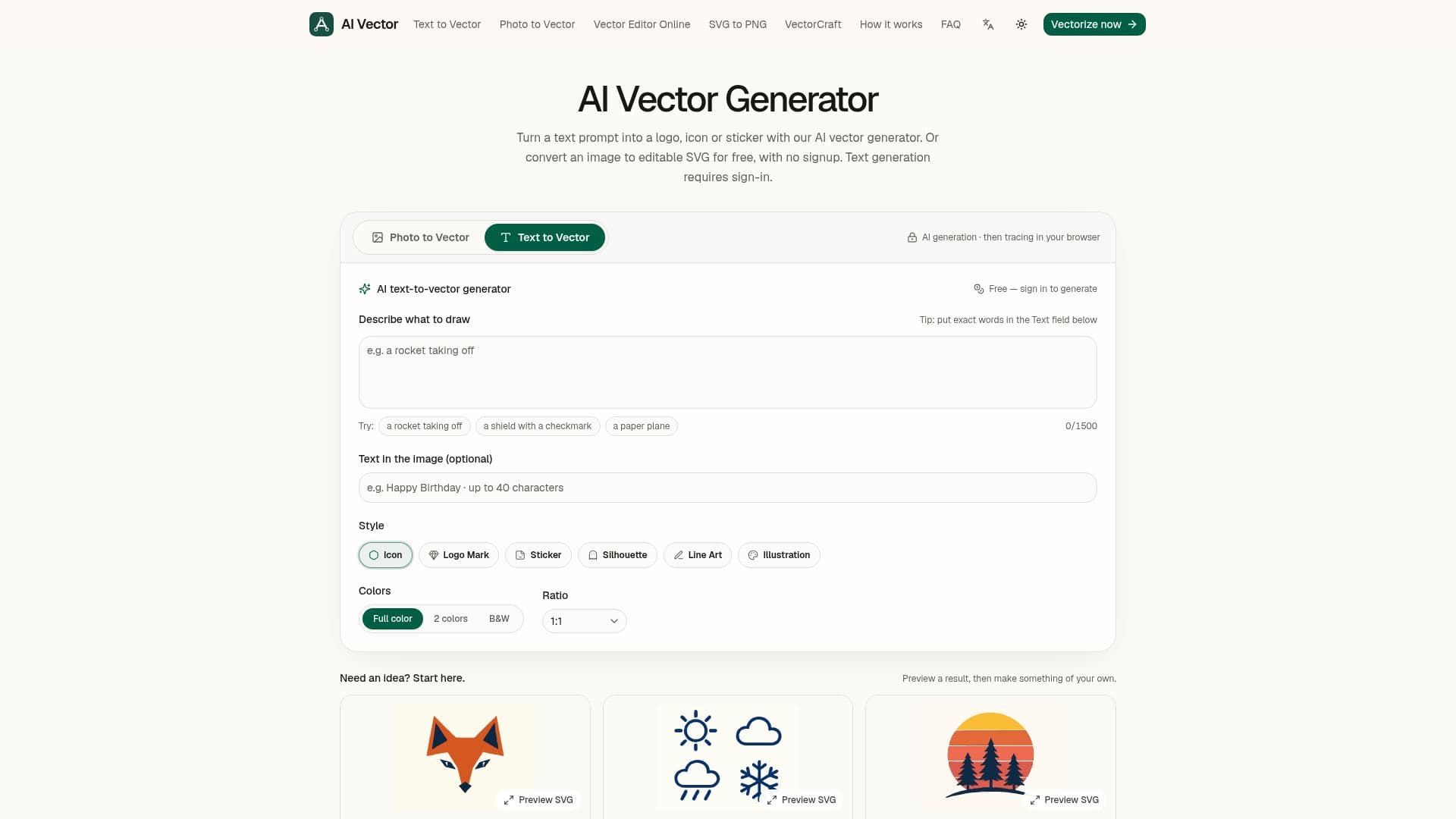
AI Vector is an innovative tool designed to transform text prompts into logos, icons, and stickers, or convert images into editable SVG files. This tool is particularly beneficial for founders, marketers, and creators who require scalable graphics quickly. The image-to-vector conversion is available for free without the need for signup or watermark, making it accessible to a wide range of users.
Read More
The tool operates by tracing PNG, JPG, and WebP images into editable, multi-color SVG files directly in the browser. It also generates vector art from text prompts, which requires users to sign in. The text generation feature is currently free but has a daily limit per account. Users can edit the generated SVG files in popular vector editing software like Figma, Illustrator, or Inkscape.
AI Vector is built on VTracer, an open-source tracing engine compiled to WebAssembly, allowing it to run efficiently in modern browsers. This ensures that the conversion process is fast and secure, with images being processed locally in the browser. For more complex tasks, the tool can utilize a cloud service to assist with tracing.
The tool is designed for those who need original graphics without starting from scratch. It is particularly useful for creating logo concepts, brand mascots, packaging graphics, and social media illustrations. The tool's versatility extends to converting SVG files to PNG, JPG, or WebP formats, making it suitable for various applications, including print and digital media.
AI Vector also hosts VectorCraft, an open-source Illustrator alternative, which runs online without installation. This feature-rich platform supports SVG, PDF, and other file formats, providing users with a comprehensive suite of tools for vector editing.
Overall, AI Vector offers a robust solution for anyone looking to create or edit vector graphics efficiently. Its combination of free and sign-in-required features makes it a flexible option for both casual users and professionals.
- CategoryAI Image Generators
- Pricing ModelFreemium
- DeploymentCloud
- PlatformsWeb
AI Vector Generator's Core Features
Text to SVG conversion
Image to SVG conversion
Free image conversion
SVG editing capabilities
No signup required for image conversion
Sign-in required for text generation
Multi-language support
Integration with VectorCraft
How to use AI Vector Generator?
Choose an image or text prompt
Adjust settings for colors and details
Generate and refine the SVG
Download the SVG for further editing
AI Vector Generator's Use Cases
- Logo Design
- Icon Creation
- Sticker Production
- Illustration
- SVG Editing