Description
AI Translate Video is a comprehensive tool designed to transform existing video content into localized versions with translated audio and subtitles. It allows users to translate spoken content in videos into another language, making it accessible to a broader audience. The tool is suitable for various types of videos, including courses, training, product demos, marketing videos, support tutorials, interviews, podcasts, and creator content.
Read More
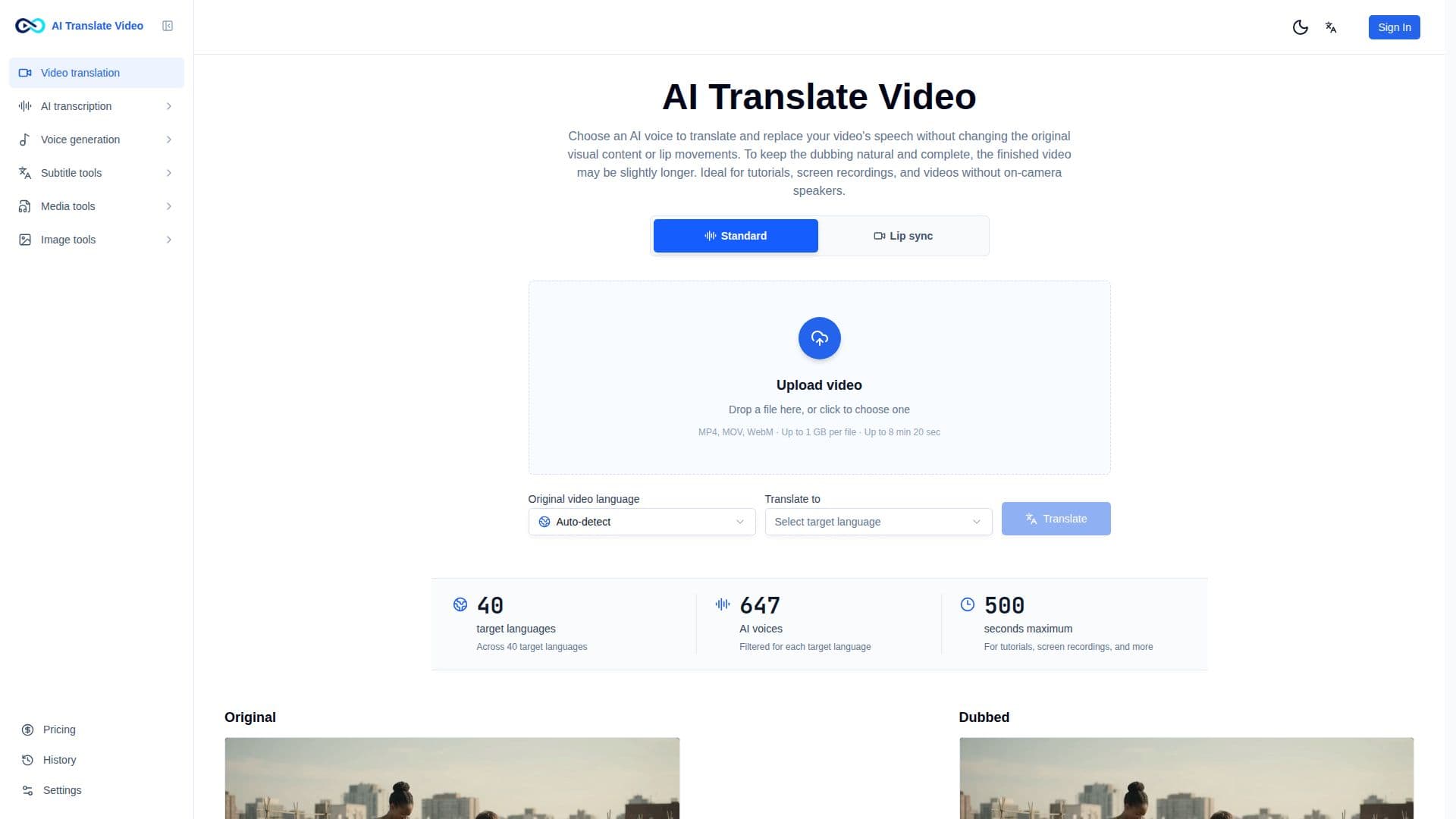
The platform offers two translation modes: Standard and Lip Sync. The Standard mode translates spoken audio without altering the original visual content or lip movements, making it ideal for tutorials and screen recordings. Lip Sync mode synchronizes visible speech with the new language, perfect for interviews and presentations.
AI Translate Video supports translation into 40 target languages and offers 647 AI voices filtered for each language. Users can review translations, subtitles, and key terms before exporting to ensure the final video aligns with their brand and audience. This review-first workflow is crucial for maintaining accuracy in names, product terms, and regional language choices.
In addition to video translation, AI Translate Video includes an AI Image Translator feature. This tool allows users to translate visible text in images such as posters, product images, screenshots, and ads while preserving the original design and layout. It supports PNG, JPG, and WebP formats up to 20 MB.
AI Translate Video is designed for a wide range of users, from independent YouTubers to global media teams. It automates the generation and management of subtitles, making it easier to create accessible courses and learning materials. The tool also supports the localization of ads and social content, enabling users to reach audiences worldwide.
- CategoryAI Translators
- DeploymentCloud
- PlatformsWeb
AI Translate Video's Core Features
Video translation with localized audio and subtitles
Image text translation while preserving layout
Supports 40 target languages
647 AI voices available
Standard and Lip Sync translation modes
Review translations before exporting
Supports PNG, JPG, and WebP image formats
Ideal for courses, tutorials, and marketing videos
How to use AI Translate Video?
Upload your video: Add the video you already made.
Choose a target language: Select the language your audience speaks.
Review the translation: Check wording, subtitles, and key terms.
Export and share: Create a localized version for your channel.
AI Translate Video's Use Cases
- YouTubers
- E-learning
- Podcast creators
- Film & media
- Social media