
Description
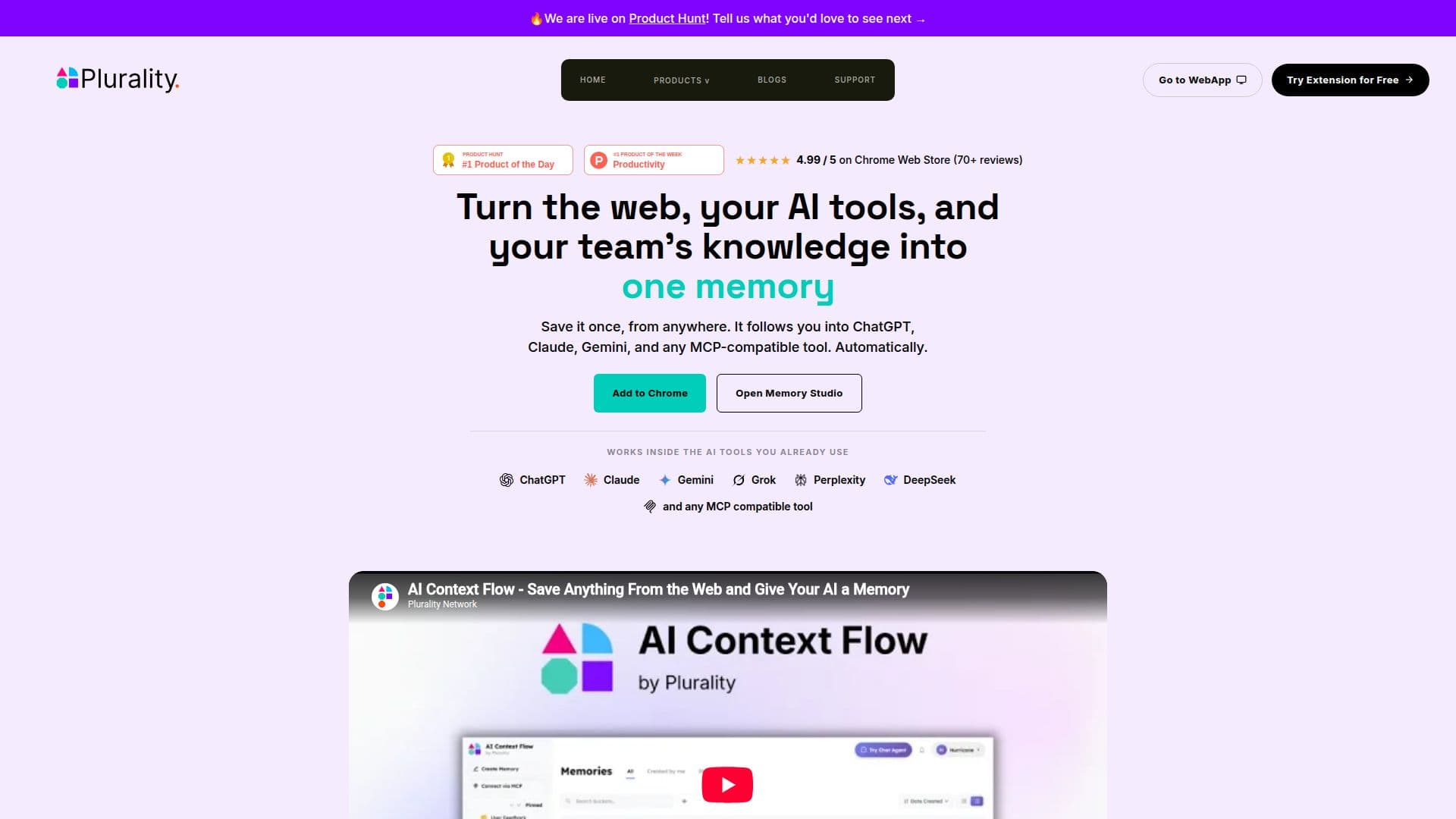
AI Context Flow is a comprehensive tool designed to provide universal AI memory and prompt optimization across a wide range of AI platforms and agents. It addresses the common challenge of re-explaining context to different AI tools by allowing users to save their preferences, project details, and communication styles once, making them instantly accessible everywhere.
Read More
The core of AI Context Flow is Memory Studio, a centralized command center where users can organize context into separate spaces for various projects or clients. This studio supports adding files and notes, and enables team collaboration by sharing context. The tool integrates with AI platforms in two primary ways: a browser extension for direct use on AI websites like ChatGPT, Claude, Gemini, Grok, and Perplexity, and an MCP (Memory Context Protocol) server for connecting with MCP-compatible AI agents and applications outside the browser, such as Cursor, Claude Code, and GitHub Copilot.
This dual integration ensures that the same memory follows the user across all their AI interactions, whether in a browser, terminal, or desktop application, eliminating the need for manual syncing or copy-pasting. The browser extension also offers one-click prompt optimization, transforming basic questions into expertly crafted AI instructions by automatically incorporating stored context.
AI Context Flow is built for daily AI users, including marketers, consultants, freelancers, and students, who seek to maintain consistency, organize projects, and personalize AI assistance without repetitive setup. It offers intelligent context separation, allowing users to keep work, personal, and client-specific information distinct, preventing cross-contamination. The platform emphasizes privacy and data control, utilizing end-to-end encryption and Trusted Execution Environments (TEEs) to ensure user data remains private and under their complete control, with no data mining or sharing.
The tool offers a free plan with daily credits and memory storage, alongside paid tiers that provide increased credits, memory, and access to premium AI models. Users report significant time savings, with marketers saving an average of 12+ hours per week and developers shipping features three times faster, by eliminating repetitive context-setting in AI conversations.
- CategoryPrompt Engineering Tools
- Pricing ModelFreemium
- DeploymentCloud
- PlatformsWeb, Chrome
AI Context Flow's Core Features
Universal AI Memory across platforms (ChatGPT, Claude, Gemini, Grok, Perplexity)
MCP Server for integration with desktop apps, IDEs, and terminals (Cursor, Claude Code, GitHub Copilot)
Memory Studio for organizing context into separate spaces
One-click prompt optimization and enhancement
Browser extension for capturing and reusing context on AI websites
File uploads and notes management within Memory Studio
Context sharing with teams and AI agents
End-to-end encrypted privacy and user data control
Intelligent context separation for projects and clients
Version history for memory buckets
Semantic search for uploaded files
OAuth 2.1 and Personal Access Token (PAT) authentication for MCP server
Cross-platform continuity for AI conversations
Context-aware prompt optimization
User-owned data and zero vendor lock-in
How to use AI Context Flow?
Install Browser Extension: Add the AI Context Flow extension to Chrome, Edge, or Brave for direct use on AI websites.
Organize Context in Memory Studio: Use Memory Studio to create separate spaces for projects or clients, adding files and notes.
Connect via MCP Server: Copy your unique MCP URL and add it as a custom connector in MCP-compatible AI tools like Cursor or Claude Code.
Authenticate Connection: Authenticate your MCP server connection using OAuth or a Personal Access Token (PAT) for headless setups.
Insert Context: Press Ctrl+I within supported AI chat interfaces (ChatGPT, Claude, Gemini, Perplexity, Grok) to pull in relevant saved memory.
Optimize Prompts: Utilize the one-click prompt optimization feature to enhance your prompts with stored context before sending.
Chat with Webpages: Use the sidebar extension to ask questions about content you're reading, summarize, and save information to your memory.
Manage Memory: Edit, filter, and search your context in Memory Studio, which automatically syncs across all connected tools.
AI Context Flow's Use Cases
- Consistent Brand Voice
- Client Project Management
- Personalized Learning
- Team Collaboration
- Prompt Optimization
- Cross-Platform AI Use
- Developer Workflow Integration
- Automated Workflows
- Web Content Summarization