Description
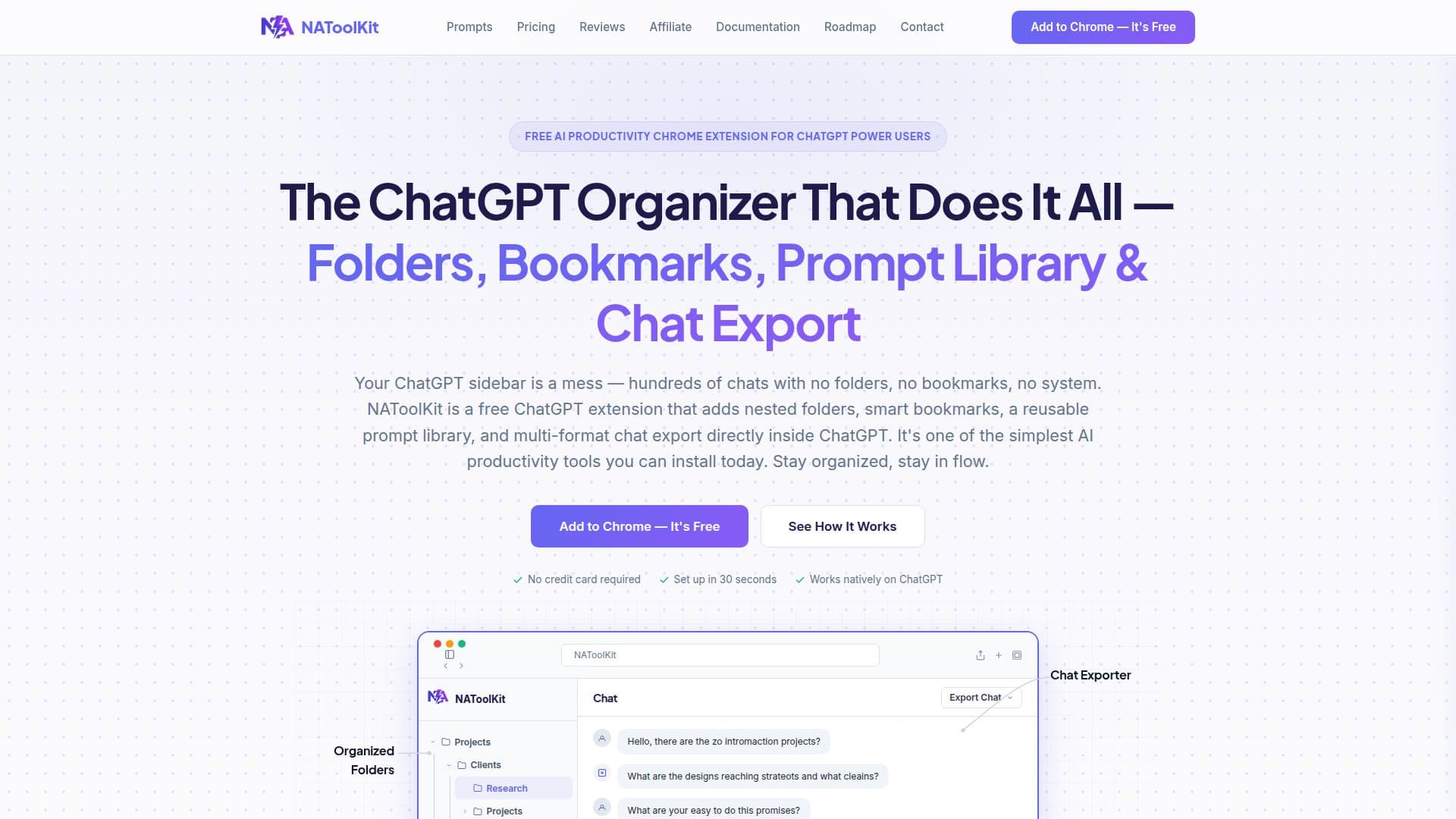
NAToolKit is a comprehensive Chrome extension that transforms the user experience of ChatGPT, Gemini, and Claude by integrating powerful organization and productivity tools directly into the AI interfaces. Addressing common issues like cluttered chat histories and scattered prompts, NAToolKit provides a unified solution for managing AI conversations.
Read More
The extension introduces nested folders, allowing users to categorize their AI chats by project, client, or topic with color-coded, drag-and-drop functionality. This eliminates the problem of endless scrolling through hundreds of unnamed conversations, making it easy to locate specific information or past insights. Smart bookmarks enable users to pin any message within a conversation and instantly jump back to it, ensuring important AI responses are never lost.
A key feature is the reusable prompt library, which allows users to save, categorize, and deploy their best-performing prompts. With dynamic fill-in variables, users can create templates that are quickly customized and injected into the chat box, removing the need to switch between applications to copy and paste prompts. NAToolKit also offers a multi-format chat exporter, enabling users to download entire conversation histories in various professional formats, including Plain Text (.txt), Markdown (.md), HTML (.html), Word Document (.docx), and PDF (.pdf).
Beyond organization, NAToolKit enhances productivity with features like efficient bulk actions for managing multiple conversations simultaneously, and a background customizer for personalizing the AI interface. For advanced users, the Prompt Enhancer module (requiring self-hosted API keys for OpenAI, Google Gemini, or OpenRouter) optimizes drafts into master prompts. The Hands-Free Message Queue allows users to type follow-up prompts and have them auto-send sequentially, while Multi-Turn Automated Prompt Chains automate complex, repetitive AI workflows across platforms. Additionally, a Neural Voice & Floating Audio Player converts AI answers into studio-quality speech, complete with interactive waveform scrubbing and karaoke subtitles.
NAToolKit is optimized for Google Chrome but is compatible with all Chromium-based browsers like Microsoft Edge, Brave, and Opera. It stores all user data—chats, folders, prompts, and API keys—100% locally in the browser's secure storage, ensuring privacy as it does not use external servers for core features or collect user data. The extension offers a free tier with basic organizational features, and Pro Lifetime or Pro Yearly plans that unlock unlimited folders, bookmarks, prompts, advanced prompt building, and full export capabilities.
- CategoryBrowser & Web Automation
- Pricing ModelFreemium
- DeploymentBrowser extension
- PlatformsGoogle Chrome, Microsoft Edge, Brave, Opera
NAToolKit's Core Features
Nested Folders for organizing AI chats by project, client, or topic
Smart Bookmarks to pin and instantly jump back to key AI messages
Reusable Prompt Library with dynamic fill-in variables for quick deployment
Multi-Format Chat Exporter for downloading conversations in .txt, .md, .html, .docx, or .pdf
Efficient Bulk Actions for managing multiple conversations (move, archive, delete)
Custom Backgrounds to personalize the ChatGPT interface with colors, gradients, or images
Prompt Enhancer module for optimizing prompt drafts (requires API keys)
Hands-Free Message Queue for auto-sending follow-up prompts sequentially
Multi-Turn Automated Prompt Chains for automating complex AI workflows
Neural Voice & Floating Audio Player to convert AI answers into speech with subtitles
Unified extension for ChatGPT, Gemini, and Claude
Local data storage for privacy and security
Searchable chat histories
Category folders for prompts
Lifetime access to updates (Pro Lifetime plan)
How to use NAToolKit?
Install Extension: Click 'Add to Chrome' to download and install NAToolKit in under 30 seconds.
Open AI Interface: Refresh your ChatGPT, Gemini, or Claude tab to see NAToolKit features injected naturally.
Organize Chats: Drag and drop conversations into color-coded folders in the sidebar.
Save Prompts: Build a reusable prompt library with dynamic variables for quick access.
Bookmark Responses: Pin important messages to instantly jump back to them within long threads.
Export Conversations: Download entire chat histories in multiple formats for professional sharing.
Personalize Workspace: Customize the background canvas with solid colors, gradients, or custom images.
Automate Workflows: Use message queues and prompt chains to streamline multi-step AI interactions.
NAToolKit's Use Cases
- Organize AI Conversations
- Save Key AI Responses
- Reuse AI Prompts
- Export Chat Transcripts
- Automate AI Workflows
- Personalize AI Interface
- Boost AI Productivity
- Content Creation
- Research and Analysis
- Learning and Development