Description
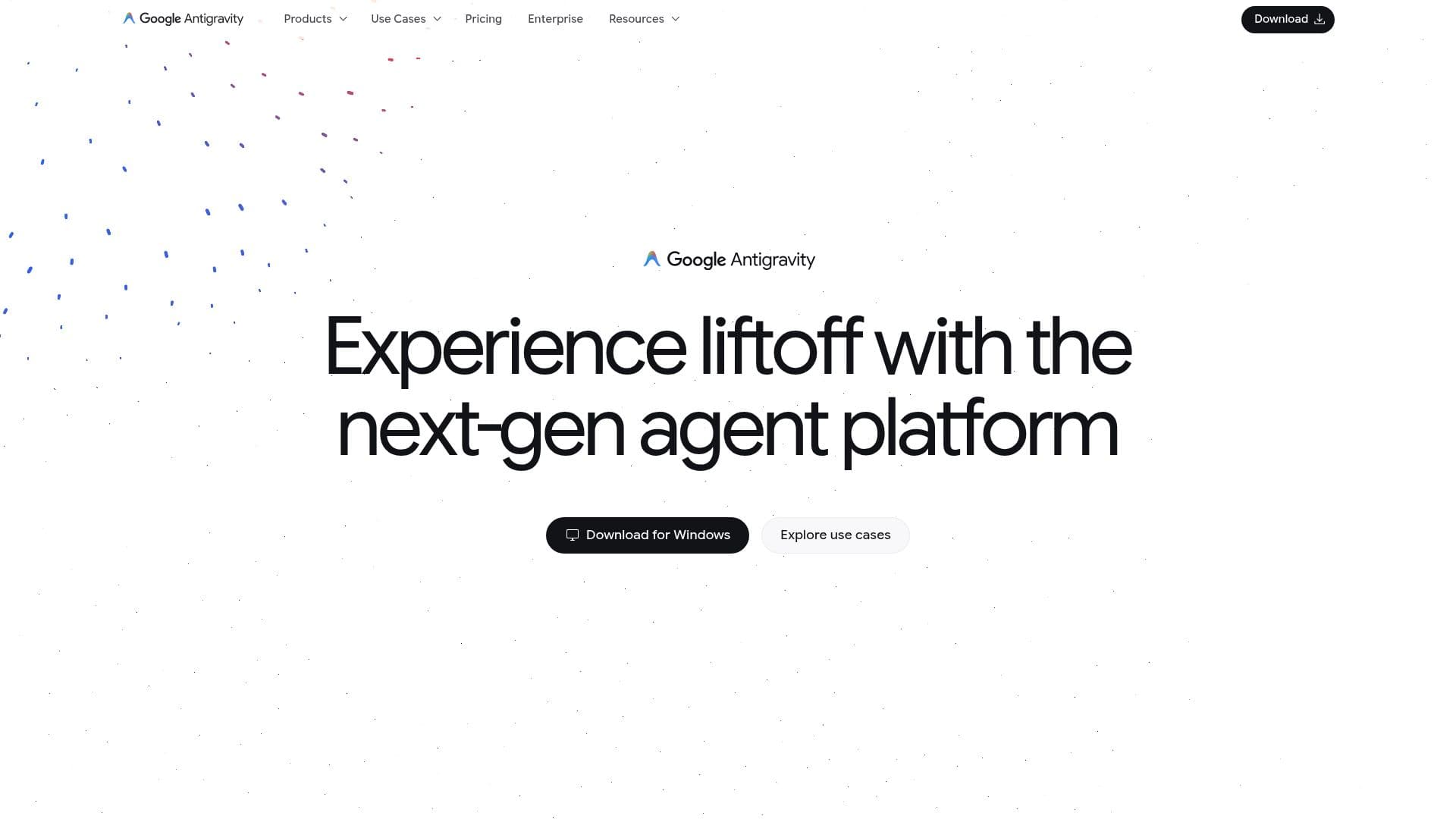
Google Antigravity is an agent platform built for developers in the agent-first era. It is designed for a range of users, from professional developers working in large enterprise codebases to hobbyists coding in their spare time, with an emphasis on user trust.
Read More
The platform spans several surfaces, including the Antigravity IDE, Antigravity CLI, and Antigravity SDK. It integrates with popular editors such as Visual Studio Code, Visual Studio, JetBrains IDEs, and Zed, and provides standalone installers for macOS, Linux, and Windows.
Antigravity offers a free individual plan and an organization plan available through Google Cloud with consumption-based pricing via the Gemini Enterprise Agent Platform. It supports enterprise sign-in with Gemini Enterprise accounts and Workforce Identity Federation, admin controls, MCP integration, subagents, and per-model reasoning effort levels, as reflected in its detailed changelog.
- CategoryAI Coding Assistants
- Pricing ModelFreemium
- DeploymentCloud, Desktop app
- PlatformsmacOS, Linux, Windows
Google Antigravity's Core Features
Agent-first development platform
Antigravity IDE, CLI, and SDK
Integrations with VS Code, JetBrains, and Zed
Standalone installers for macOS, Linux, and Windows
MCP server integration and subagents
Per-model reasoning effort levels
Enterprise sign-in and admin controls
Free individual plan and Google Cloud organization plan
How to use Google Antigravity?
Download Antigravity: Get the installer for macOS, Linux, or Windows, or the IDE integration.
Choose your surface: Use the Antigravity IDE, CLI, or your existing editor like VS Code or JetBrains.
Sign in: Sign in with an individual account or an enterprise account via Google Cloud.
Build with agents: Run agents and subagents to work across your codebase.
Extend with MCP: Connect MCP servers and configure reasoning effort as needed.
Google Antigravity's Use Cases
- Agent-based coding
- Enterprise development
- Editor integration
- Extensible tooling