
Description
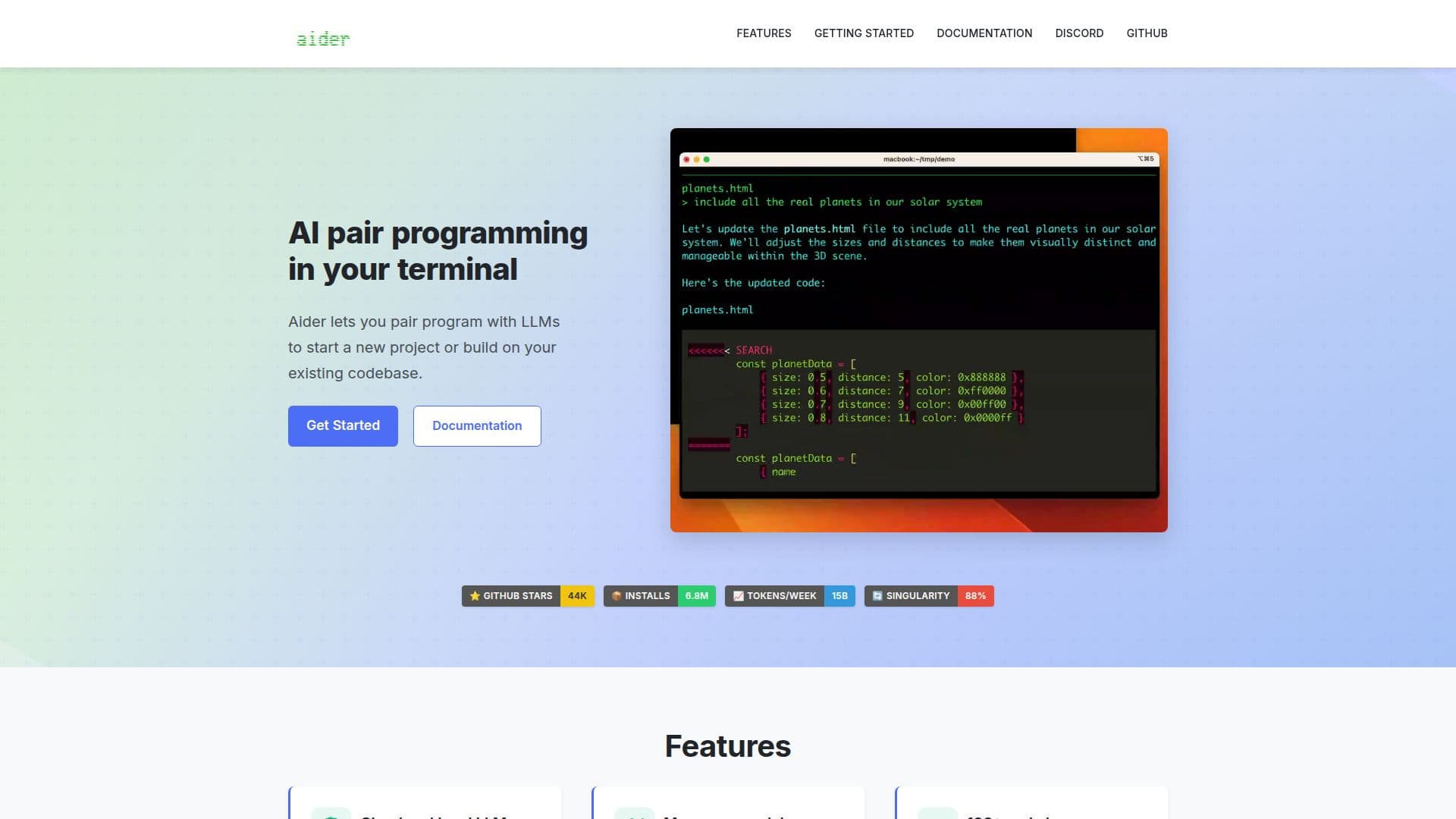
Aider is designed to facilitate AI pair programming directly in your terminal, enabling developers to collaborate with large language models (LLMs) effectively. Whether starting a new project or enhancing an existing codebase, Aider provides a seamless integration that boosts productivity and code quality.
Read More
One of the standout features of Aider is its compatibility with both cloud and local LLMs. It works optimally with models such as Claude 3.7 Sonnet, DeepSeek R1 & Chat V3, and OpenAI's GPT-4o, among others. This flexibility allows developers to leverage the power of AI regardless of their preferred setup.
Aider maps your entire codebase, which is particularly beneficial for larger projects. This mapping capability ensures that the AI understands the context of your code, making it easier to implement changes and suggestions. Additionally, Aider supports over 100 programming languages, including popular ones like Python, JavaScript, Rust, Ruby, Go, C++, PHP, HTML, and CSS, making it a versatile tool for developers across various domains.
The integration with Git is another significant advantage. Aider automatically commits changes with sensible commit messages, allowing developers to use familiar Git tools to manage, diff, and undo AI-generated changes. This feature streamlines the development process and enhances version control.
Aider can be used directly within your favorite IDE or editor. By simply adding comments to your code, you can request changes, and Aider will take care of the implementation. This interactive approach makes it easy to communicate with the AI and get the desired results quickly.
Moreover, Aider supports voice-to-code functionality, allowing you to speak your requests for new features, test cases, or bug fixes. This hands-free approach can significantly speed up the coding process and improve accessibility for developers.
To ensure code quality, Aider automatically lints and tests your code every time it makes changes. It can also fix issues detected by your linters and test suites, providing a comprehensive solution for maintaining high code standards. Additionally, Aider facilitates the integration of images and web pages into the chat, allowing for visual context and reference materials to be shared easily.
For those who prefer a web chat interface, Aider can also connect to LLM APIs, streamlining the process of copying and pasting code between your terminal and browser. This flexibility makes Aider a valuable tool for developers looking to enhance their coding experience with AI assistance.
- CategoryAI Coding Assistants
- DeploymentCloud and Local
- PlatformsWeb
Aider's Core Features
Cloud and local LLMs support
Codebase mapping
Supports 100+ programming languages
Git integration for version control
IDE integration for seamless use
Voice-to-code functionality
Automatic linting and testing
Copy/paste support for web chat
How to use Aider?
Configure: Set up Aider with your preferred LLM.
Map: Allow Aider to map your codebase for better context.
Integrate: Use Aider within your IDE to request code changes.
Test: Rely on Aider to automatically lint and test your code.
Aider's Use Cases
- New project development
- Codebase enhancement
- Voice coding
- Automated testing
- Collaborative coding