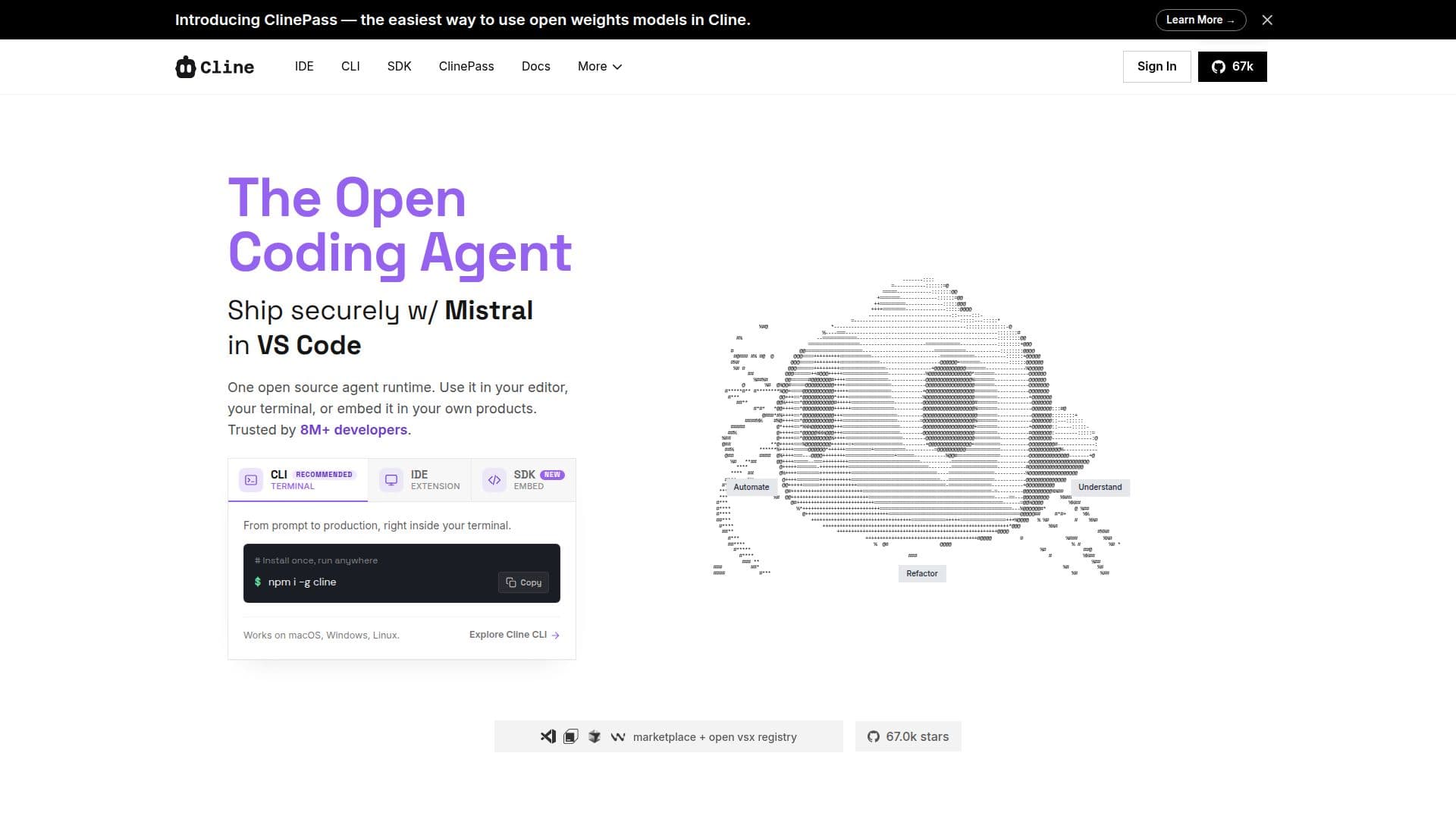
Description
Cline is an autonomous AI coding assistant that aims to streamline the coding process for developers. With its unique Plan/Act modes, Cline allows users to structure their development tasks efficiently. The assistant integrates seamlessly with terminal execution and offers automated file editing capabilities, making it a versatile tool for various coding needs.
Read More
One of the standout features of Cline is its support for the Model Context Protocol (MCP), which enhances its extensibility. This allows developers to register custom tools and lifecycle hooks via the SDK, making Cline adaptable to different workflows. Additionally, Cline supports multi-model AI, enabling users to choose from various AI models, including Claude, GPT, and local options like Ollama or LM Studio.
Cline is designed for both individual developers and teams, providing functionalities that cater to a wide range of coding tasks. It can execute terminal commands in real-time, making it suitable for long-running development servers, tests, and deployments. The assistant also facilitates coordinated changes across large codebases, ensuring that imports, types, and behaviors remain consistent.
For those looking to automate their workflows, Cline CLI can be integrated into scripts, cron jobs, and CI pipelines, allowing for recurring checks and updates. The ability to connect to platforms like Slack, Discord, and GitHub Actions further enhances its usability, enabling developers to interact with the assistant from their preferred environments.
Overall, Cline is an open-source solution that eliminates vendor lock-in, providing developers with the flexibility to use their own keys and infrastructure. With its robust features and capabilities, Cline is positioned as a valuable tool for developers seeking to optimize their coding processes.
- CategoryAI Coding Assistants
- Pricing ModelFree
- DeploymentOpen Source
- PlatformsWeb
Cline's Core Features
Plan/Act modes for structured development
Model Context Protocol for extensibility
Terminal command execution
Automated file editing
Browser automation for testing
Multi-model AI support
Real-time debugging capabilities
Coordinated multi-file changes
Integration with Slack, Discord, and CI tools
How to use Cline?
Plan: Define your development strategy using Cline's Plan mode.
Act: Execute the planned tasks with Cline's Act mode.
Edit: Use Cline to automate file editing across your project.
Execute: Run terminal commands and monitor outputs in real-time.
Integrate: Connect Cline with your preferred tools like Slack or GitHub Actions.
Customize: Register custom tools and lifecycle hooks via the SDK.
Automate: Use Cline CLI for recurring tasks in scripts and CI pipelines.
Cline's Use Cases
- Codebase Understanding
- Automated Testing
- Refactoring
- Workflow Automation
- Real-time Debugging