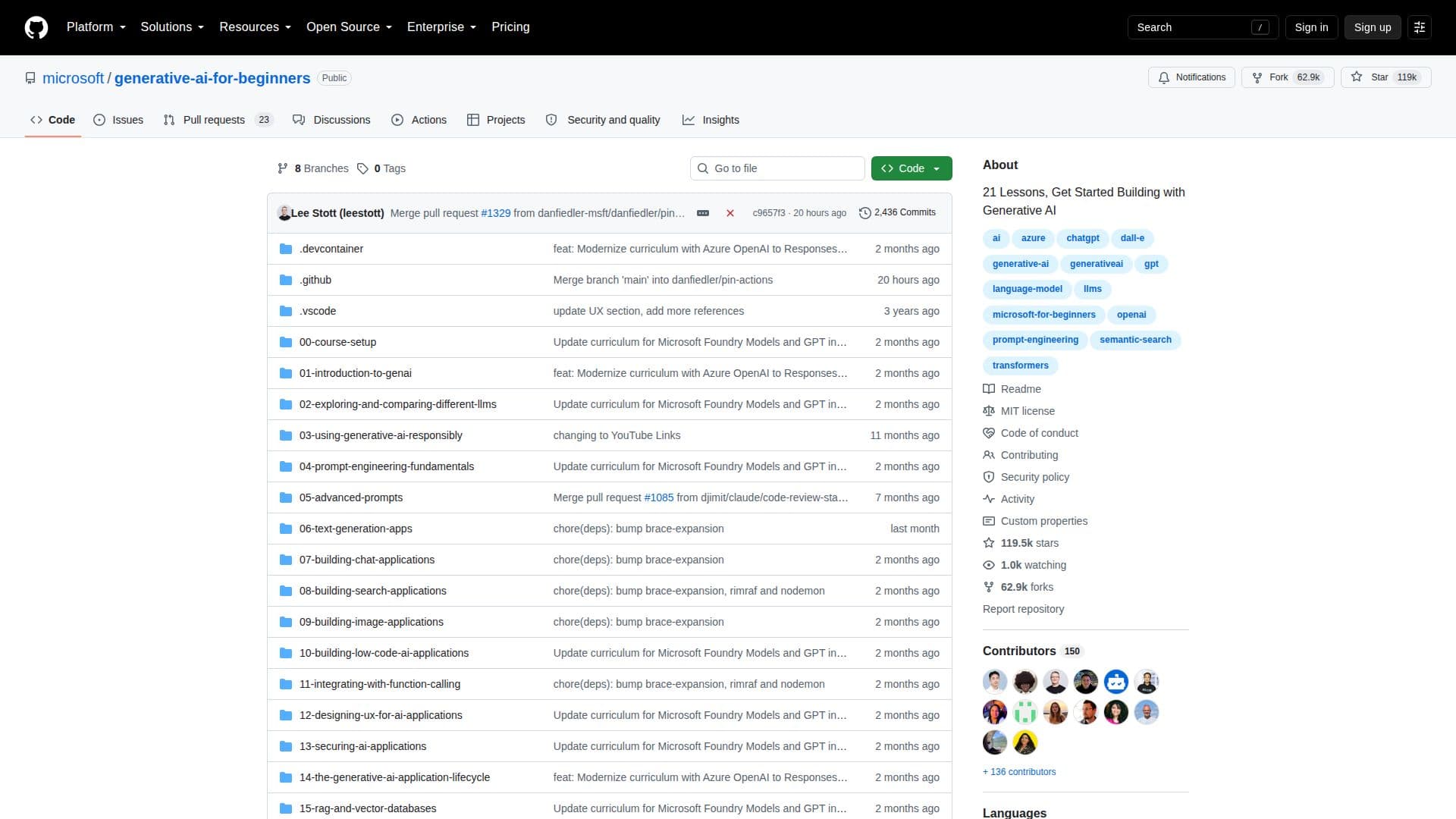
Description
Generative AI for Beginners is a GitHub repository designed to introduce users to the fundamentals of generative AI through a series of 21 lessons. These lessons aim to provide a comprehensive understanding of generative AI, including its applications and how to build projects using this technology. The repository is curated by Microsoft and serves as an educational resource for individuals looking to explore AI development.
Read More
The lessons cover various aspects of generative AI, from basic concepts to advanced techniques. Users can learn about different AI models, their functionalities, and how to implement them in real-world scenarios. The repository is structured to facilitate learning, making it accessible for beginners who are new to AI.
While the repository does not provide specific pricing information, it is freely accessible on GitHub, allowing users to clone and explore the content at their own pace. The target audience includes developers, students, and professionals interested in expanding their knowledge of AI technologies.
Generative AI for Beginners is a valuable resource for those looking to understand the potential of AI and how it can be applied in various industries. It offers practical insights and guidance, making it a useful tool for anyone interested in AI development.
- CategoryCorporate Training & E-Learning
Generative AI for Beginners's Core Features
21 structured lessons
Introduction to generative AI
Practical implementation strategies
Curated by Microsoft
Accessible on GitHub
Focus on AI development
Educational resource
Real-world application insights
How to use Generative AI for Beginners?
Clone: Download the repository
Install dependencies: Set up required tools
Configure: Adjust settings for your environment
Execute: Run the lessons
Optimize: Improve your AI models
Generative AI for Beginners's Use Cases
- AI education
- Skill development
- Project building
- Industry application
- Research