Description
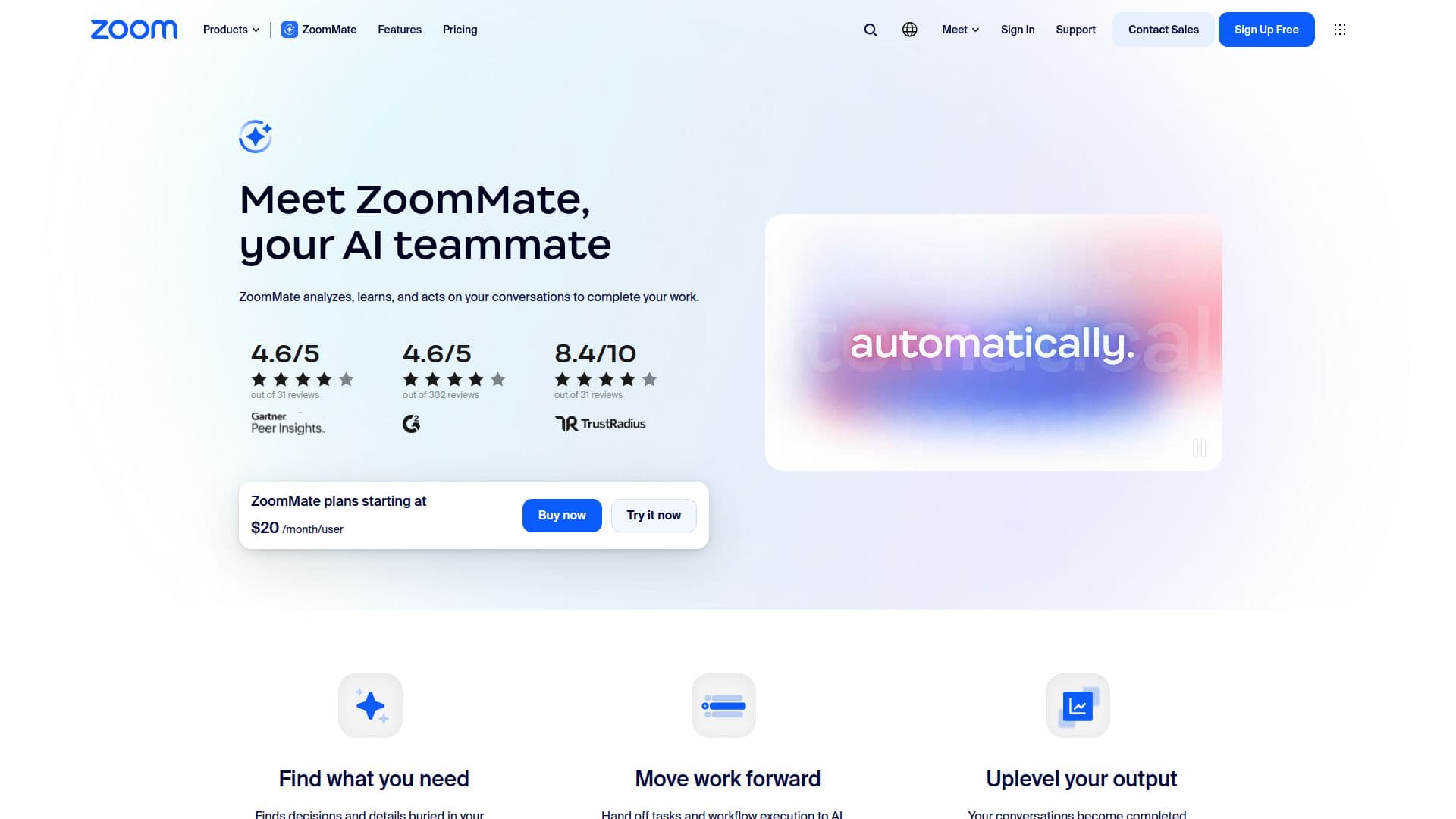
ZoomMate is an innovative AI assistant integrated into Zoom Workplace, designed to streamline workflows and enhance productivity. By analyzing conversations, ZoomMate learns from interactions and acts on them to help users complete their work efficiently.
Read More
Before meetings, ZoomMate assists by creating agendas and gathering necessary preparation materials from past interactions. During meetings, its My Notes feature captures content and context automatically, ensuring that no important details are missed. After meetings, ZoomMate automates follow-up tasks such as updating Salesforce, sending follow-up emails, and drafting presentations, allowing users to move on to their next tasks without delay.
Each morning, ZoomMate provides users with a summary of key projects and industry news, helping them stay informed and organized. It generates to-do lists based on users' schedules and recent communications, enabling them to prioritize their tasks effectively. Users can ask ZoomMate questions to quickly resolve issues, pulling information from various sources like ServiceNow and Google Drive to provide context-aware answers.
ZoomMate is particularly beneficial for professionals who juggle multiple meetings and need to maintain focus on conversations rather than note-taking. It captures insights from meetings across different platforms, ensuring that users can rely on accurate documentation without the distraction of manual note-taking. With features like automated workflows, users can trigger actions directly from their notes, further enhancing productivity.
Overall, ZoomMate is built to finish what meetings start, transforming conversations into actionable deliverables. It is an essential tool for anyone looking to modernize their workflow and improve collaboration within their teams.
- CategoryAI Meeting Assistants
- Pricing ModelSubscription
- DeploymentCloud
- PlatformsWeb, Mobile
ZoomMate's Core Features
AI note-taking
Automated meeting summaries
Task automation
Agentic search
Integration with Salesforce and Google Drive
Custom agent builder
Workflow automation
Cross-platform support
Real-time transcription
Context-aware assistance
How to use ZoomMate?
Prepare: ZoomMate creates meeting agendas and gathers prep materials.
Capture: Use My Notes to automatically document meeting content.
Automate: Trigger follow-up tasks like emails and updates post-meeting.
Summarize: Receive daily summaries of key projects and industry news.
Organize: Generate to-do lists based on your schedule and chats.
Resolve: Ask ZoomMate questions to get quick answers and insights.
Sync: Use ZoomMate across different platforms for consistent note-taking.
Optimize: Automate workflows directly from your notes for efficiency.
ZoomMate's Use Cases
- Meeting Management
- Project Tracking
- Task Automation
- Cross-Platform Support
- Daily Summaries