Description
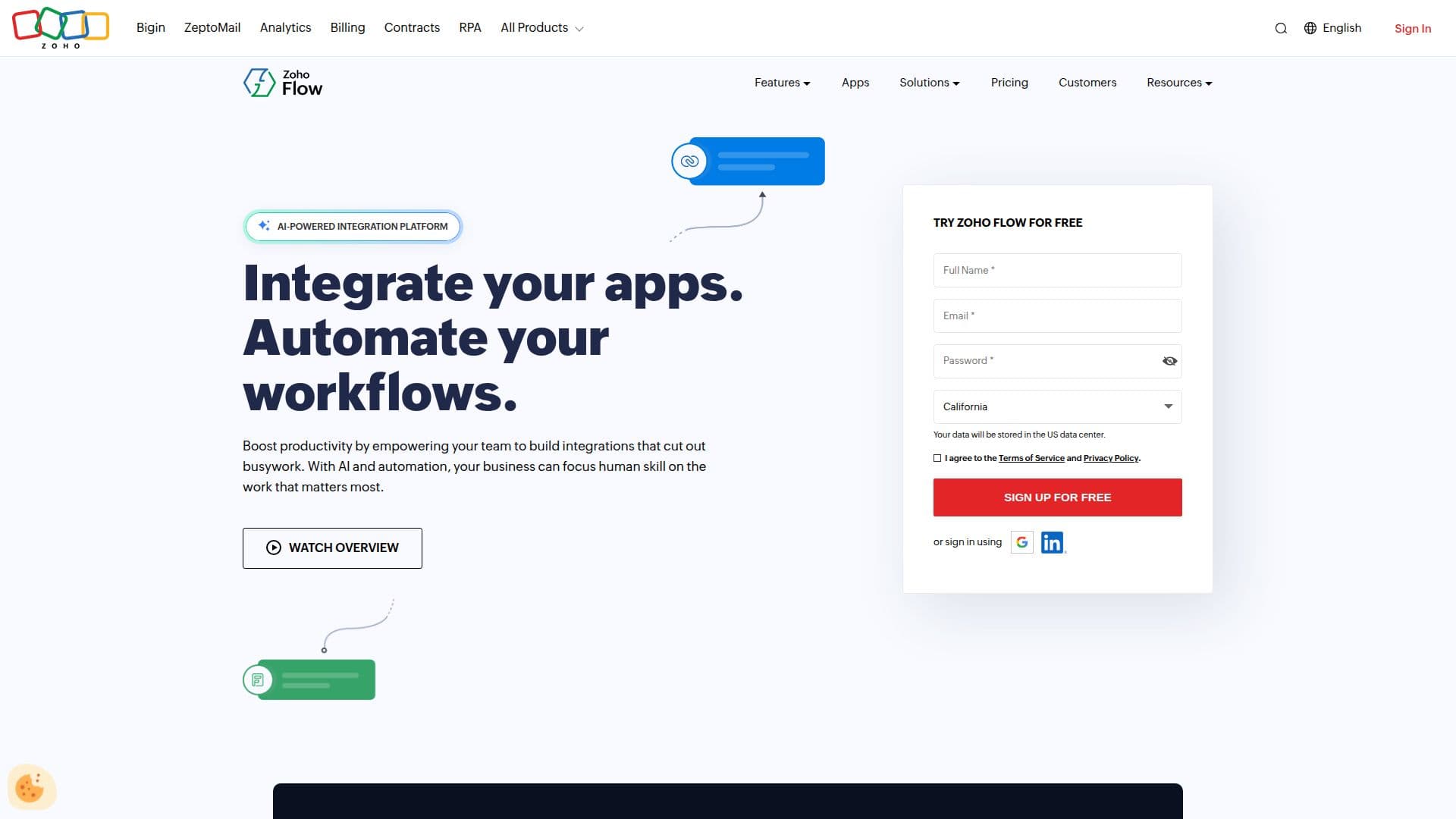
Zoho Flow is an AI-powered integration platform designed to help businesses automate their workflows seamlessly, regardless of their size or industry. This platform enables users to create workflows from plain text, trigger actions from multiple sources, and integrate cloud applications with on-premises systems. With its user-friendly interface, Zoho Flow allows users to monitor and troubleshoot workflows easily, ensuring that operations run smoothly.
Read More
One of the standout features of Zoho Flow is its ability to generate workflows without requiring coding knowledge. This no-code approach makes it accessible for teams across departments such as marketing, sales, support, and HR. Users can build custom integrations tailored to their specific use cases, connecting Zoho apps with hundreds of other applications. This flexibility is particularly beneficial for businesses looking to eliminate data silos and streamline their processes.
Zoho Flow is built with the values of security, reliability, and privacy in mind. It offers transparency at every stage of the workflow process, ensuring that users can trust the platform with their data. The platform is designed to adapt to organizations at every stage of growth, making it suitable for startups aiming to save resources and enterprises looking to enhance their operational efficiency.
The platform also features an on-premise agent that allows users to execute scripts on local machines, providing a secure bridge between internal systems and cloud workflows. This capability is essential for businesses that require hybrid integration solutions. Additionally, Zoho Flow offers a free plan with limited features, allowing users to explore its capabilities before committing to a paid plan.
In summary, Zoho Flow is an ideal solution for businesses seeking to automate their workflows efficiently. With its AI-powered features, no-code workflow builder, and robust integration capabilities, it empowers teams to work smarter and achieve their goals without increasing labor costs.
- CategoryWorkflow Automation
- Pricing ModelFreemium
- DeploymentCloud and On-premise
- PlatformsWeb
Zoho Flow's Core Features
AI-powered workflows
No-code workflow builder
Integrates cloud and on-premise apps
Custom integrations
On-premise agent support
Task-based pricing
Free plan available
Monitoring and troubleshooting tools
How to use Zoho Flow?
Create workflows: Use plain text to generate workflows effortlessly.
Trigger actions: Set up triggers from multiple sources to initiate workflows.
Integrate apps: Connect Zoho apps with hundreds of other applications.
Monitor workflows: Utilize built-in tools to monitor and troubleshoot workflows.
Zoho Flow's Use Cases
- Marketing Automation
- Sales Process Automation
- Customer Support
- HR Management
- Data Synchronization