Description
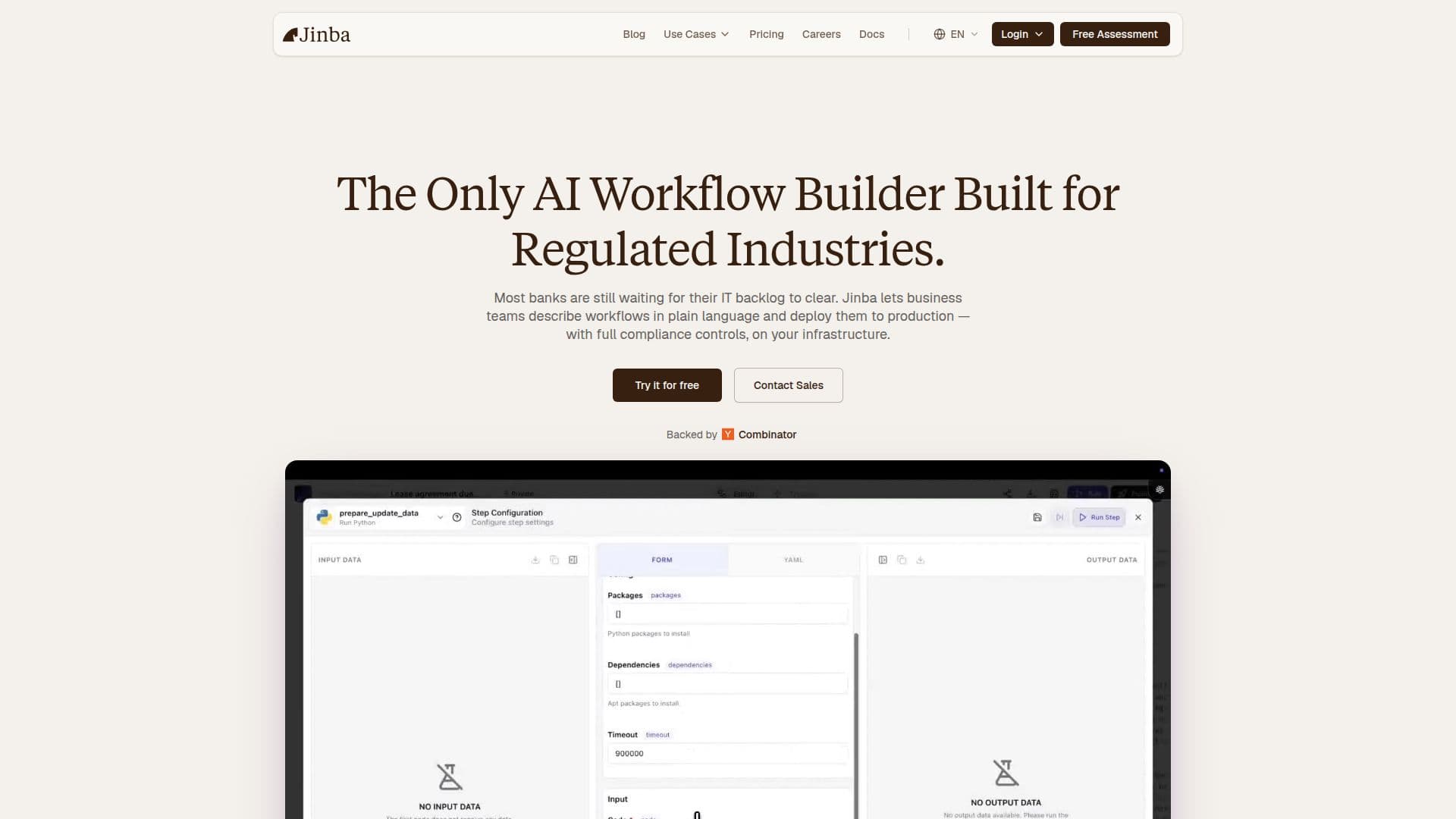
Jinba is an innovative enterprise AI workflow builder designed to streamline the creation and deployment of workflows using natural language. It allows users to build workflows through a chat interface, making it accessible even for those with limited technical expertise. Jinba Flow is the platform where builders create and deploy workflows, while Jinba App is where users execute and interact with these workflows. This separation ensures that the workflow building process is efficient and user-friendly.
Read More
The onboarding process is straightforward; users can sign up for a free account and start creating workflows immediately. Jinba provides templates and guided tutorials to assist users, and for enterprise customers, dedicated customer success managers are available to ensure a smooth adoption process. The platform also offers multiple support tiers, including community support for free users and priority chat support for paid plans.
Security is a top priority for Jinba. The platform is SOC 2 compliant and employs end-to-end encryption, ensuring that data remains secure. Jinba also offers advanced features such as single sign-on (SSO), role-based access control (RBAC), and comprehensive audit logging, making it suitable for regulated industries. Users can run Jinba in their own environment with full data control, whether on-premises or in a private cloud.
Jinba distinguishes itself from other automation tools by combining ease of use with powerful capabilities. Users can describe workflows in plain language, edit settings visually, and deploy them instantly. The platform supports over 100 pre-built integrations and allows for custom connectors to internal systems, enhancing its versatility. Jinba's enterprise-grade features make it an ideal choice for organizations looking to automate complex processes while maintaining compliance and security standards.
- CategoryAI Agent Builders
- Pricing ModelFreemium
- DeploymentOn-Premises, Private Cloud
- PlatformsWeb
Enterprise AI Workflow Builder's Core Features
SOC 2 Compliant
On-Premises Hosting
Role-Based Access Control (RBAC)
Audit Logging
Natural Language Workflow Creation
Visual Workflow Editor
Pre-Built Integrations
Custom Connectors
Dedicated Customer Success Managers
Multiple Support Tiers
How to use Enterprise AI Workflow Builder?
Create workflows: Use natural language to describe your workflow requirements.
Refine workflows: Edit and configure workflows visually in the flow editor.
Deploy workflows: Publish your workflows as APIs or MCP servers.
Execute workflows: Use Jinba App to run workflows via chat or auto-generated forms.
Enterprise AI Workflow Builder's Use Cases
- Loan Screening
- Meeting Scheduling
- Compliance Automation
- Data Analysis
- Workflow Management