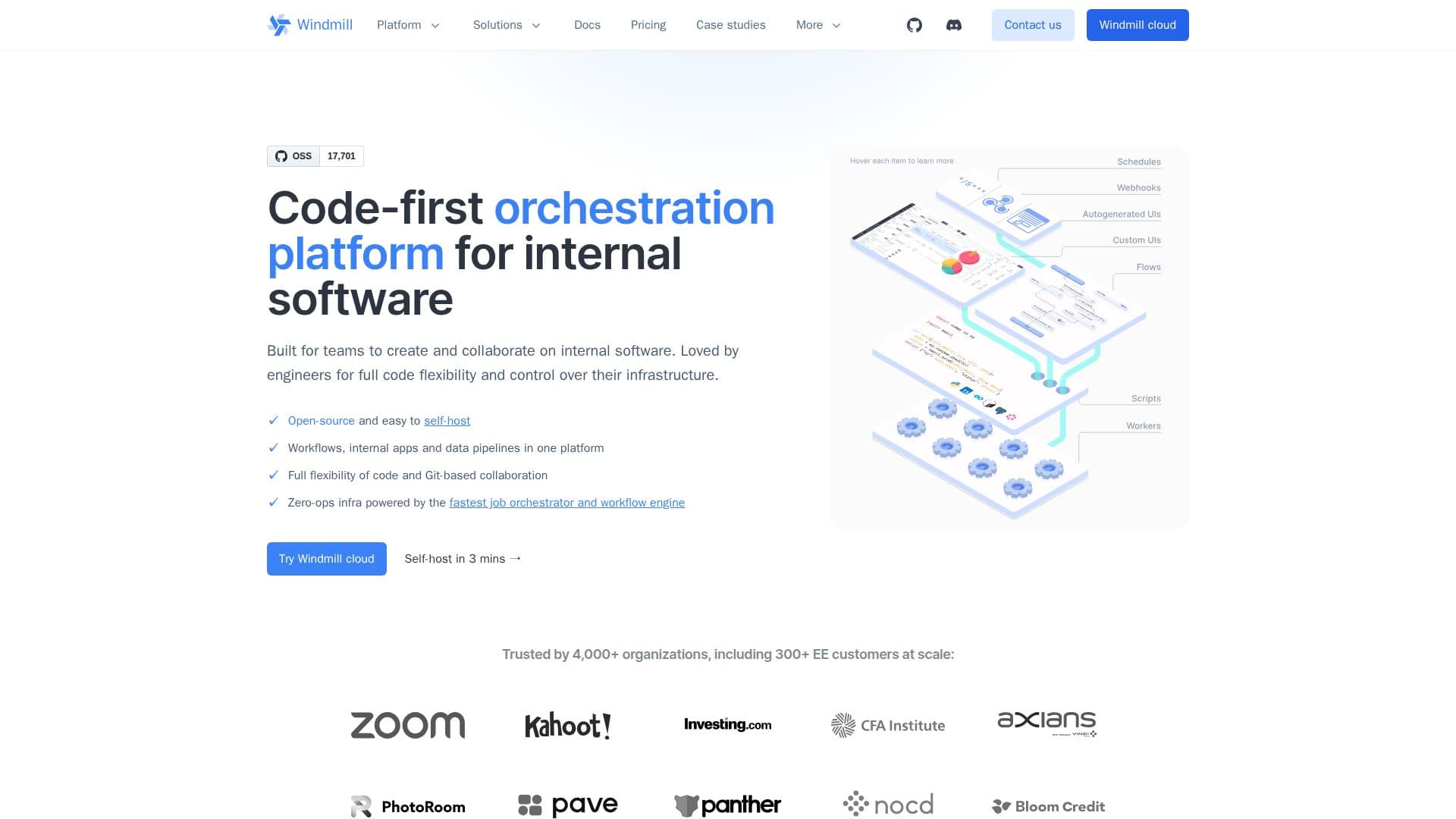
Description
Windmill is an open-source platform that empowers teams to build, orchestrate, and monitor internal tools from scripts. It allows users to transform scripts into auto-generated UIs, APIs, and cron jobs, composing them as workflows or data pipelines. With Windmill, every team can create custom apps and workflows, from engineering and data to sales, support, and marketing, all within a single platform that provides the necessary governance and observability at enterprise scale.
Read More
The platform supports a wide array of programming languages, including TypeScript, Python, Go, and Bash, enabling users to start with a single file that can become an API, a triggerable job, and an auto-generated form without any boilerplate code. Windmill's built-in script editor, flow editor, and app builder allow users to build directly from the browser or locally using the CLI and built-in AI skills. For those who prefer self-hosting, Windmill can be deployed using Docker or Kubernetes.
Windmill's architecture ensures that everything lives in code, with workspaces versioned in Git. Teams can manage their workspaces with granular permissions, shared resources, and built-in databases, allowing for secure collaboration. The platform also features full observability on every execution, with real-time logs, granular filtering, and alerts on platforms like Slack and email when issues arise.
Windmill is trusted by over 4,000 organizations, including more than 300 enterprise customers. It is designed to be the fastest orchestrator in the industry, capable of handling demanding workloads without bottlenecks. The platform's core principles emphasize no lock-in, allowing users to run their code locally and port it anytime, while also providing built-in integrations with over 100 external systems. Windmill's commitment to security and reliability is evident in its robust features, including granular RBAC, SSO, and comprehensive audit logs, making it suitable for regulated industries.
- CategoryWorkflow Automation
- Pricing ModelFreemium
- DeploymentCloud, Self-hosted
- PlatformsWeb
Windmill's Core Features
Open Source
Self-hostable
Supports 20+ programming languages
Built-in script editor
Real-time logging
Version control with Git
Granular permissions
Built-in integrations with 100+ systems
Fast execution runtime
Multi-tenant architecture
Deployment options via Docker and Kubernetes
Full observability on executions
How to use Windmill?
Build scripts: Start by writing your scripts in the Windmill UI or locally.
Create workflows: Compose your scripts into workflows or data pipelines.
Deploy: Use the CLI to deploy your work to a remote workspace.
Monitor: Track execution logs and alerts in real-time.
Manage permissions: Set granular permissions for team members in workspaces.
Windmill's Use Cases
- Internal Tool Development
- Automation
- Data Pipelines
- Custom APIs
- Monitoring Workloads