
Description
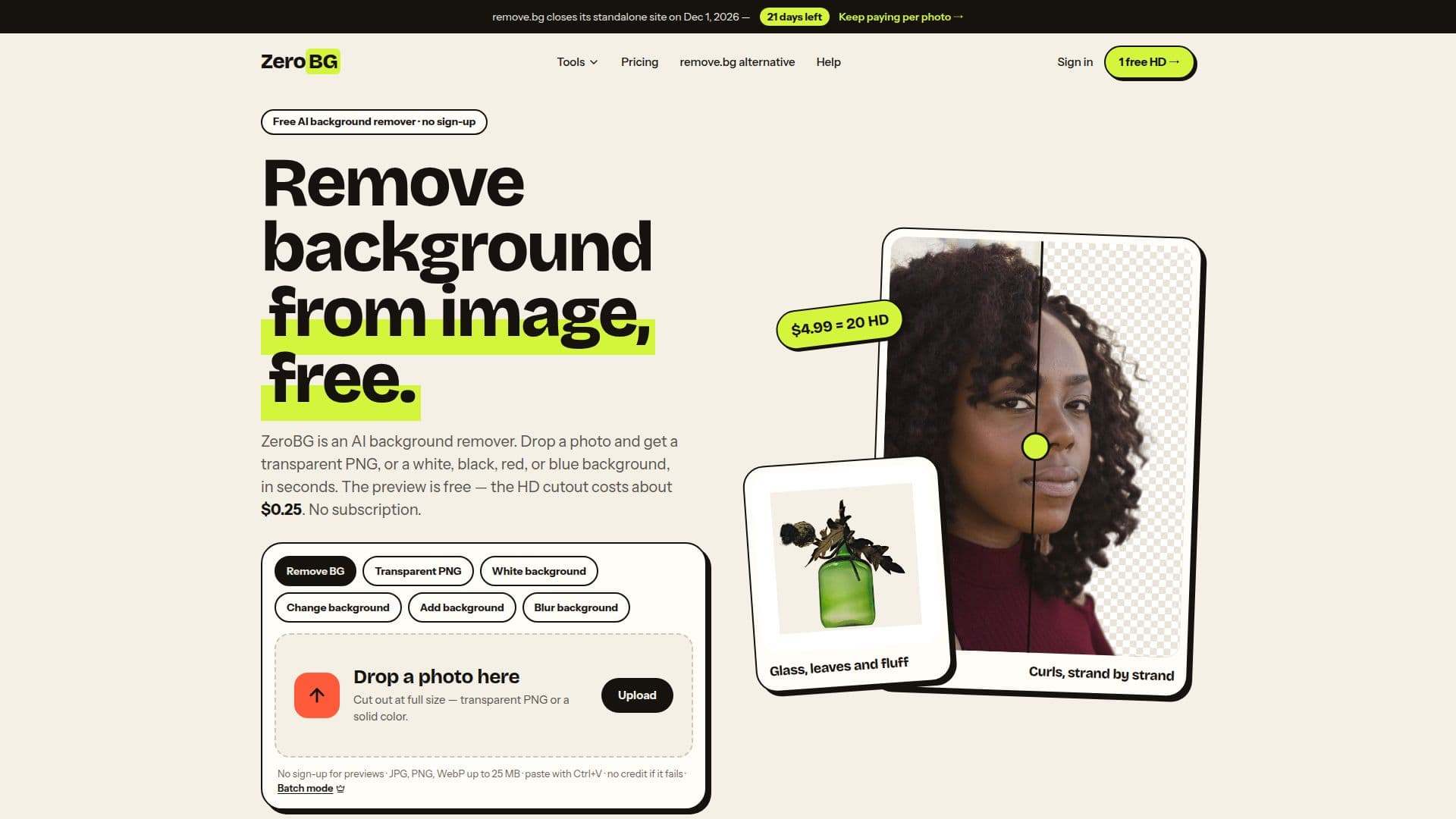
ZeroBG Background Remover is an efficient online tool designed to automatically remove backgrounds from images using advanced AI technology. It allows users to upload JPG, PNG, or WebP files up to 25 MB, or paste screenshots directly, and receive a processed image within seconds. The AI accurately identifies the subject—whether it's a person, product, pet, or logo—and cuts it out, providing a clean edge.
Read More
Users have the flexibility to keep the background transparent or replace it with a solid color such as white, black, red, or blue. A free 512 px watermarked preview is available for every photo without requiring a sign-up, allowing users to check the cutout quality before committing to a purchase. For high-definition, watermark-free downloads at the original resolution, credits are used. New accounts receive one free HD credit upon signing up.
The tool is particularly adept at handling intricate details like fine hair strands, fur, whiskers, glass, and leaves, ensuring a professional-quality cutout. For instances where the AI might miss a spot or include an unwanted area, a free touch-up brush is provided, allowing users to erase leftover background or restore parts of the subject. This combination of automatic processing and manual refinement ensures optimal results.
ZeroBG offers flexible pricing models, including pay-as-you-go options with credit packs that never expire (e.g., 20 credits for $4.99 or 100 for $9). Alternatively, monthly subscription plans are available for users with higher volume needs, such as Basic (100 credits/month), Pro (300 credits/month), and Business (1,200 credits/month). Subscription credits reset monthly and are used before any non-expiring pack credits.
Beyond individual image processing, ZeroBG supports batch background removal for multiple images, with capabilities ranging from 10 images at a time for credit pack users and Pro subscribers, up to 50 images for Business subscribers. It also provides a remove.bg-compatible API, enabling developers to integrate background removal functionality into their own applications with ease, using the same credit system. This makes ZeroBG a viable alternative for those seeking a pay-per-photo API solution without a subscription.
- CategoryBackground Removers
- Pricing ModelFreemium
- DeploymentCloud
- PlatformsWeb
ZeroBG Background Remover's Core Features
AI-powered background removal from images
Supports JPG, PNG, and WebP file uploads up to 25 MB
Option to paste images directly (Ctrl+V)
Generates transparent PNGs or solid color backgrounds (white, black, red, blue)
Free 512 px watermarked preview without sign-up
High-definition, watermark-free downloads at original resolution
Free touch-up brush for precise edge refinement (erase/restore)
Handles intricate details like hair, fur, and glass
Pay-as-you-go credit packs with non-expiring credits
Monthly subscription plans for higher volume users
Batch background removal for multiple images (10-50 images)
remove.bg-compatible API for integration
No credit charged for failed jobs
Images stored for 24 hours without an account, or plan's history period with an account
Natural shadow option for product photos
How to use ZeroBG Background Remover?
Upload Image: Drop a JPG, PNG, or WebP file up to 25 MB, or paste a screenshot using Ctrl+V.
AI Processes Image: The AI background remover automatically identifies the subject and cuts it out in seconds.
Review Preview: Check the free 512 px watermarked preview to ensure the cutout quality.
Select Background: Choose to keep the background transparent or replace it with a solid color (white, black, red, blue).
Refine Edges: Use the free touch-up brush to erase any leftover background or restore missing parts of the subject.
Download HD Cutout: Download the full-size, watermark-free image using a credit or by purchasing a single photo.
ZeroBG Background Remover's Use Cases
- Product Photo Background Removal
- Portrait & Selfie Cutouts
- Logo & Graphic Isolation
- Transparent PNG Creation
- Passport & ID Photo Backgrounds
- Solid Color Backgrounds
- API Integration for Developers
- Batch Image Processing