
Description
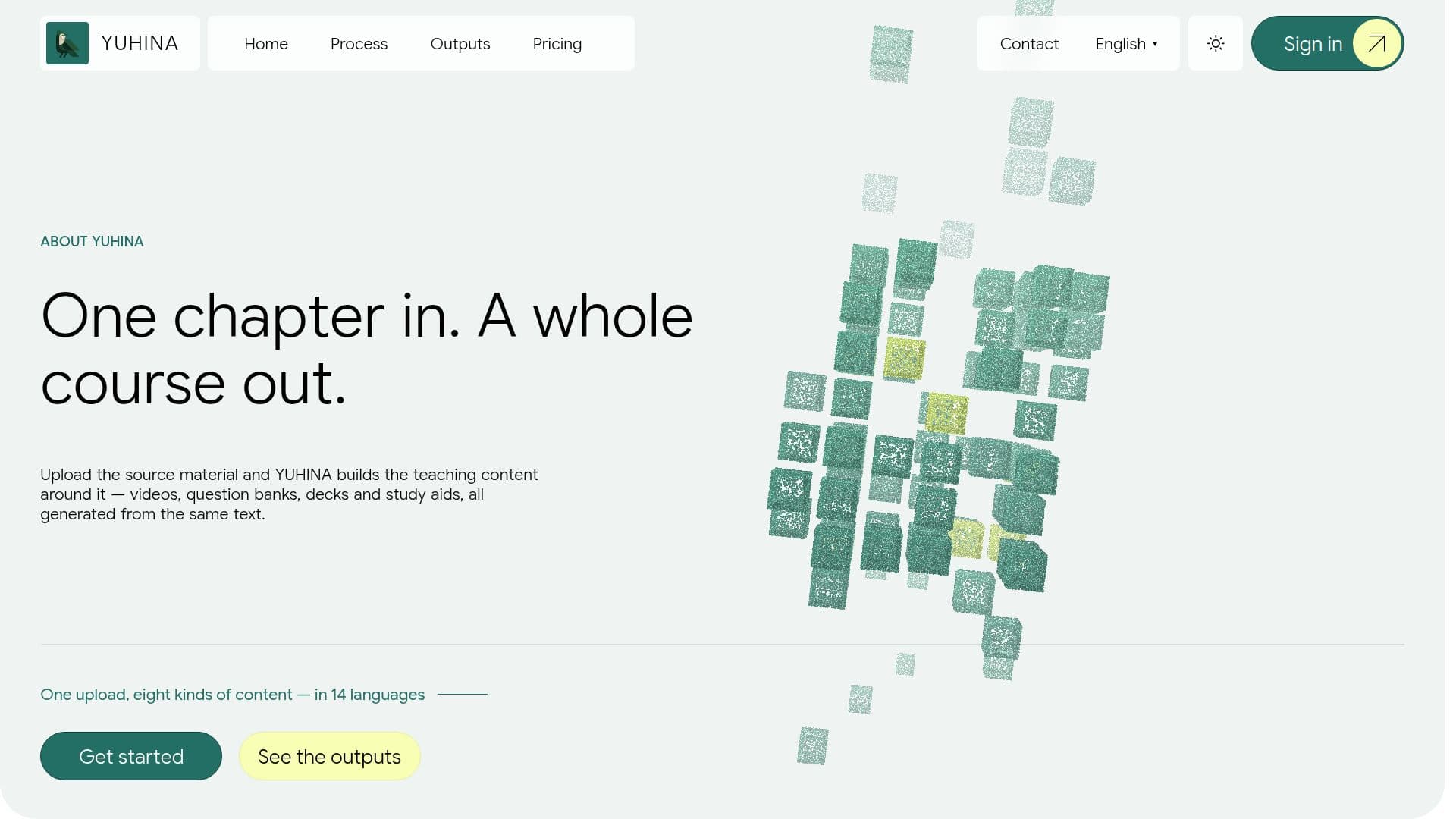
YUHINA is a web application designed to streamline course creation by generating comprehensive teaching materials from a single source chapter. Users can upload a PDF document, such as notes, lecture slides, or a textbook chapter, or describe a course via a prompt. From this input, YUHINA automatically produces a variety of educational assets, including narrated lesson videos, accompanying slide decks, extensive question banks (warm-up, quiz, and review), flash cards for spaced revision, mind maps, written summaries, and two-voice podcasts.
Read More
The platform's core principle is to derive all teaching content directly from the original source material, ensuring that videos, questions, and slide decks are always consistent and aligned. This eliminates the need to combine multiple tools or re-brief different content generators, saving educators and learners significant time and effort. YUHINA supports content generation in 14 languages, with English and Arabic being the most thoroughly tested.
Once content is generated, it is organized by chapter in a searchable library. Users can study their courses in three distinct ways: "Road," a game-like progression through checkpoints; "LMS," a traditional course player with a lesson-by-lesson sidebar; and "The Desk," a full-screen study environment featuring an AI course assistant. This assistant can explain concepts, rephrase information, quiz users, check answers, create flash cards, and help draft study plans, all grounded strictly in the course material.
YUHINA offers flexible pricing plans based on the number of chapters processed per month, with options for monthly or yearly billing. A free account includes one chapter generation with all output types. Users retain all rights to their uploaded materials and generated outputs, including commercial use, provided they have the right to use the original uploaded content. The platform allows for downloading various outputs, such as MP4 videos, PDF slide decks, HTML mind maps and flash card decks, and audio podcasts, enabling offline study or sharing where rights permit.
- CategoryAI Course Creators
- Pricing ModelFreemium
- DeploymentCloud
- PlatformsWeb
YUHINA's Core Features
Generate narrated videos from text
Create question banks (warm-up, quiz, review)
Produce slide decks from source material
Generate two-voice podcasts
Develop mind maps for conceptual overview
Create flash cards for revision
Generate written summaries of lessons
Support for 14 content languages
Upload PDF documents for course creation
Generate courses from text prompts
Organize content in a searchable library
AI course assistant for explanations and quizzes
Downloadable lesson videos (MP4)
Downloadable slide decks (PDF)
Downloadable mind maps and flash cards (HTML)
How to use YUHINA?
Create Account: Sign up with your email and verify it to get started.
Choose Creation Method: Select to upload a PDF chapter or describe a course via a prompt.
Configure Course Details: For PDFs, specify content language and document type (slides/book). For prompts, define chapters, lessons, and edit the outline.
Select Output Types: Choose which content formats (videos, podcasts, etc.) you want YUHINA to generate.
Generate Content: Initiate the generation process and monitor its progress in the app.
Study and Review: Access generated materials in your library and use study paths like Road, LMS, or The Desk with the AI assistant.
Download Outputs: Download lesson videos, slide decks, mind maps, flash cards, and podcasts for offline use.
YUHINA's Use Cases
- Course Material Generation
- Study Aid Creation
- Lecture Preparation
- Language Learning Content
- Personalized Learning Paths
- Content Consistency
- Self-Study Enhancement
- Professional Training Development