Description
Edcafe AI is a powerful toolkit developed by Inknoe, aimed at empowering educators with advanced AI tools to streamline the creation and organization of teaching materials. This platform allows teachers to generate high-quality lesson plans, assignments, quizzes, and interactive activities quickly and efficiently. By leveraging AI, Edcafe helps educators save time and focus more on delivering engaging lessons.
Read More
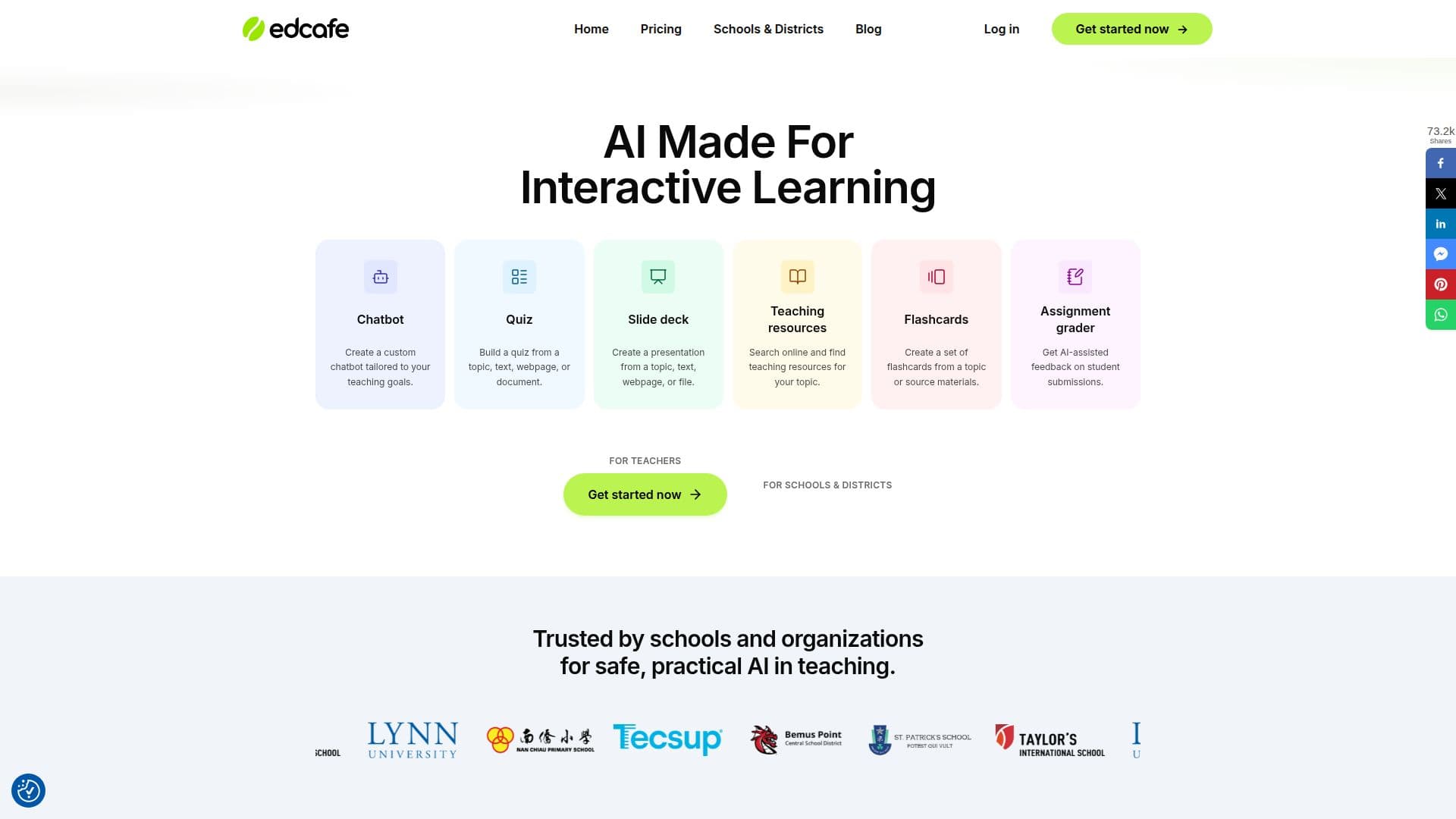
The platform offers a variety of features, including AI-powered lesson plan generation, assignment creation, quiz generation, and chatbot creation for students. Teachers can also create reading materials, flashcards, and slide decks from various sources, making it easier to tailor content to their curriculum. Additionally, Edcafe provides AI-assisted feedback on student submissions, helping educators analyze student needs and tailor their teaching approaches.
Edcafe is designed to be safe and secure for students, adhering to GDPR, FERPA, and COPPA standards. It offers a freemium pricing model with three tiers: Free, Pro, and Premium. The Free plan includes essential AI tools, while the Pro and Premium plans offer more advanced features, such as unlimited AI generations and LMS integration.
The platform is trusted by schools and organizations for its practical AI applications in teaching. It provides educators with insights into student performance, allowing them to track progress and identify areas for improvement. Edcafe's user-centric design ensures that educators can easily navigate and utilize its features, making it a valuable tool for enhancing the teaching and learning experience.
- CategoryAI Course Creators
- Pricing ModelFreemium
- DeploymentCloud
- PlatformsCloud
Edcafe AI's Core Features
AI-powered lesson plan generation
Assignment creation
Quiz generation
Reading material creation
Chatbot creation for students
Content organization and sharing
AI image generation
AI text to speech
Summary note creation
Reading activity creation
YouTube quiz creation
Interactive classroom activities
Student performance tracking
Secure and private data handling
LMS integration
How to use Edcafe AI?
Configure: Set up your teaching preferences
Use: Generate teaching materials with AI
Optimize: Tailor content to fit your curriculum
Track: Monitor student progress and feedback
Edcafe AI's Use Cases
- Lesson Planning
- Quiz Creation
- Student Feedback
- Interactive Learning
- Resource Organization