Description
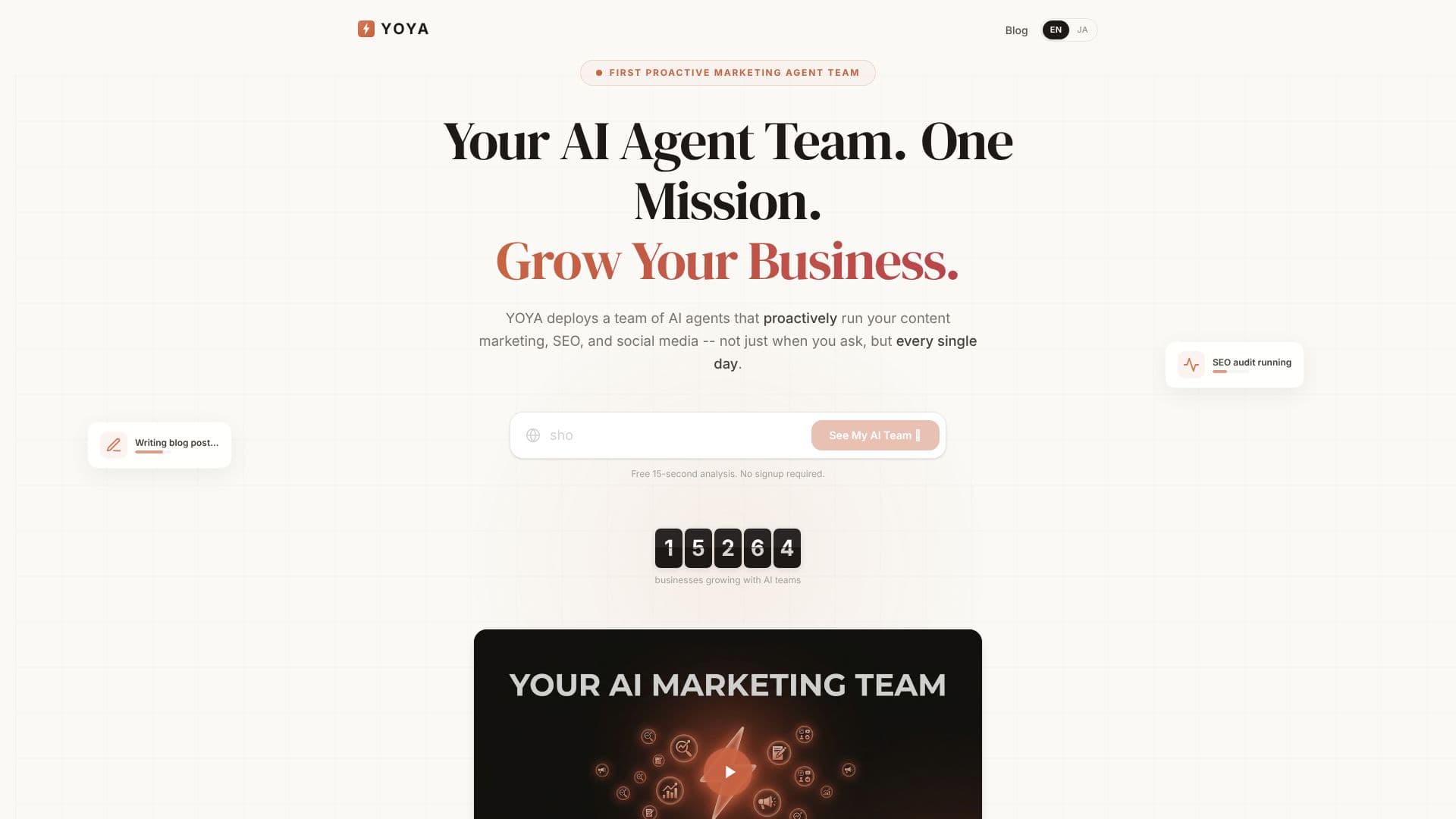
Yoya is an AI scheduling assistant built around a conversation instead of a static calendar grid. A host sets their weekly availability and blocks off dates they're away, then connects Google Calendar so Yoya can check for conflicts. Guests open the host's Yoya link and tell it what they need in their own words, in whatever language they write in, and Yoya finds a time, confirms the details, and books the meeting without the guest needing an account.
Read More
Once a meeting is booked, Yoya sends the host a calendar invite, a video link for Google Meet or Zoom (or in-person details), and a meeting brief: who the guest is, why they booked, and a suggested agenda, delivered before the call so the host walks in with context.
Yoya is also built to be booked by AI, not just by people. It is listed on the official MCP Registry, and MCP-compatible assistants, including Claude, Claude Code, Cursor, Windsurf, GitHub Copilot, Google Gemini and Perplexity, can call Yoya's booking tools directly to check a host's booking page, list available times, and book a meeting on a guest's behalf.
Pricing has three tiers. Free ($0) includes one booking link, 10 bookings a month, Google Meet, Zoom or in-person meetings, a meeting brief with every booking, email reminders, and MCP booking. Pro ($12/month) adds unlimited booking links and bookings, 60 voice minutes a month so guests can book by speaking instead of typing, LinkedIn-based background summaries of guests, and removes the Yoya badge from booking pages. Business ($29/month) includes everything in Pro for a team of 3 (extra seats are $10/member/month), plus round robin and collective team scheduling, 300 shared voice minutes, the option to bring your own AI and ElevenLabs keys, a customizable host name, and priority support.
The site highlights consultants, sales teams running discovery calls, and researchers doing customer interviews across time zones as its core use cases, since a booking that already gathers context saves the first few minutes of every call.
- CategoryAI Scheduling Tools
- Pricing ModelFreemium
- DeploymentCloud
- PlatformsWeb
Yoya's Core Features
Chat-based booking: guests describe availability in a sentence instead of clicking a grid
Replies in whatever language the guest writes in
Meeting brief sent before every call, covering who the guest is and why they booked
Google Calendar sync to avoid double-booking
Automatic Google Meet or Zoom links for video meetings
Booking through MCP-compatible AI assistants (Claude, Cursor, Windsurf, GitHub Copilot, Gemini, Perplexity)
Voice booking option (Pro and Business plans)
Multiple meeting types with separate availability (Pro and Business)
Round robin and collective team scheduling (Business)
LinkedIn-based guest background summaries (Pro and Business)
How to use Yoya?
Set your hours: Choose your weekly availability and block off dates you're away.
Connect your calendar: Link Google Calendar so Yoya can check for conflicts.
Share your link: Send guests your Yoya booking page instead of a plain calendar grid.
Let guests chat to book: Guests tell Yoya what they need and confirm a time in conversation, no account required.
Review the brief: Read the meeting brief Yoya sends before the call.
Connect an AI assistant: Add Yoya through MCP so agents like Claude or Cursor can book on a guest's behalf.
Yoya's Use Cases
- Consultant Discovery Calls
- Sales Discovery Booking
- Cross-Timezone Interviews
- AI Agent Scheduling